


Nixie Tube Clocks
Modern Nixie Tube Clocks, Reimagined in IPS.
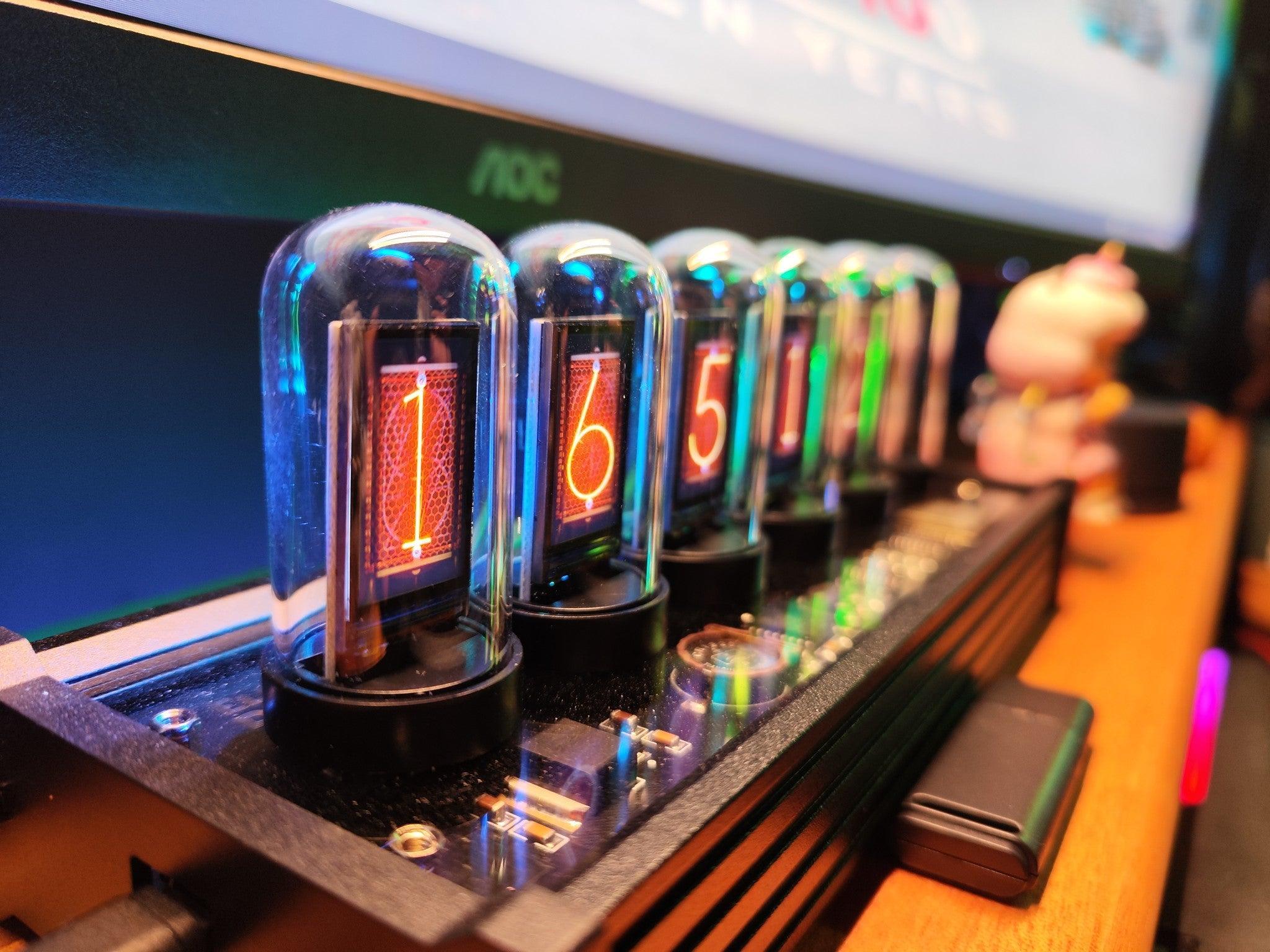
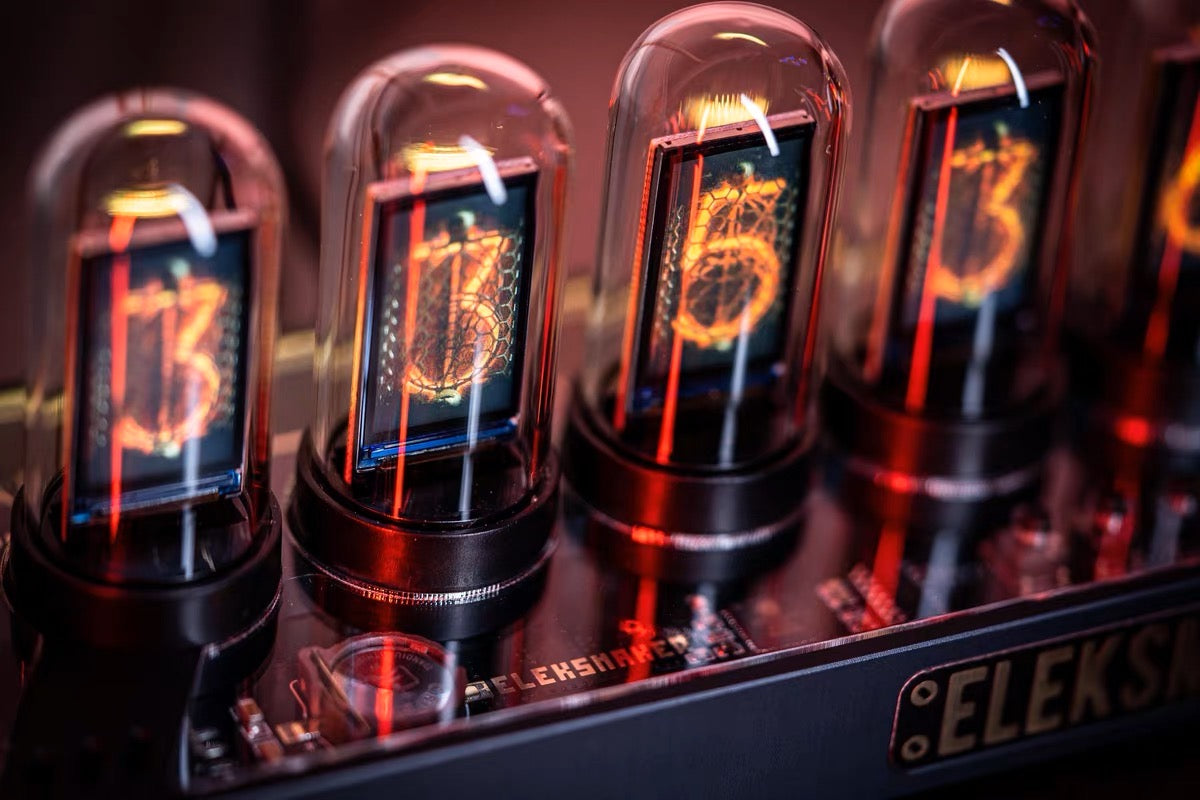
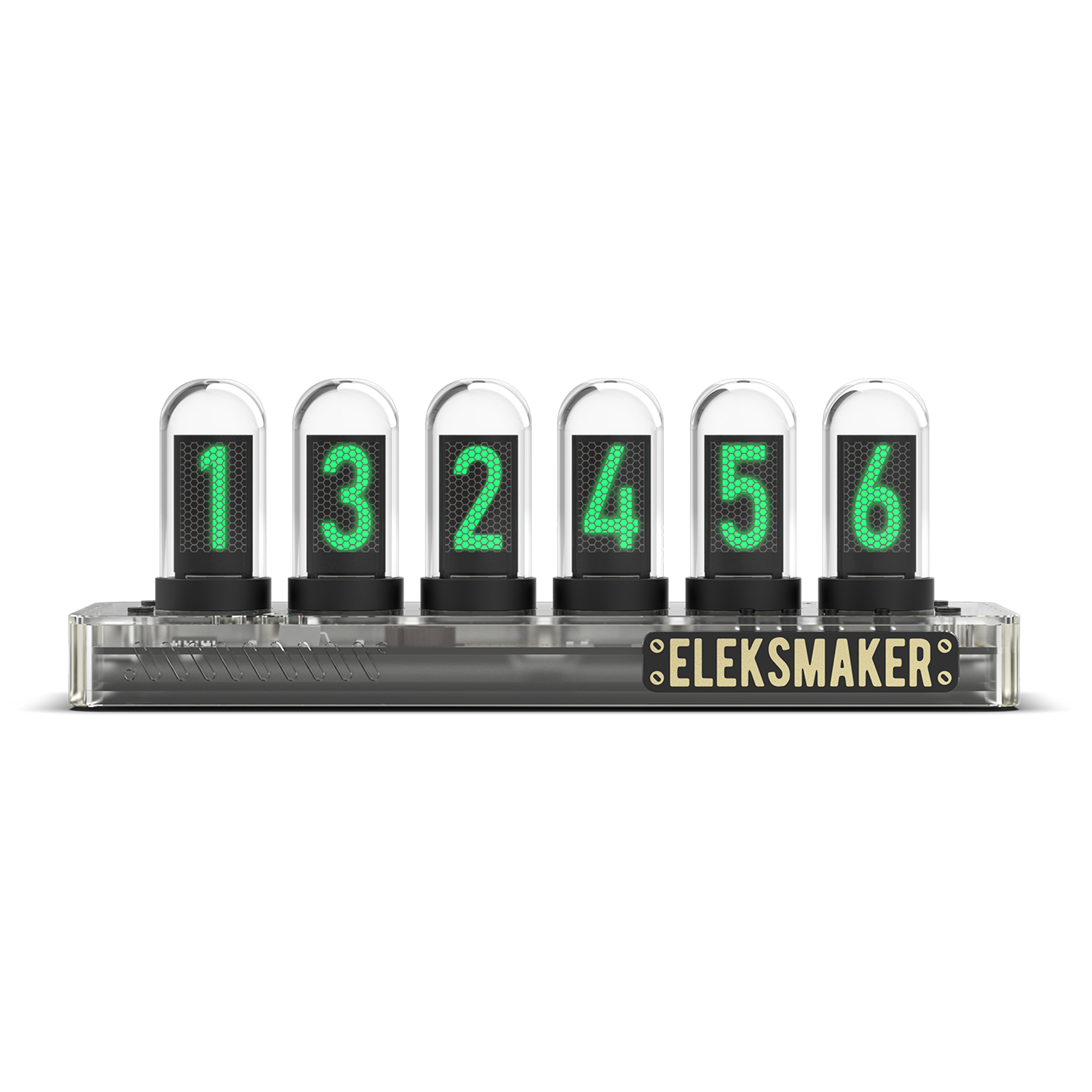
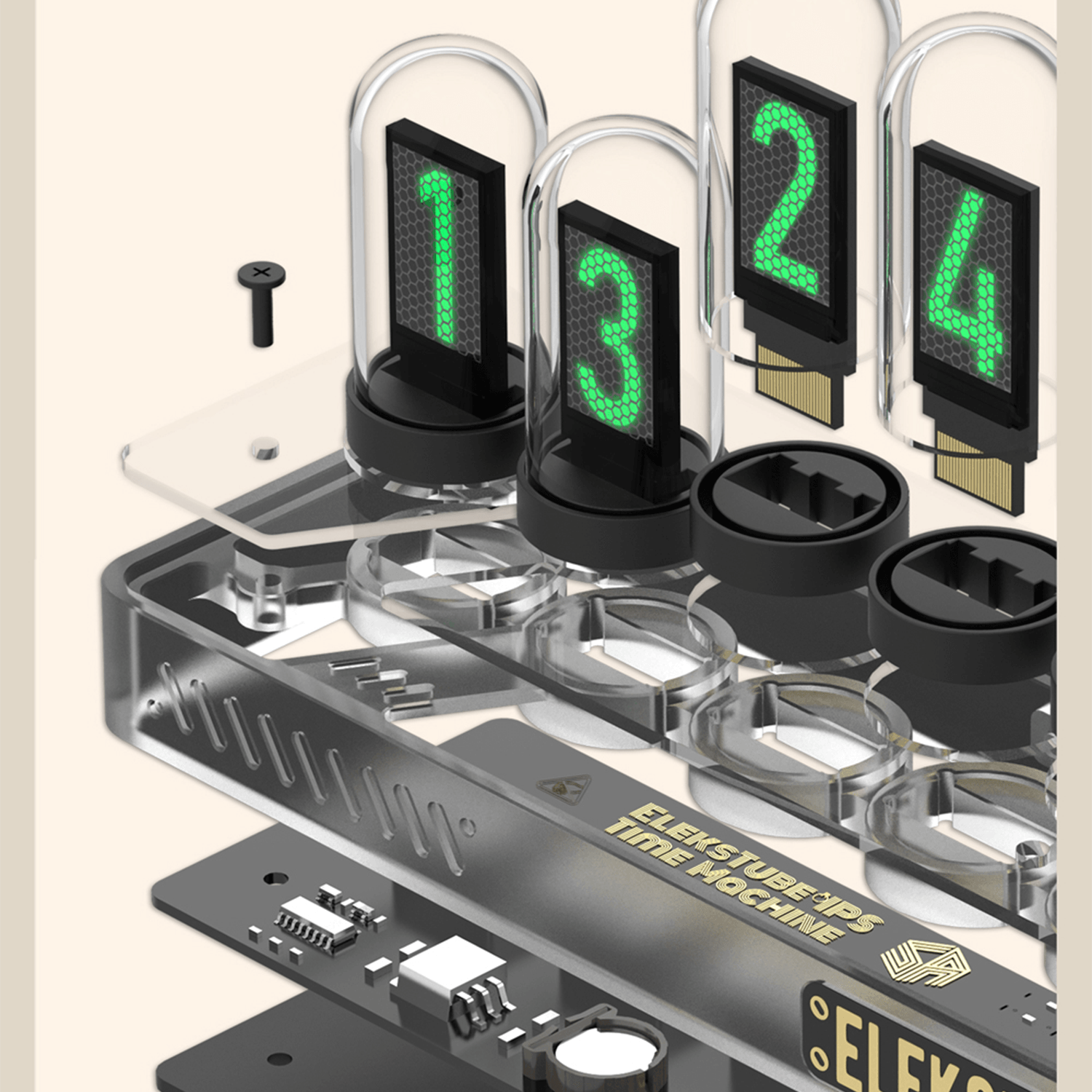
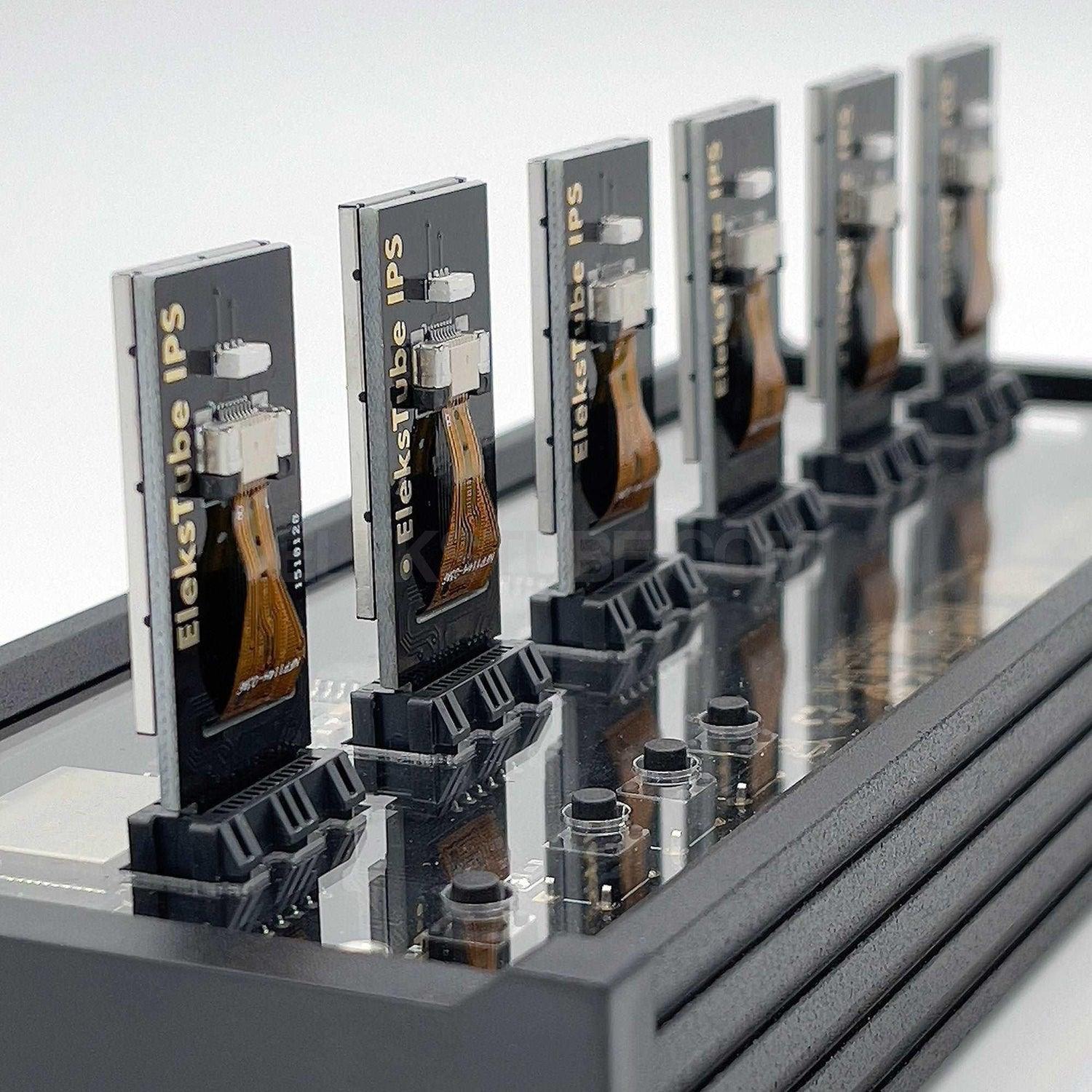
The EleksTube clock collection brings the warm glow of vintage nixie tubes to modern desks — without the fragility, high voltage, or dwindling supply of real tubes. Each model uses six high-definition IPS LCD screens encased in quartz glass, faithfully simulating the floating, soft-edged digits that defined 1960s nixie displays.
From the CNC-machined aluminum IPS PRO to the original IPS Classic, every clock in this collection ships with:
- Automatic WiFi time sync (no buttons to set every daylight-saving shift)
- 40+ customizable clock faces via PC client
- USB-C power and quiet, always-on operation
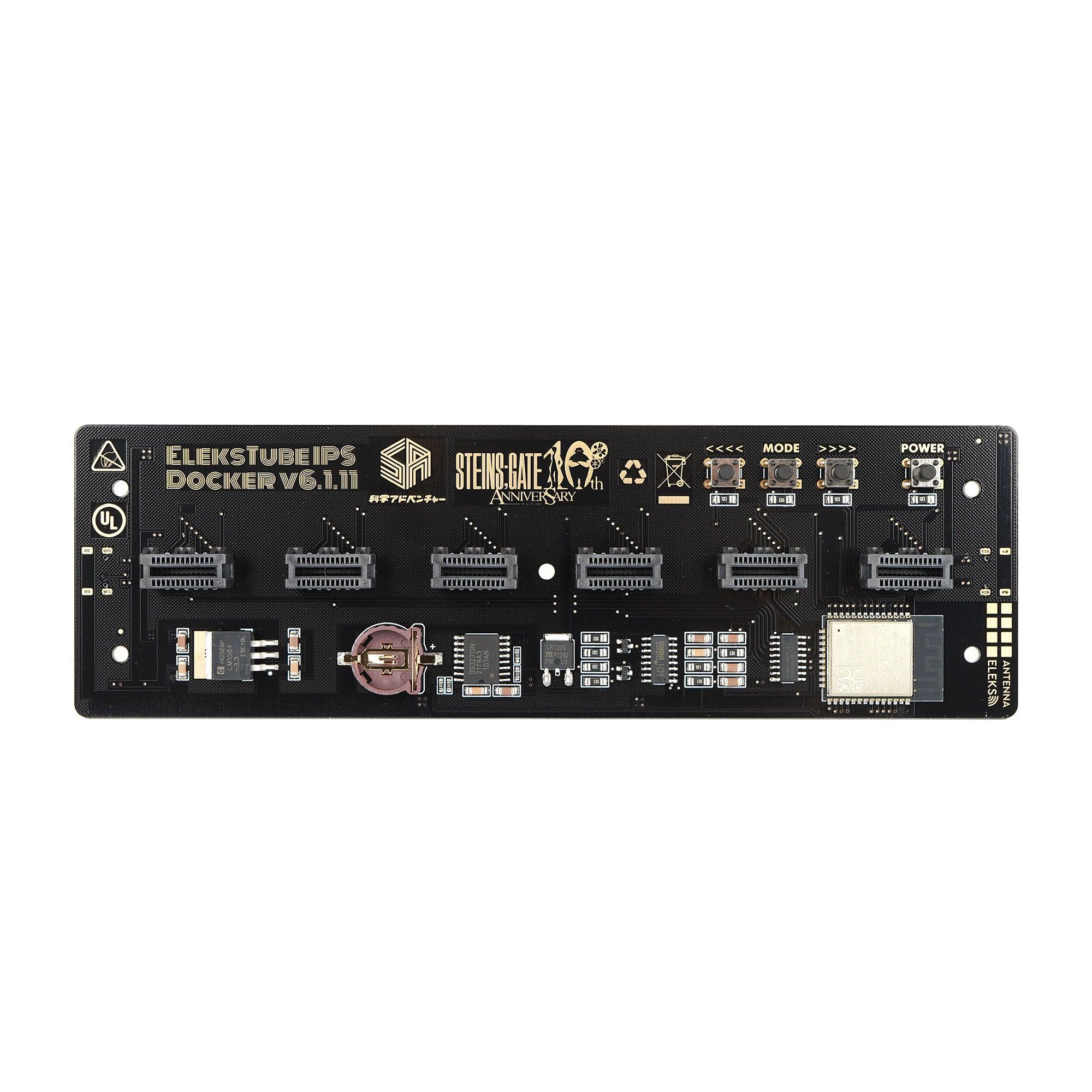
- ESP32-based firmware
Whether you're a mechanical keyboard enthusiast, a retro-tech collector, or simply looking for a desk object that starts conversations, our nixie-style IPS clocks belong next to your monitor.
CHOOSE YOUR NIXIE
Classic · PR Series · PRO
Same IPS heart — three body tiers. Entry aluminum alloy, plastic color editions, or CNC-milled flagship.
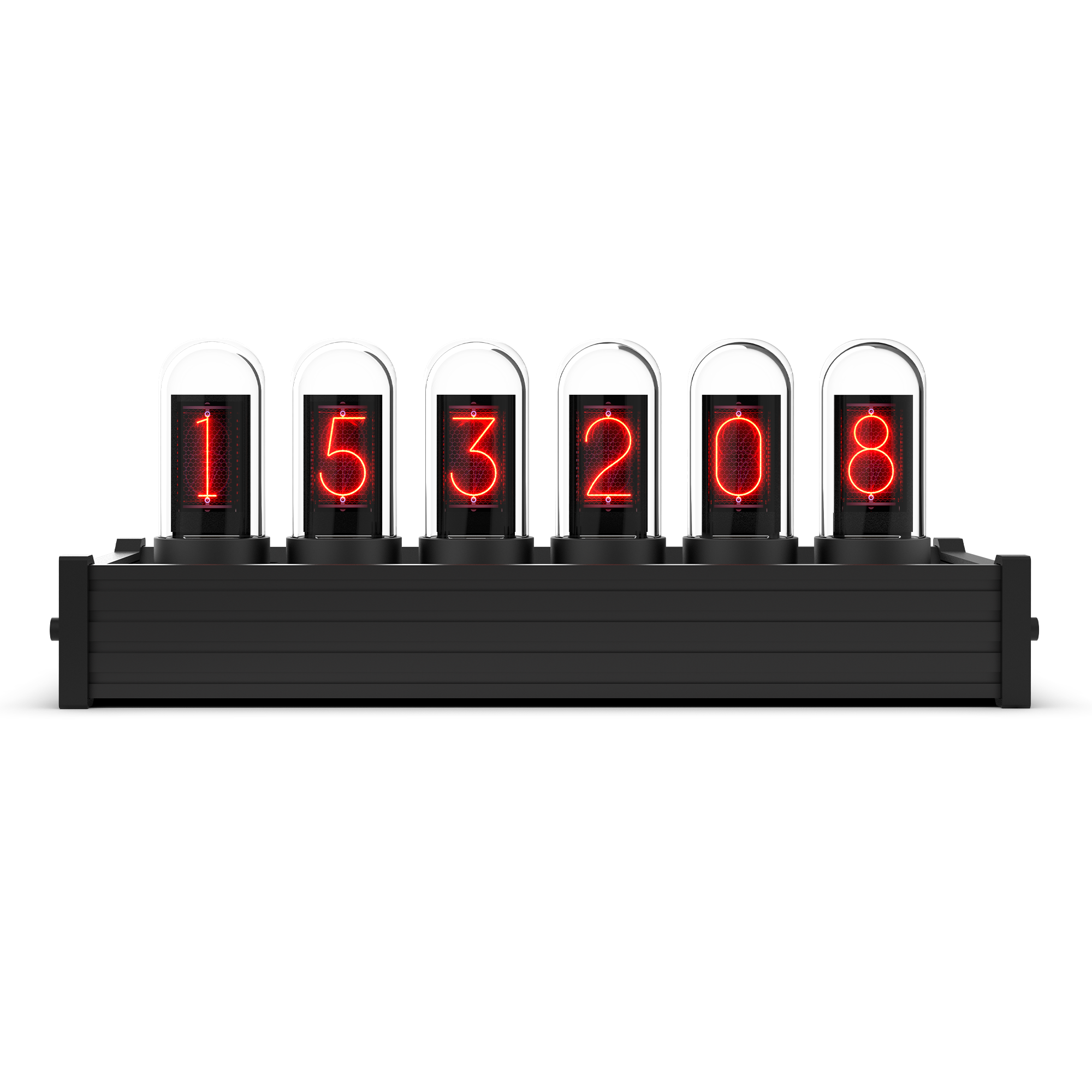
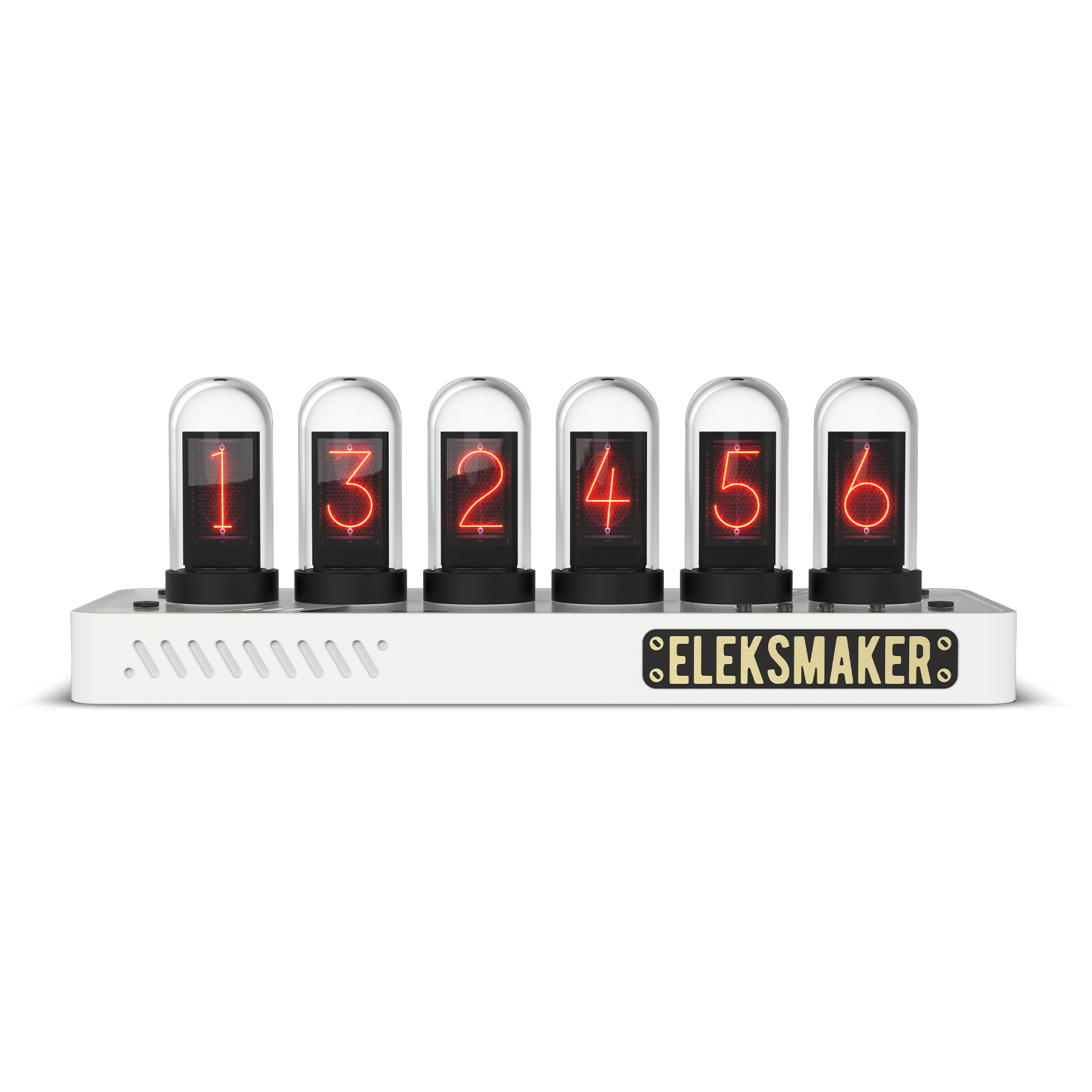
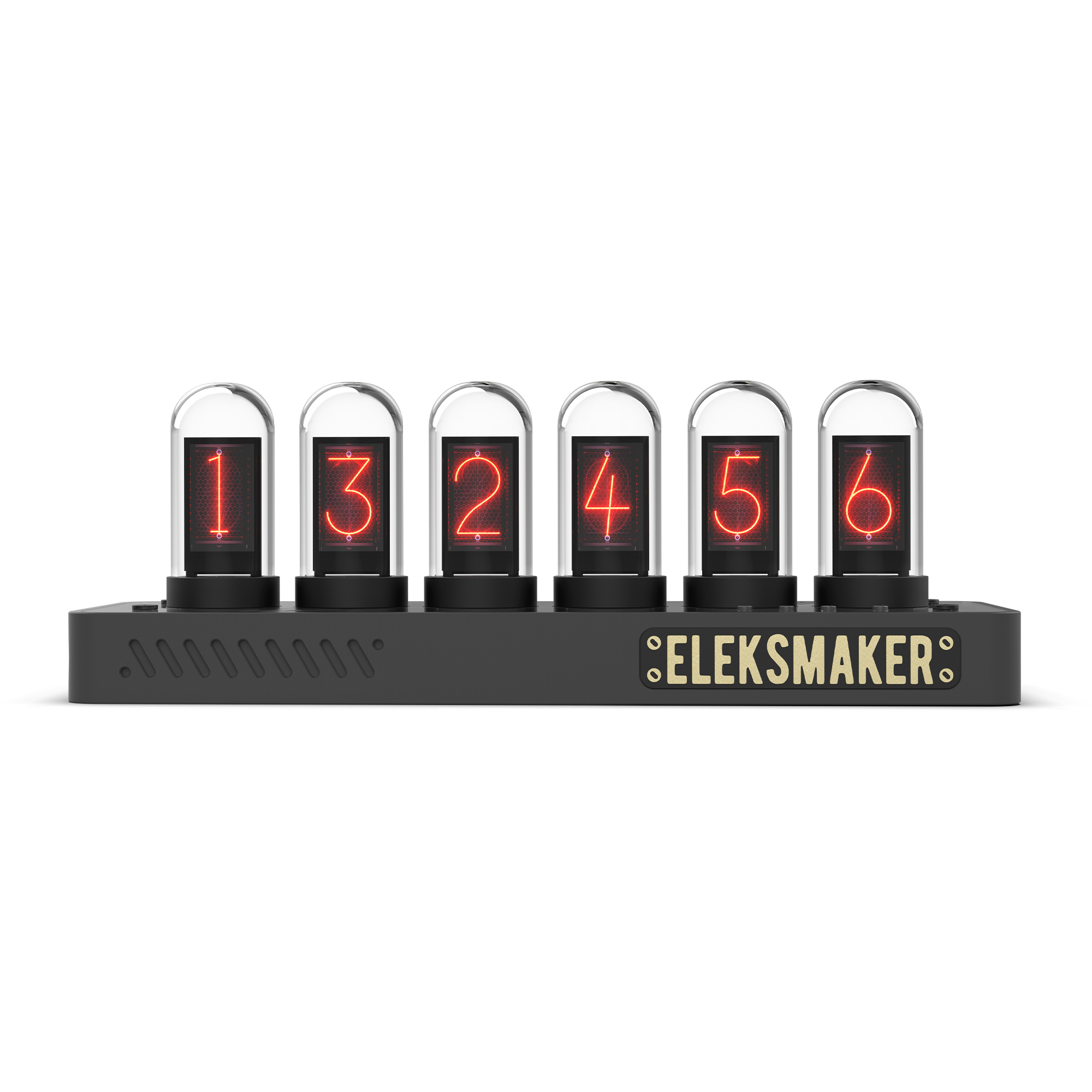
First-time buyer
Color design pick
Flagship / gift
Aluminum alloy
ABS plastic
CNC aluminum
6× IPS LCD
6× IPS LCD
6× IPS LCD
✓
✓
✓
✓
✓
✓
Black
Pepper White · Transparent · Just White
Limited
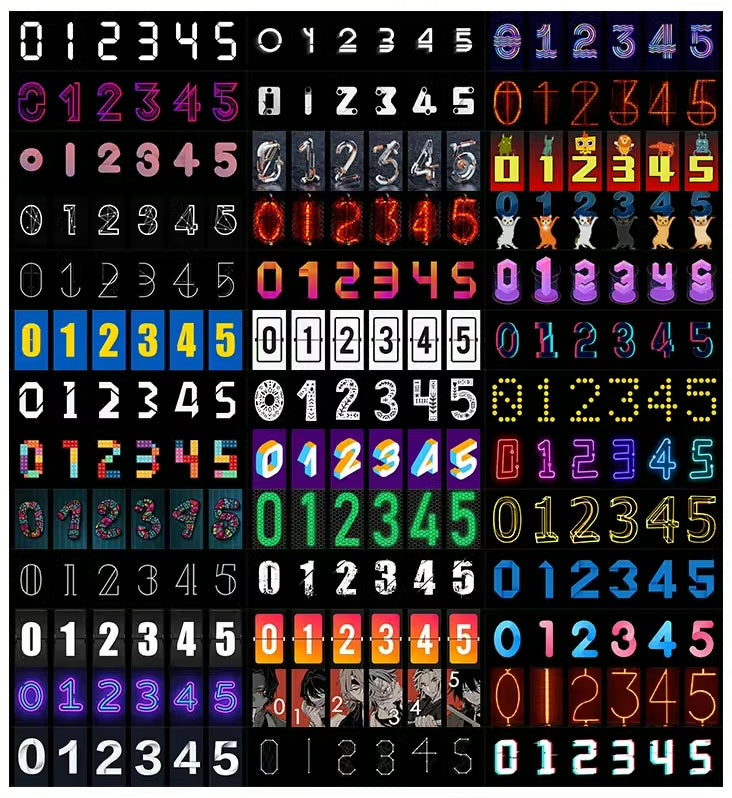
CLOCK FACES
40+ styles, one tap away
Swap looks in seconds — classic nixie, VFD, pixel art, and your own photo uploads. New faces added regularly through the EleksTube IPS Control Center.
Browse the collection →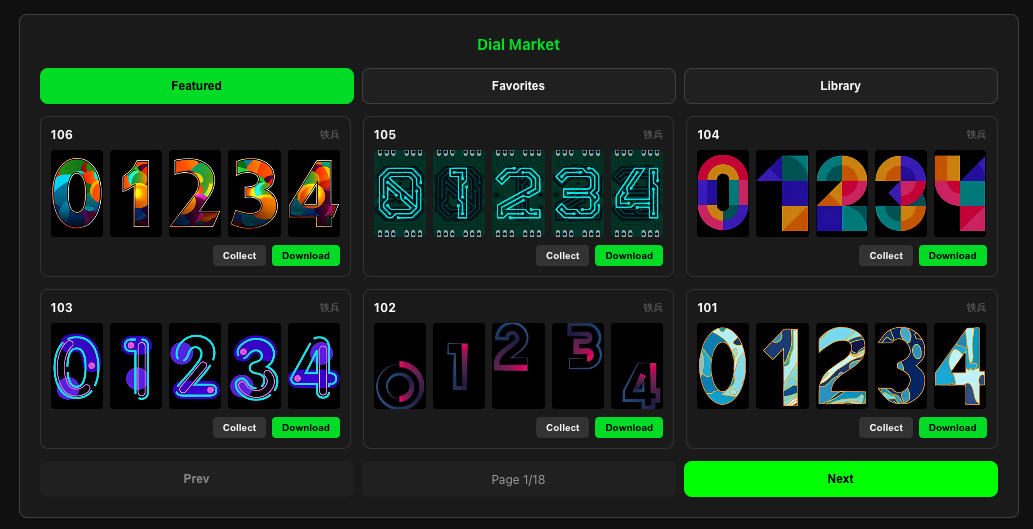
WI-FI SYNC
Three-minute setup. Never drifts.
Scan the Wi-Fi QR on first boot — auto-syncs via NTP. A browser-based Control Center (Windows, macOS, iOS, Android) handles face management, RGB lighting, and firmware updates.
See the Control Center →
BUILT TO LAST
USB-C power, unlimited lifespan
IPS LCDs don't burn out like vacuum nixies — run it 24/7 for years. 5V USB-C power, no high-voltage drivers, no replacement tubes, no field maintenance.
Meet the IPS PRO →Filters
5 products


BUYING GUIDE
How to choose an IPS nixie tube clock
Original vacuum nixie tubes need 170V+ to drive and burn out after a few years of daily use. EleksTube IPS reproduces the exact warm-orange digit glow using high-resolution IPS LCDs inside genuine quartz glass tubes. Same look, no high voltage, effectively unlimited lifespan.
An IPS nixie tube clock is a modern desk clock that recreates the warm, layered look of vintage nixie tubes with small IPS LCD screens placed inside clear glass tubes. You get glowing orange digits, a retro lab-instrument mood, and a sculptural object for the desk without the fragile legacy tubes or limited replacement supply of original gas-discharge clocks.
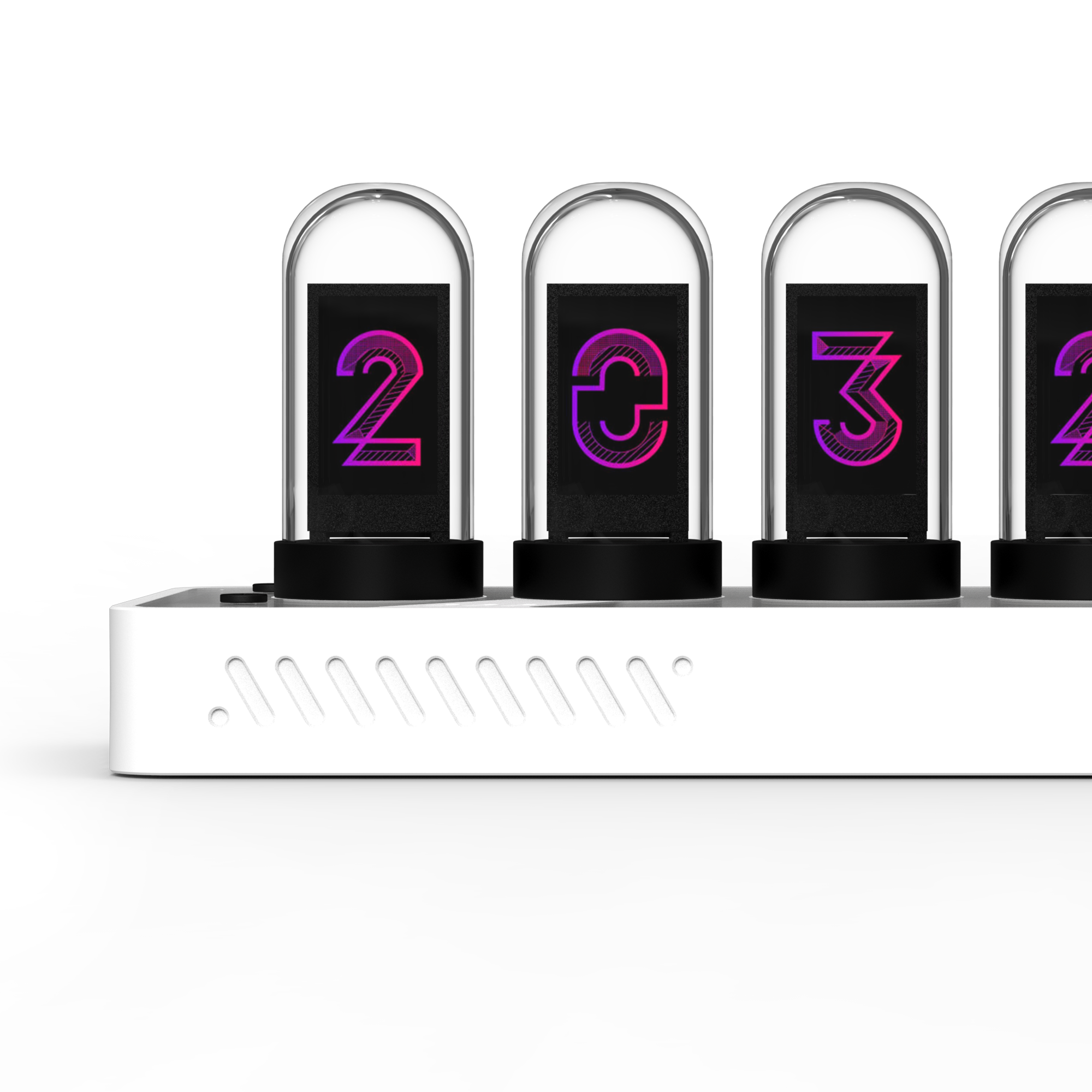
The main choice is which EleksTube body fits the room. EleksTube IPS Classic is the clean entry point: aluminum alloy body, six IPS tubes, Wi-Fi time sync, USB-C power, RGB lighting, and 40+ clock faces. EleksTube IPS PRO is the flagship pick with a more premium CNC aluminum feel. PR2 Transparent Edition shows more internal structure, while PR3 Just White Edition is the softer minimalist choice for white desks, studios, and gaming setups. EleksTube R2 suits buyers who prefer a bolder electronics-inspired object.
IPS is the practical choice for daily use. Real vintage nixie tubes are beautiful, but they age, need high-voltage driver circuits, and usually show only one display style. EleksTube IPS clocks run from 5V USB-C power, sync time over Wi-Fi, and let you switch between classic nixie faces, VFD-inspired faces, pixel styles, photo faces, and seasonal designs. From normal viewing distance, the glow and depth stay close to the vintage effect, while ownership feels closer to a modern smart device.
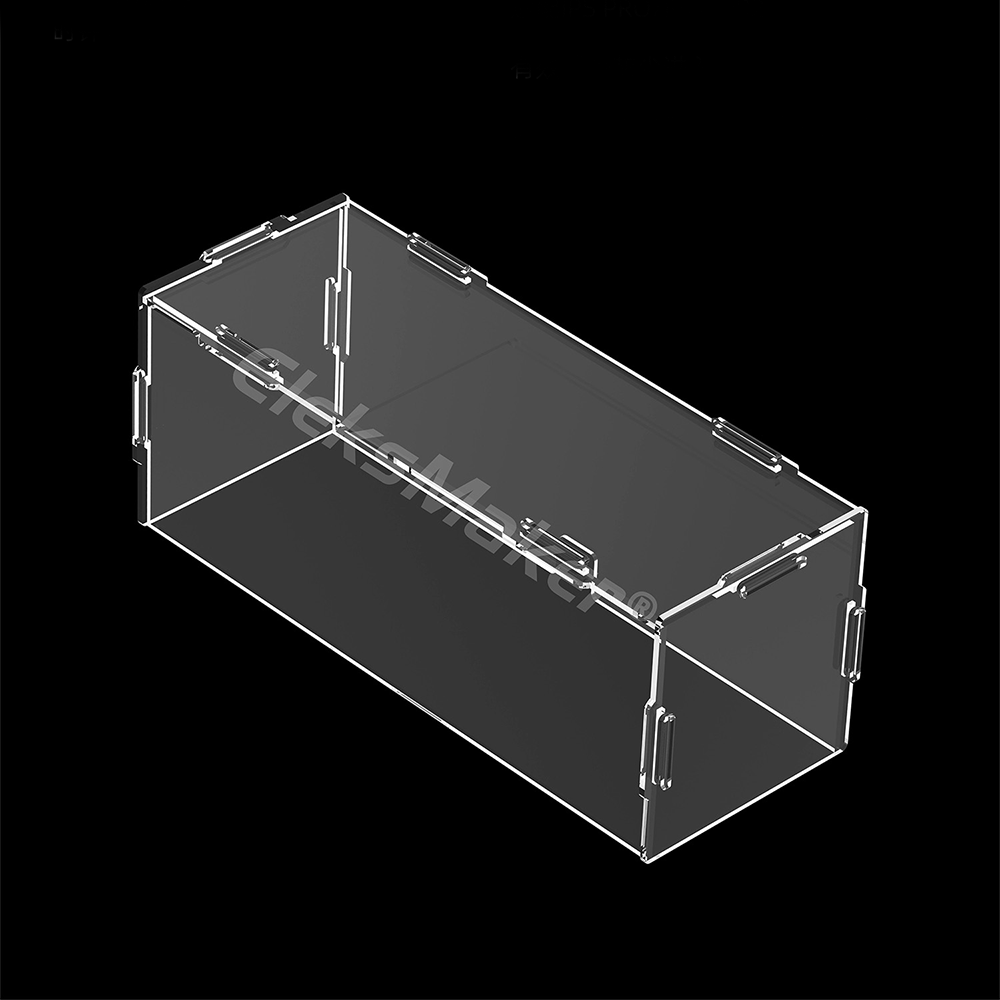
Buy Classic for the safest first EleksTube. Choose PRO for a premium gift, office centerpiece, or collector piece. Choose PR2 for transparent tech fans, PR3 for clean decor, and R2 for a maker-desk look. They work well for birthdays, desk upgrades, Father Day gifts, holiday gifts, graduation gifts, and home-office setups where a normal digital clock feels too ordinary. For dusty desks or sunny shelves, add a dust cover or accessories to keep the glass clean.
For placement, think about viewing distance and ambient light. IPS faces look crisp on a work desk, shelf, audio rack, or bedside table, while RGB backlighting helps the clock match keyboards, speakers, and monitor lighting. A clock for a developer desk may need fast readability and quiet styling; a gift for a collector can lean toward PRO or Transparent Edition because the materials feel more special when unboxed. If you are buying for someone else, choose the model that matches their desk color first, then add accessories only when the clock will sit in a dusty or high-touch area.
FAQ: Do you need a computer? No - the clock runs standalone after setup, and customization can be done from a phone or computer. Is it a real nixie tube clock? It uses real glass tubes with IPS displays inside, not vintage gas-discharge tubes. Which model should most people buy? Start with Classic for value, PRO for the best gift impression, PR3 for minimalist decor, and PR2 for transparent design fans.
Meet the IPS PRO →PROTECT & EXTEND
Essential Accessories
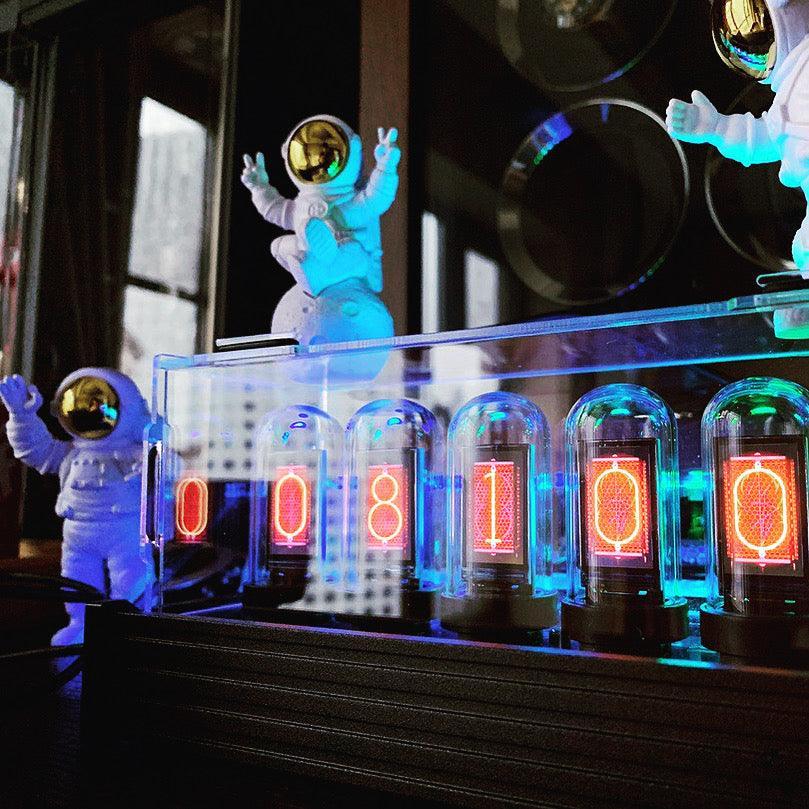
Dust covers, spare IPS tubes, and stacking clips — small add-ons that make a big difference.

Frequently asked
Nixie Tube Clock FAQ
What is a nixie tube clock?
A nixie tube clock displays time using glowing numerical digits inside sealed glass tubes. Original 1950s nixie tubes used ionized neon gas. Modern EleksTube IPS clocks recreate the same warm glow using IPS LCDs inside genuine quartz glass — no high voltage, no burnout.
Are EleksTube clocks real vacuum nixie tubes?
No — they use IPS LCDs inside real quartz glass tubes to simulate the vintage nixie look. Real vacuum tubes need 170V+ and wear out; EleksTube runs on 5V USB-C with effectively unlimited life.
How is IPS different from vintage nixie?
IPS gives you 40+ switchable clock faces, custom photo uploads, Wi-Fi time sync, RGB backlighting, and USB-C power — things vintage tubes can't do. Visually, the warm-orange glow is nearly indistinguishable at arm's length.
Do I need a computer to run it?
No, it's fully standalone. Plug into USB-C, scan the Wi-Fi QR on first boot, and the clock syncs time from the internet automatically. A computer or phone is only needed to customize faces or upload photos through the EleksTube IPS Control Center.
What's in the box?
Clock unit, USB-C power cable, quick-start guide, and lifetime access to the EleksTube IPS Control Center software (web, Windows, macOS). Setup takes about three minutes.