


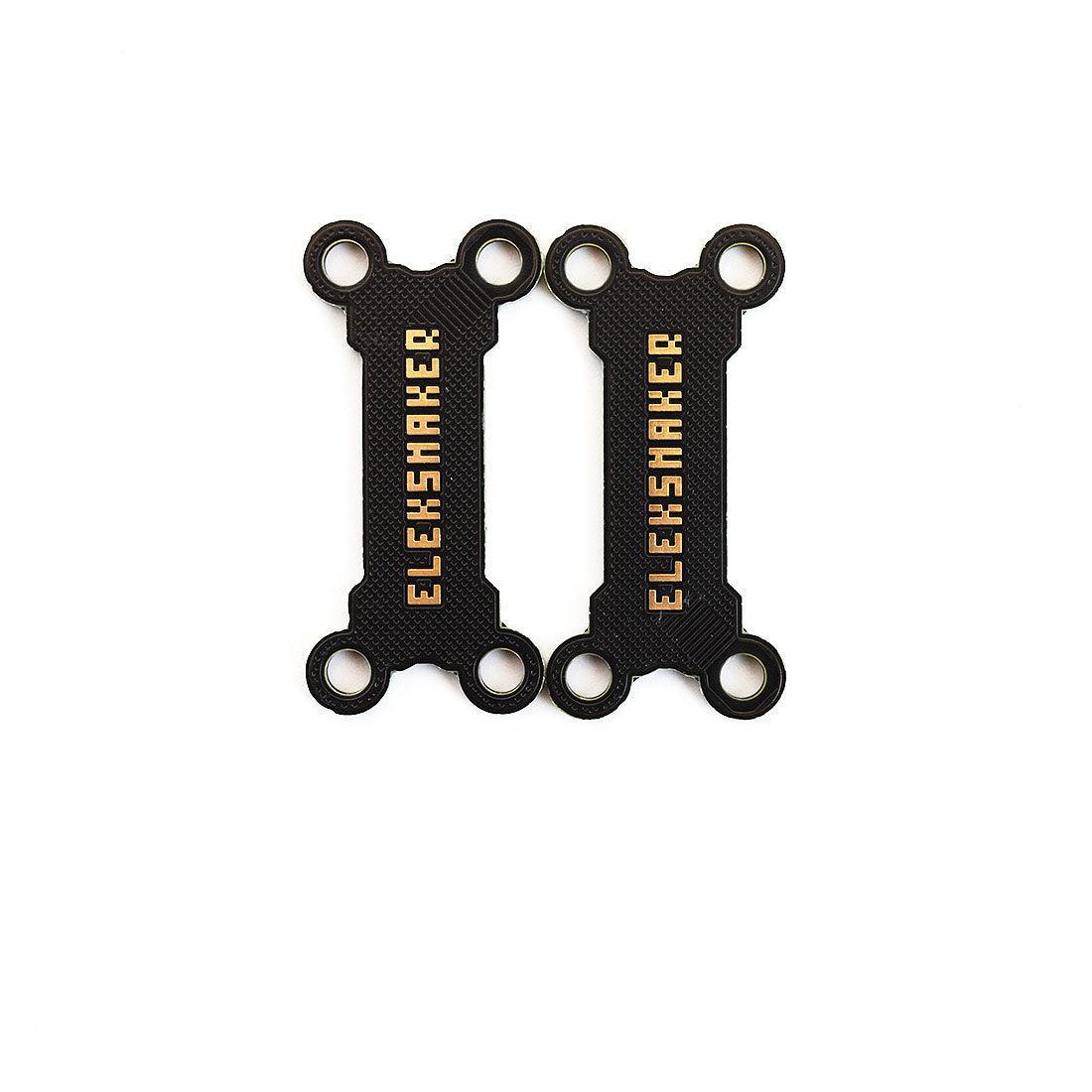
EleksMaker Twistlock — Stacking Clip for NK & EleksCava
- Support within 24h
- 12-month limited warranty
- Secure checkout
Contiguous US · Standard USD 9.90 · Free on $99+ after discounts
Shipping details
Contiguous U.S. (lower 48 states + DC): Standard shipping is free on eligible orders of $99+ after discounts; otherwise USD 9.90. Express shipping is always paid. Alaska, Hawaii, U.S. territories, and military addresses are not eligible.
Shipping policyIf you accidentally order the wrong product, wish to add another item, or need to change your shipping address, please edit the correct details and place a new order. Then, reach out to us to cancel the incorrect order.If you have a tax ID or personal ID, please provide it during checkout. If this information is required by your country and not provided, your order may be put on hold, and we will contact you via email, which could delay the shipment.
Description
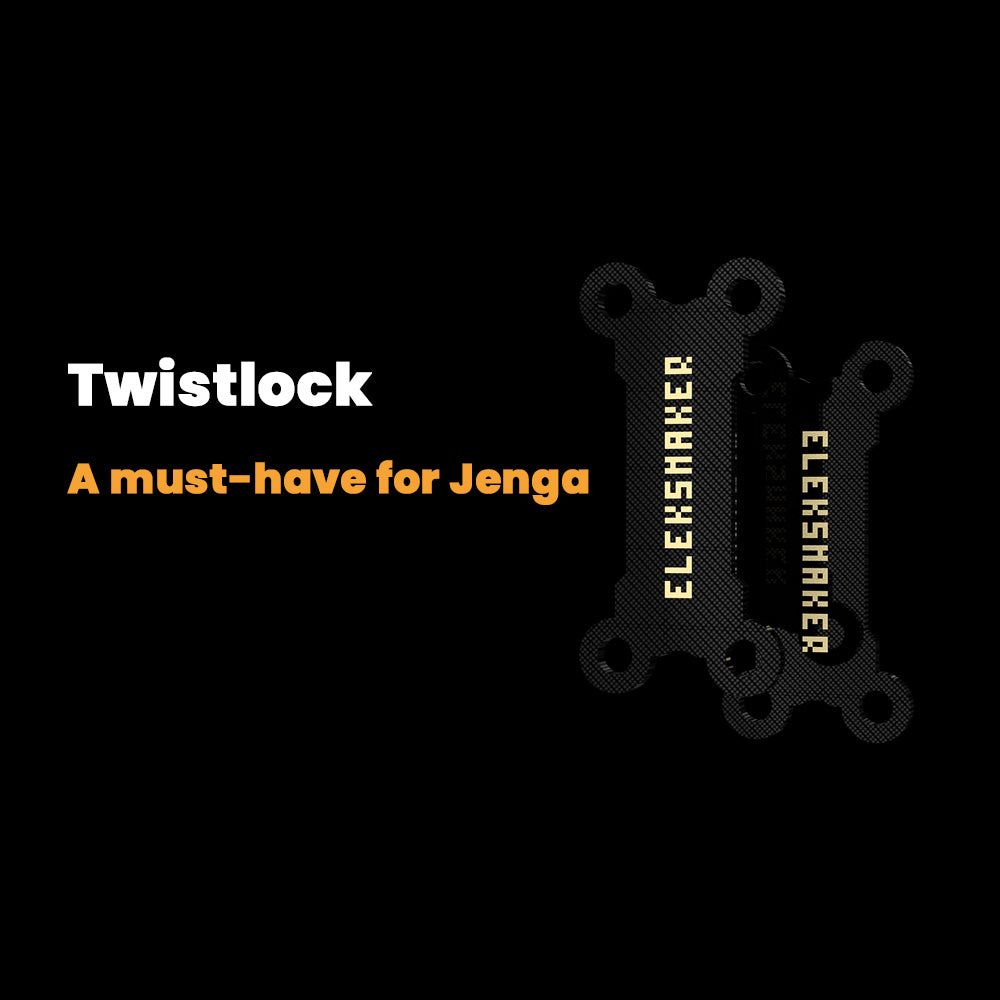
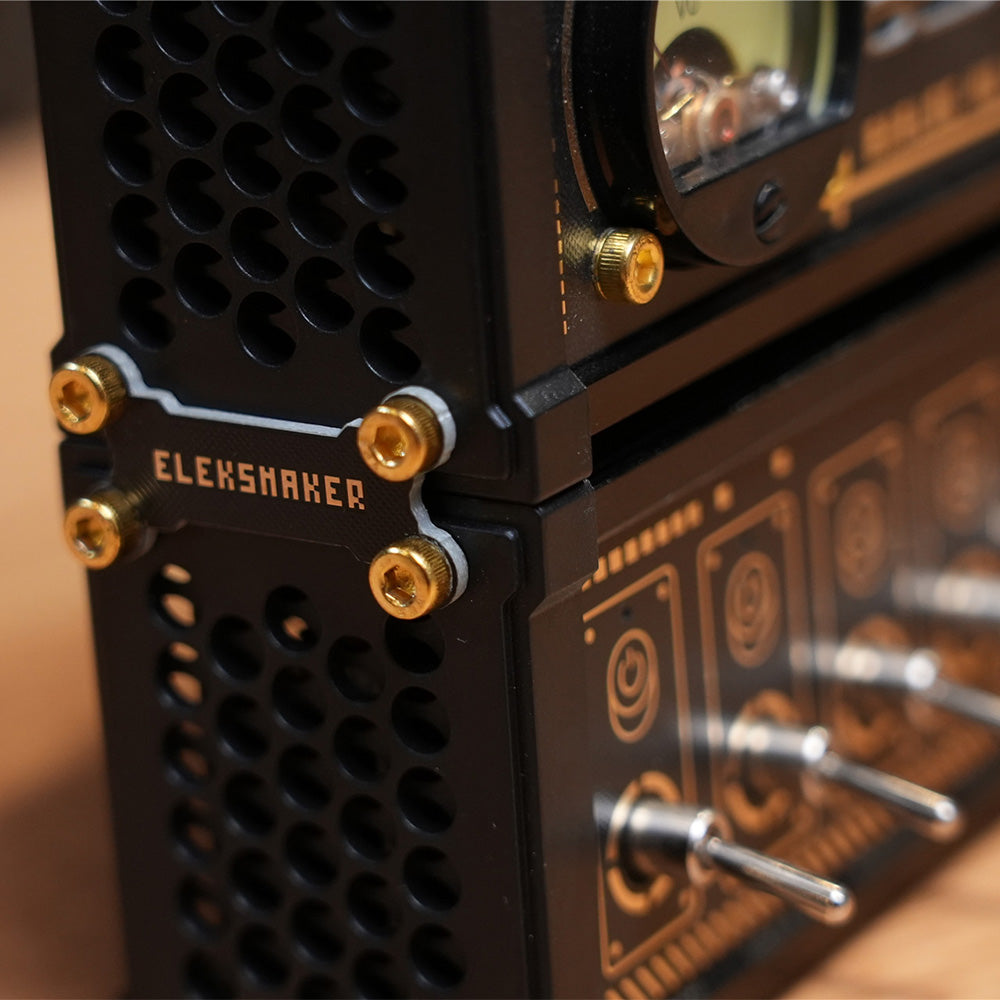
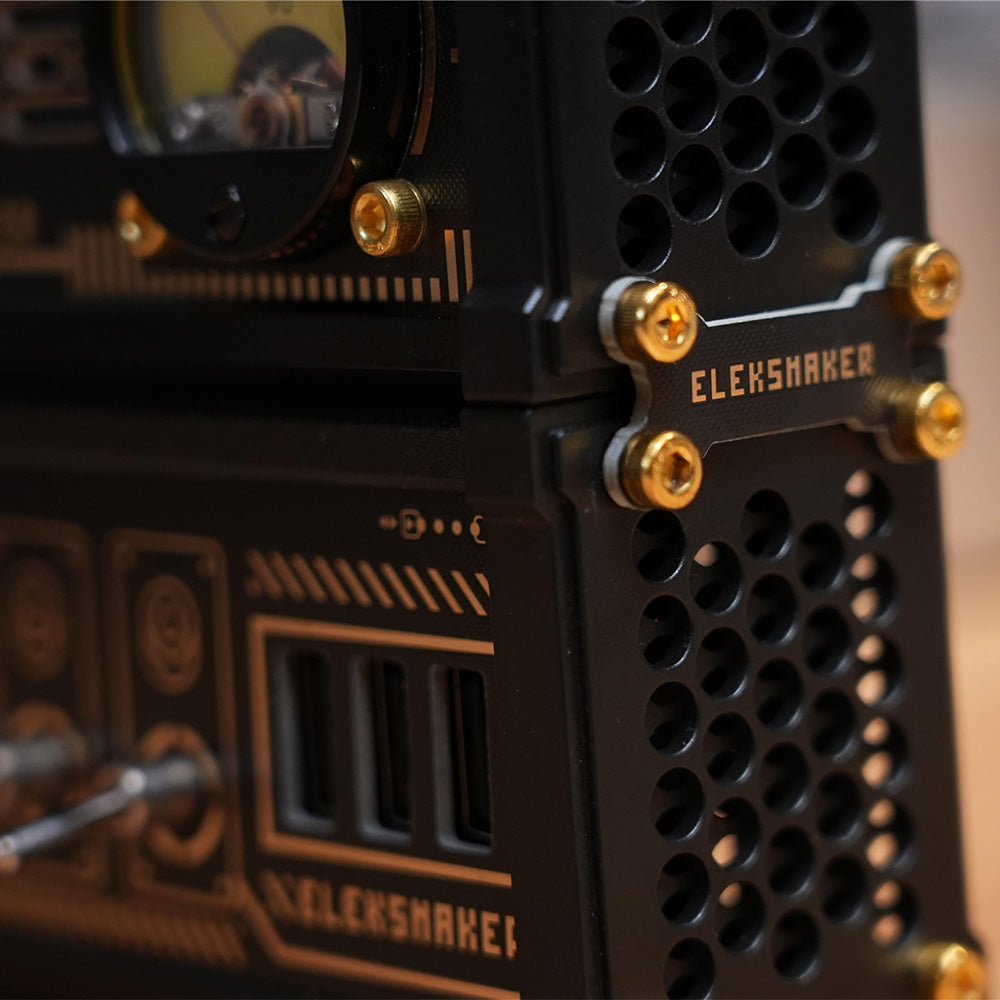
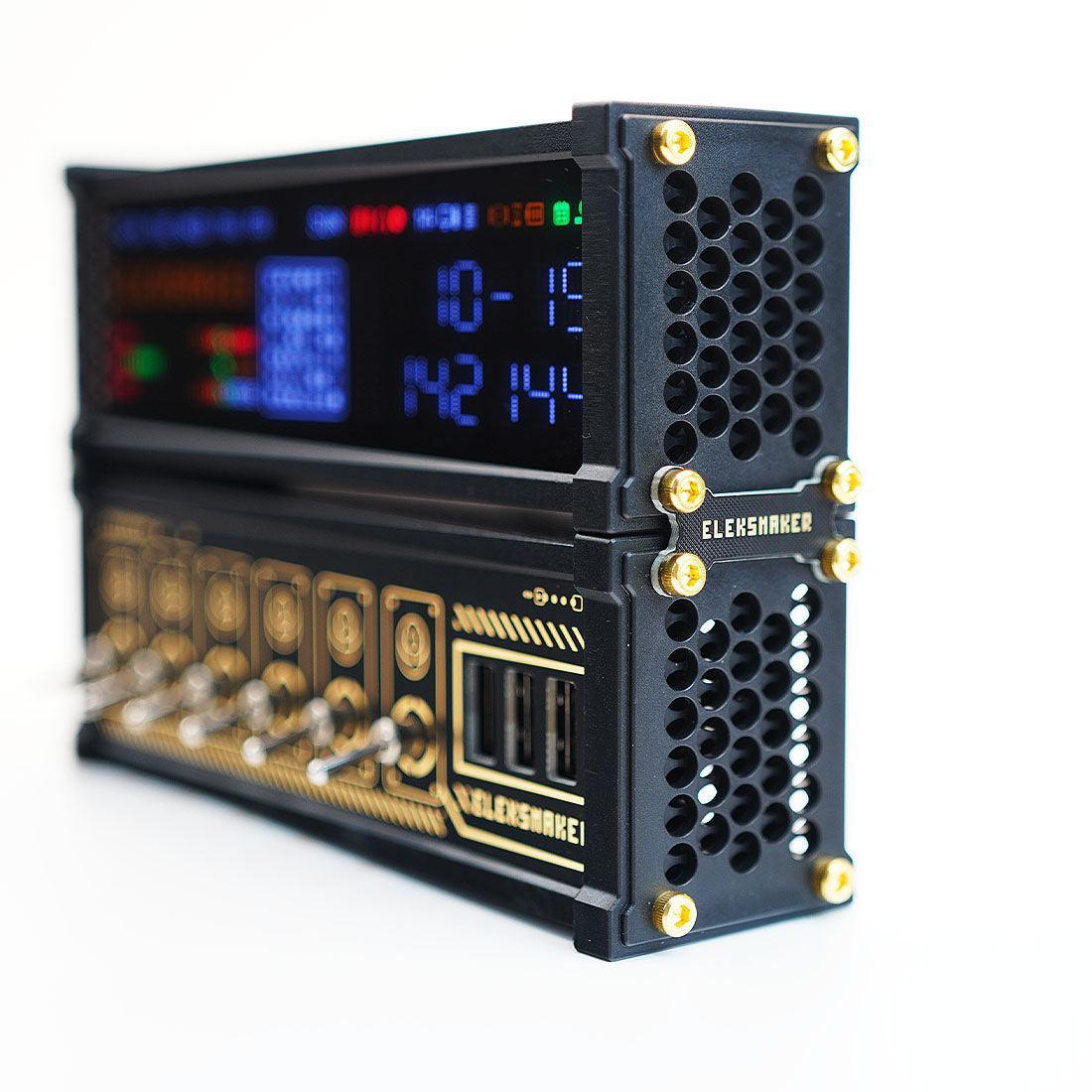
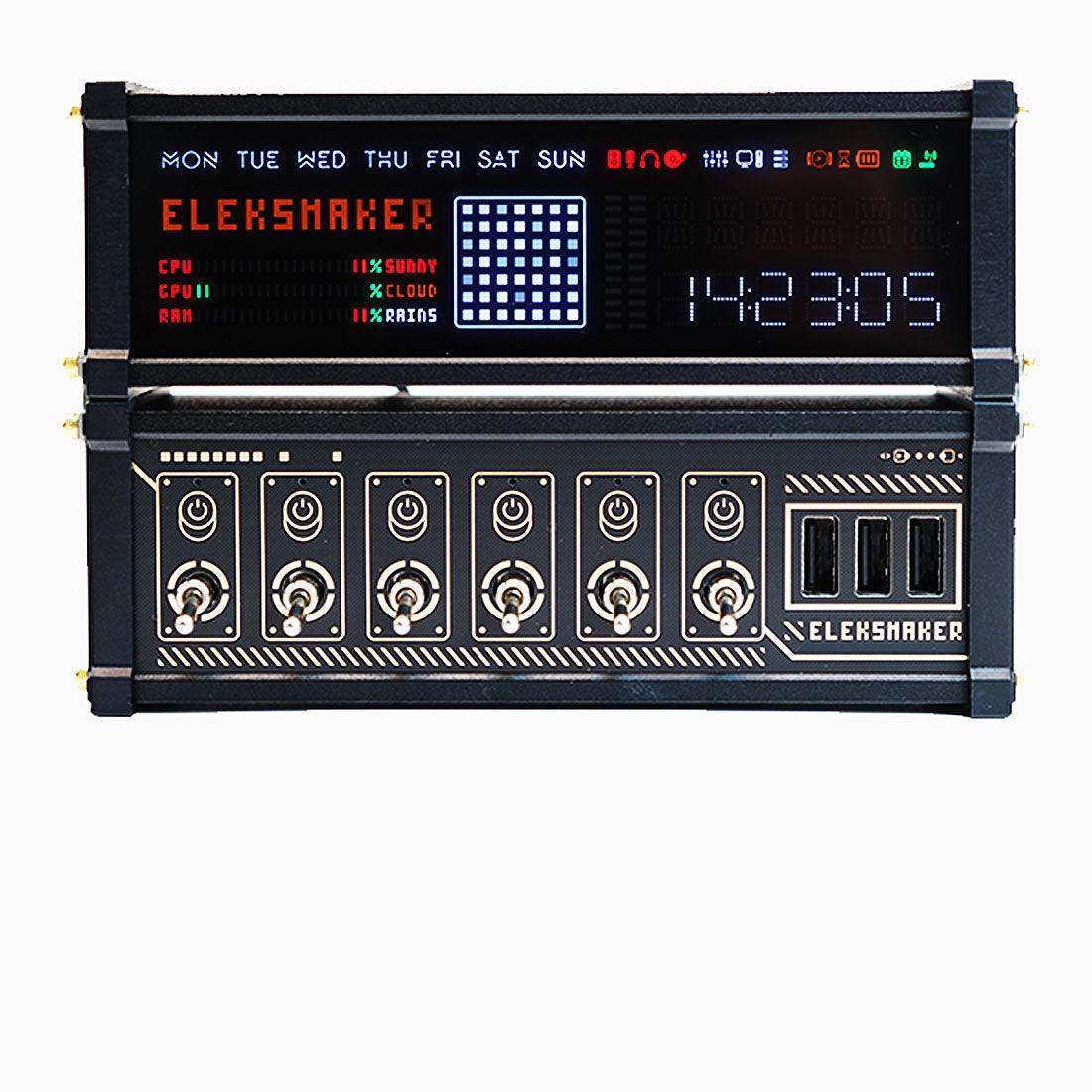
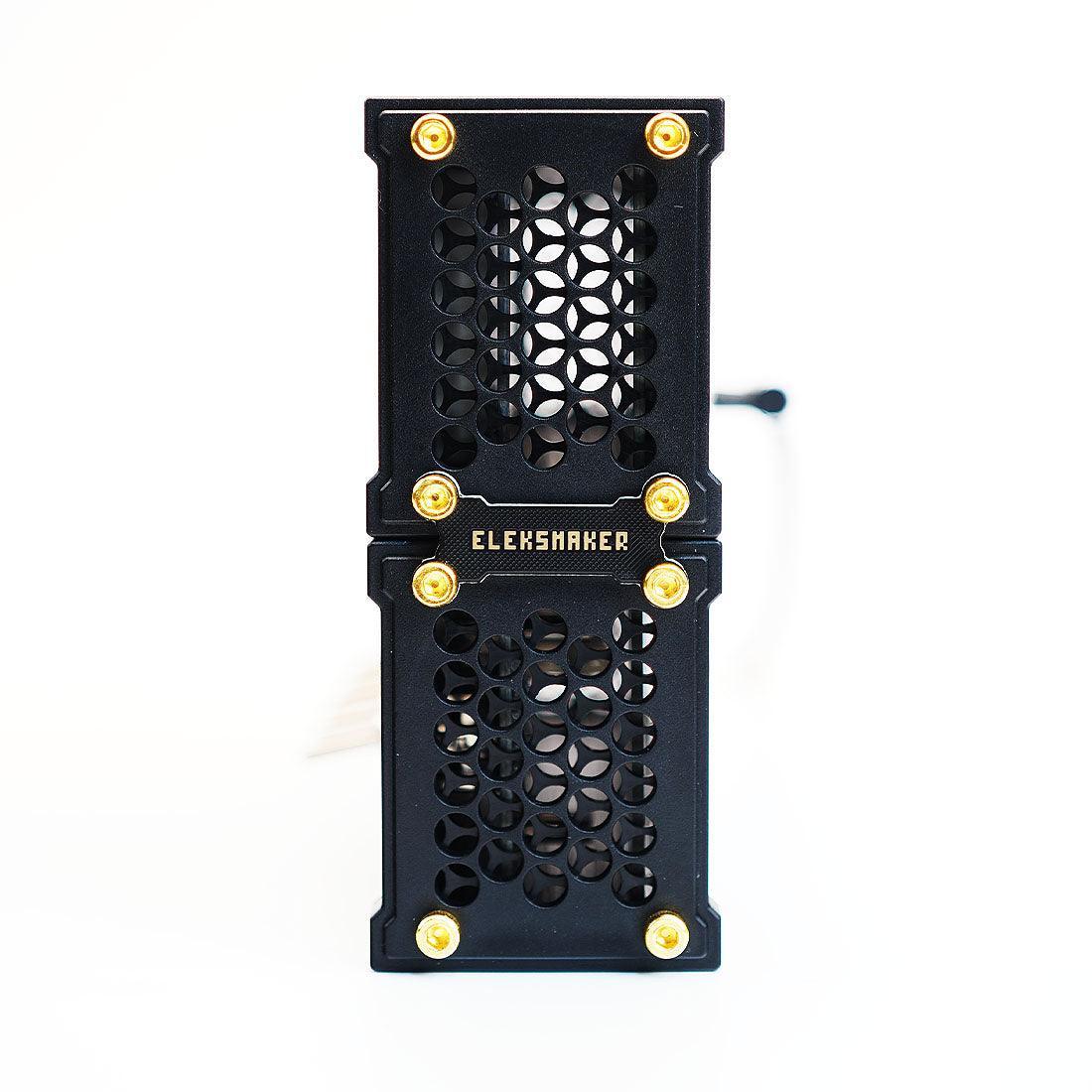
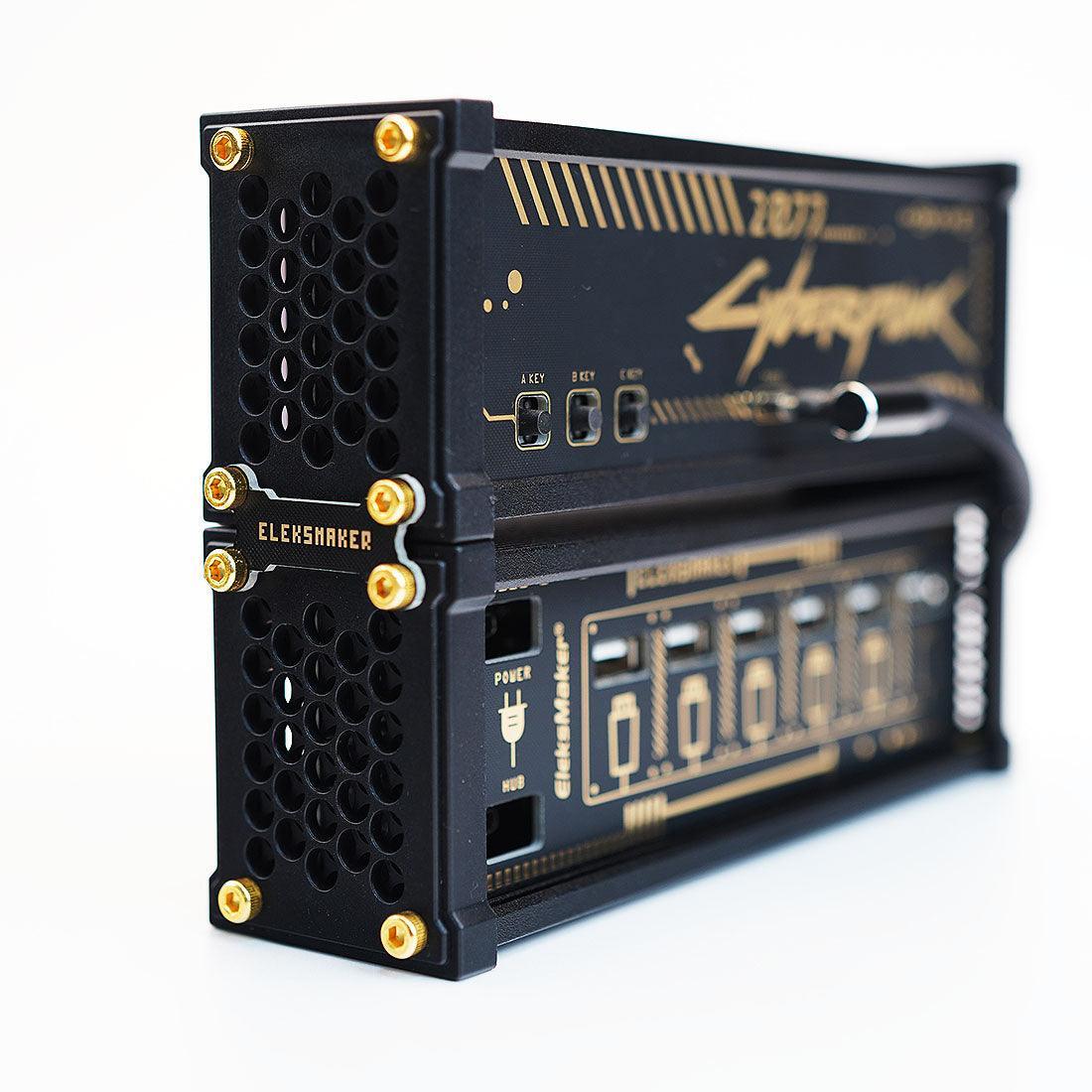
Modular stacking clips designed for EleksMaker NK series USB hubs and EleksCava financial displays. Lock two square Eleks devices together into a tidy vertical or horizontal stack.
Packing list:
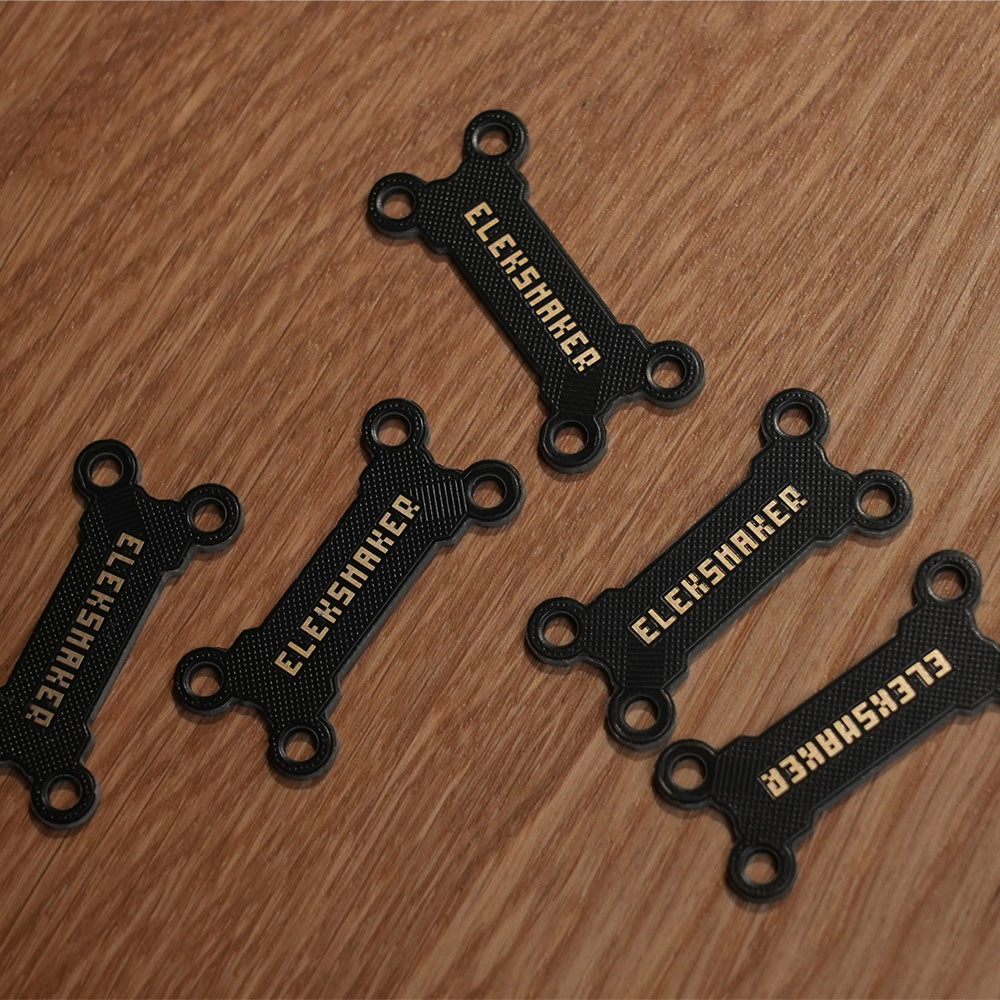
Twistlock x 2
This item is currently out of stock. If you have access to a 3D printer, you may download the 3D files and print it on your own. (Download STL File.)
Frequently Asked Questions
What is a nixie tube clock?
Traditional nixie clocks display numerals with gas-discharge tubes. EleksTube IPS clocks instead use IPS LCD screens inside glass tubes to create a Nixie-inspired look; they are not gas-discharge nixie clocks.
How do I set up the clock?
For compatible official IPS WebUI firmware, connect USB-C power, join the clock network beginning EM-IPS-, open 192.168.4.1 if needed, then connect to 2.4 GHz Wi-Fi. Hardware generations and firmware differ; follow the IPS setup guide for your clock.
Can I customize the clock face?
On compatible official WebUI firmware, Dial Manage handles included faces and compatible clock-face packs, Images accepts personal pictures, and System controls base RGB lighting. Options depend on hardware and installed firmware; see the IPS setup guide.
Does it require an app?
Compatible official WebUI firmware works in a browser without the legacy PC client. The mobile app requires the latest compatible official firmware. Check your hardware generation and the setup guide before updating.
What is the difference between IPS PRO and PR series?
IPS PRO uses a CNC-machined aluminum base; PR2 and PR3 use polycarbonate bases, with transparent and white finishes. Connectivity, display options, and controls can vary by model and firmware, so check each product page for current specifications.
What is the warranty policy?
All products purchased from elekstube.com come with an official EleksMaker warranty. If you receive a defective or damaged product, we offer a full refund or replacement. Returns are accepted within 30 days of delivery. Please visit our refund policy page for complete details.
Do you ship internationally?
Available destinations, delivery estimates and shipping charges depend on your destination. See our shipping policy and checkout for current options.