


Accessories
Protect your clock, find replacement parts, or connect compatible modular devices.
Shop all accessories
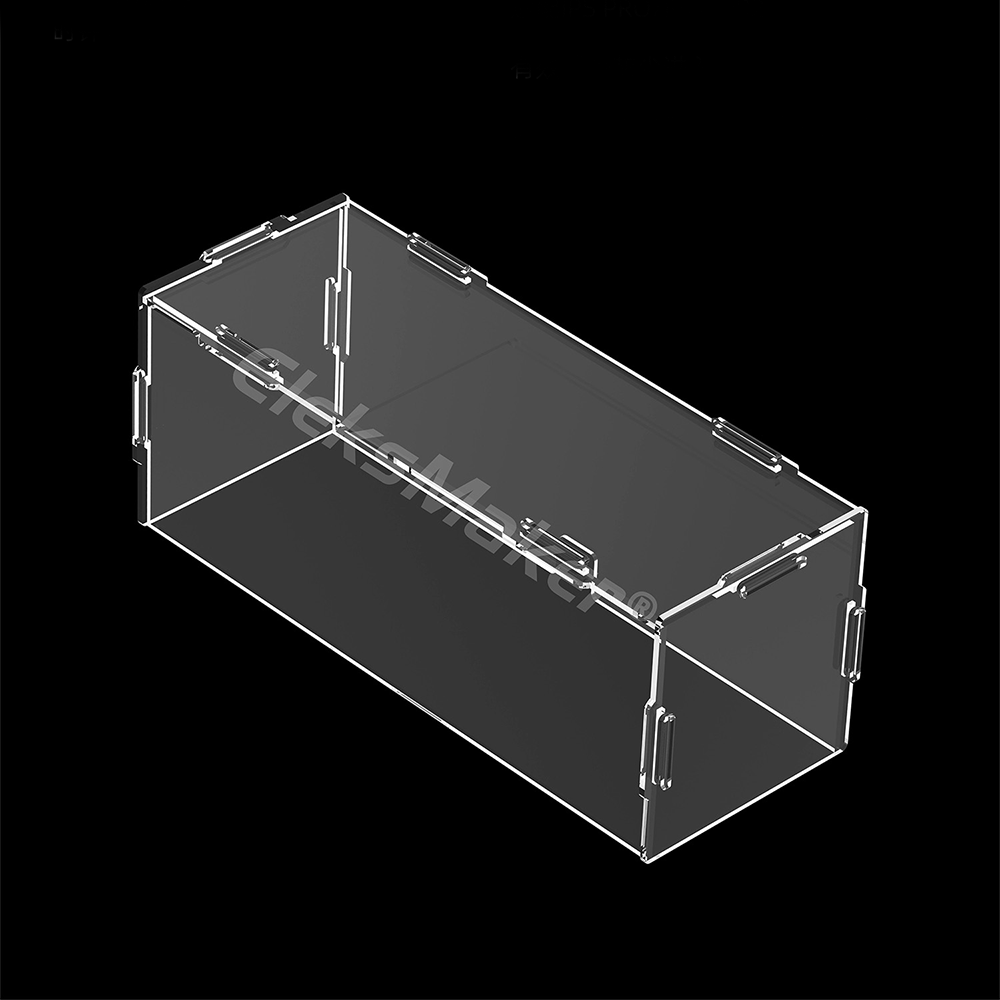
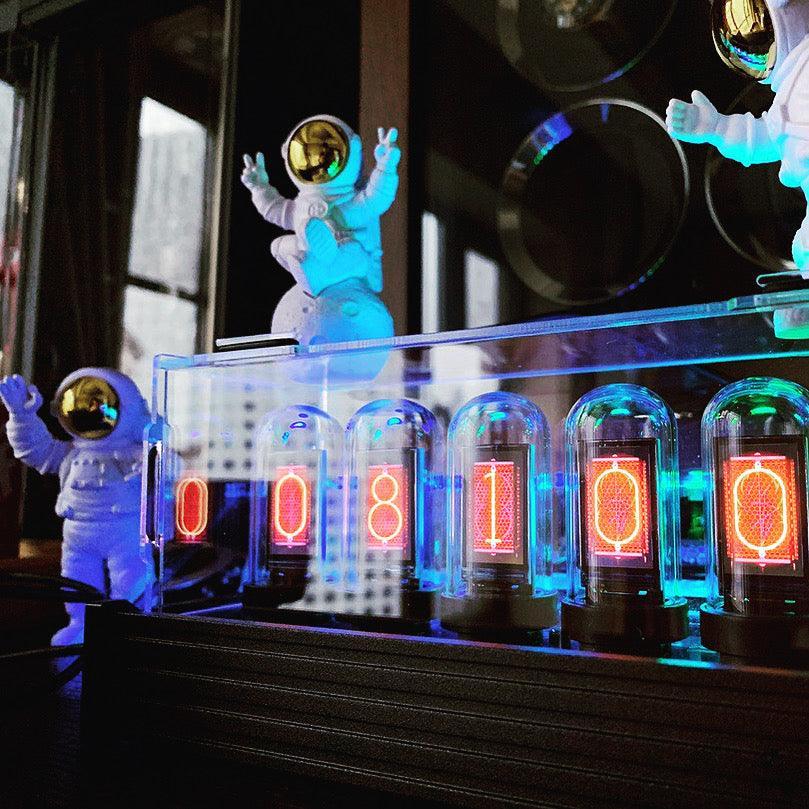
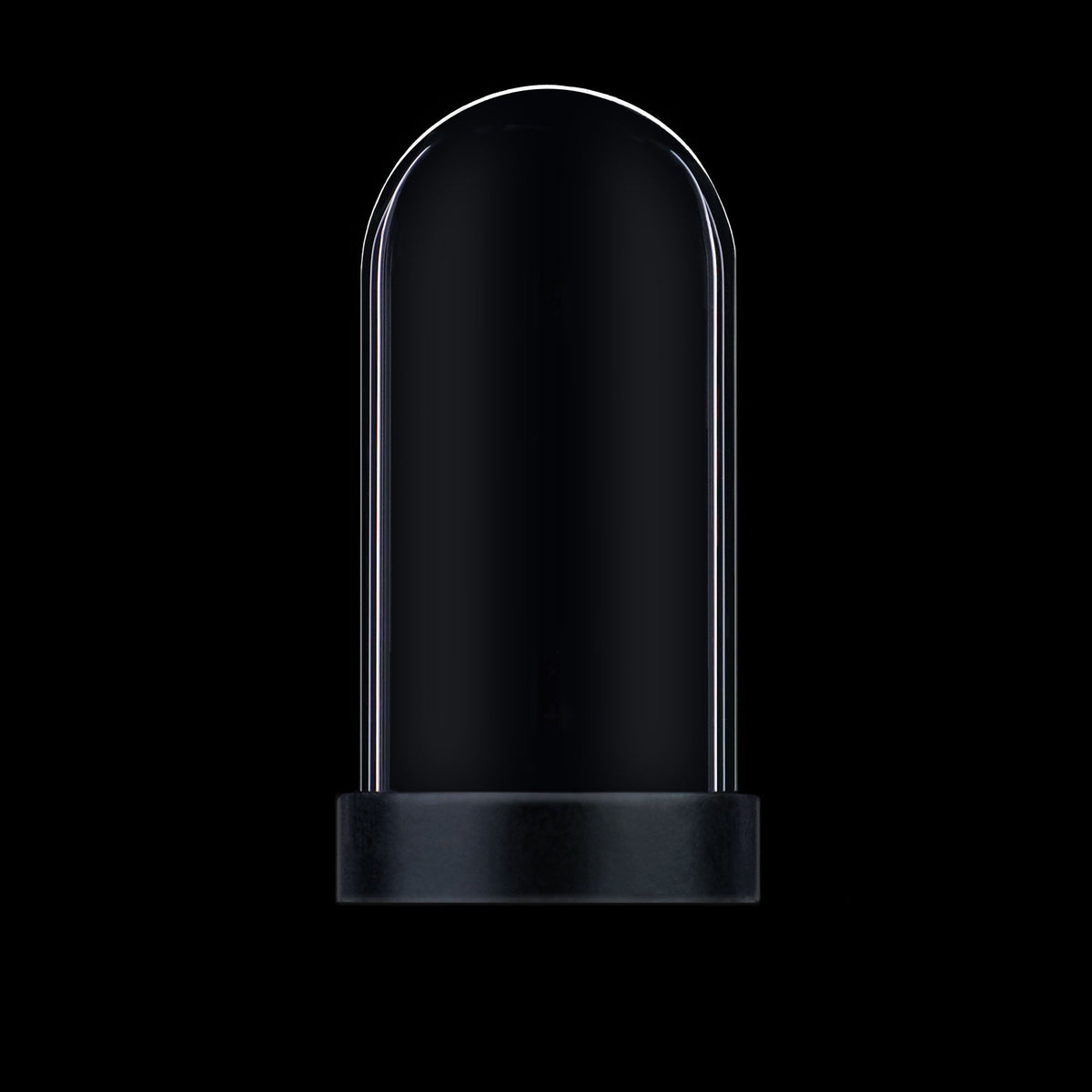
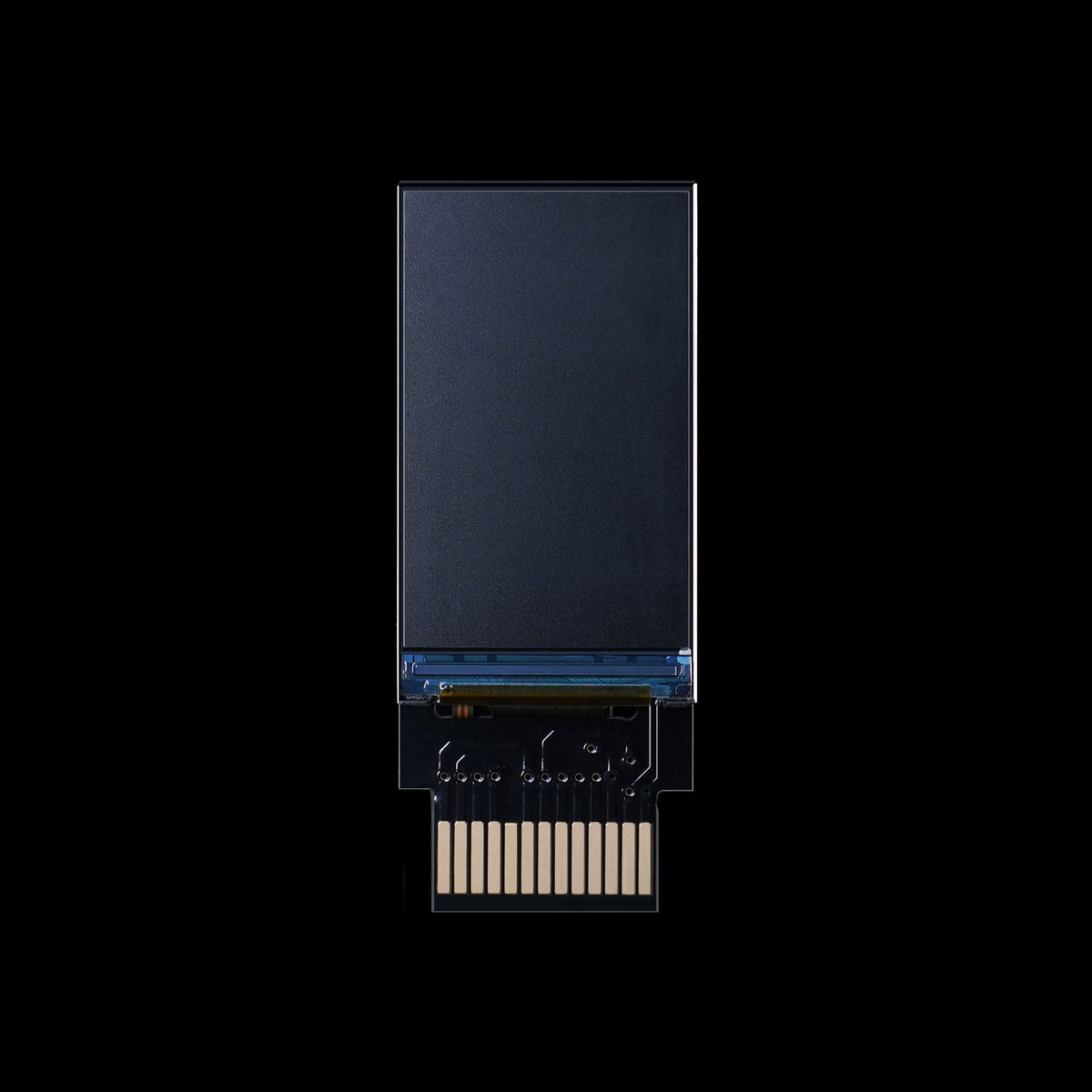
Match the part to your device
Check the exact model name and generation before ordering. Similar-looking parts and covers are not automatically interchangeable.
Dust Cover
Match the cover size to your exact clock model; EleksTube R and R2 are different models.
Choose a cover sizeReplacement Parts
Select both your clock family and the required component. Product options are model-specific.
Choose device and partTwistlock
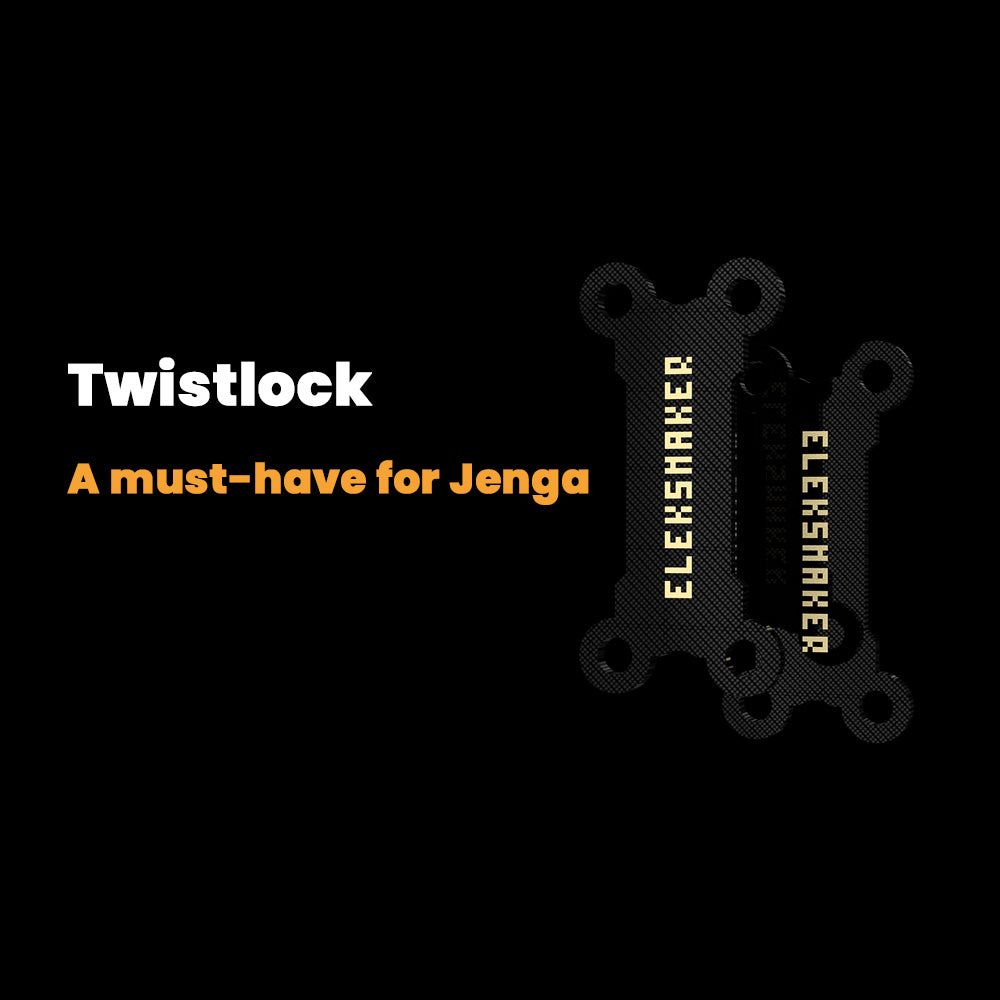
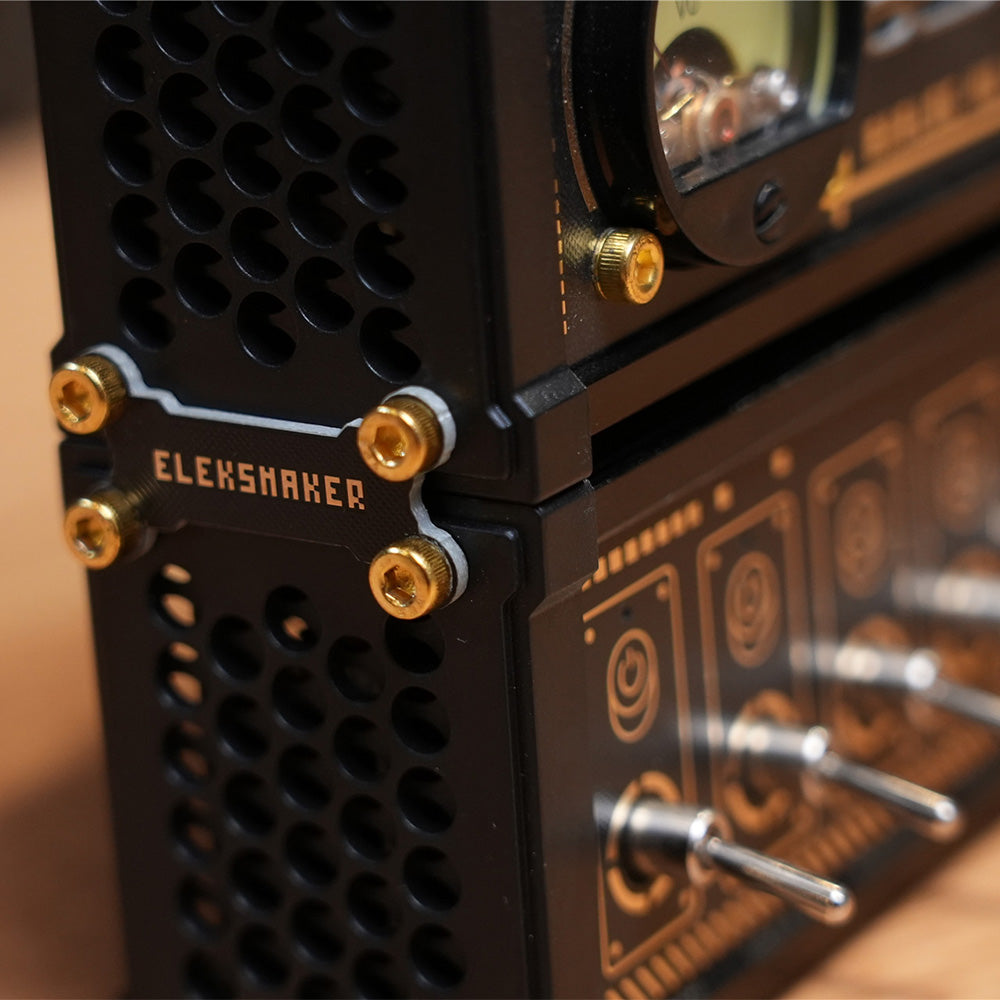
Two stacking clips for compatible NK-series and EleksCava units. Check current availability on the product page.
View TwistlockFrequently asked
Accessories FAQ
Does one dust cover fit every EleksTube clock?
No. Current options are labeled for IPS Classic, EleksTube R, and IPS PRO & PR1/2/3. Choose the matching size. The listing does not identify an R2 cover option, so confirm fit before ordering for R2 or any unlisted model.
How do I choose a replacement part?
Select the device family and exact component on the replacement-parts page. Check the product generation and the part you need. If the matching option is unclear, contact support before purchasing.
What devices work with Twistlock?
The product listing identifies compatible NK-series USB hubs and EleksCava displays, with two clips per pack. Confirm the body and connection points match; do not assume every square device is compatible. A printable STL is linked from the product page.
Are replacement glass tubes the same as screens?
No. The parts listing separates glass tubes, display screens, panels, frames and motherboards. Check both the component type and the pack quantity before choosing an option.