


Shop clocks
5 products
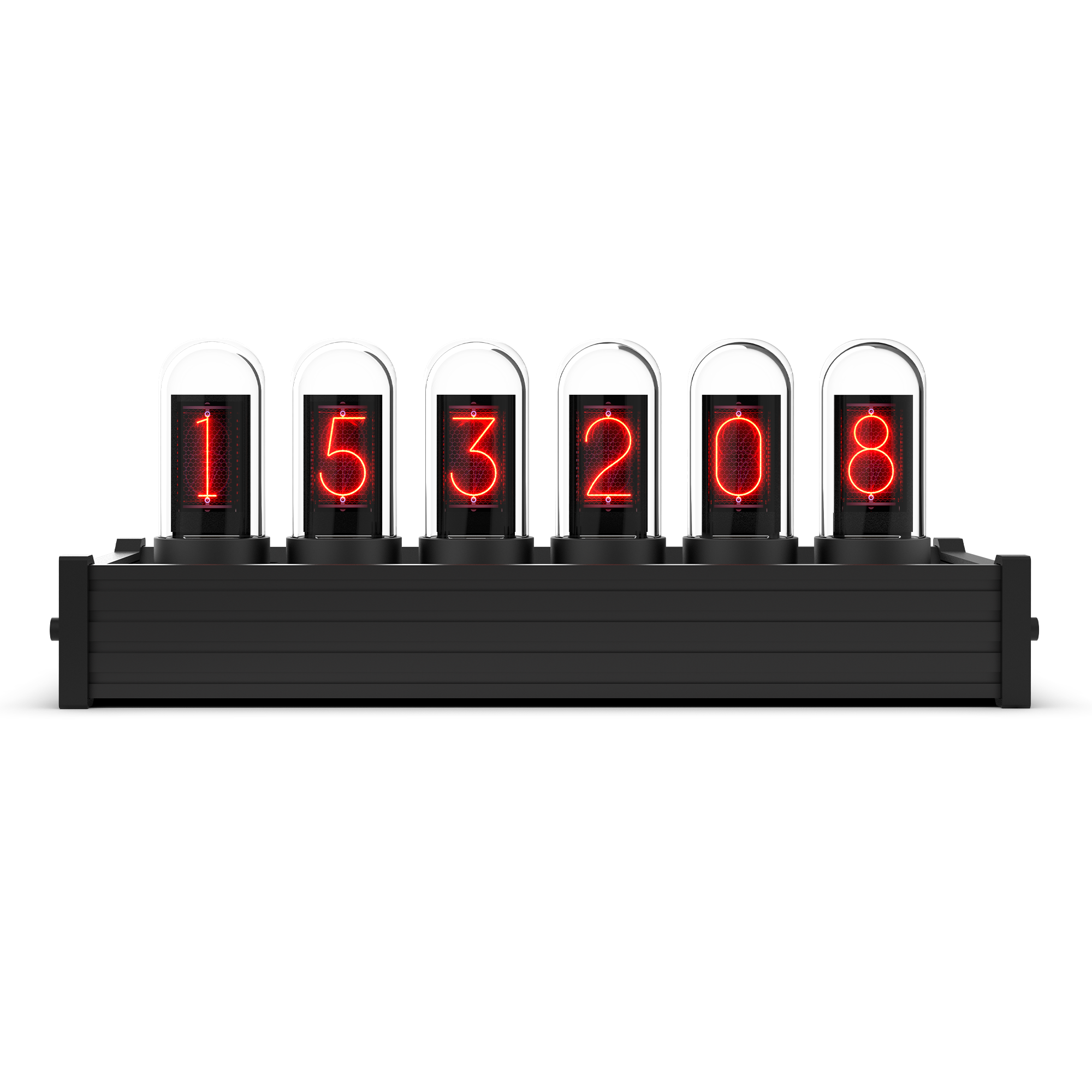
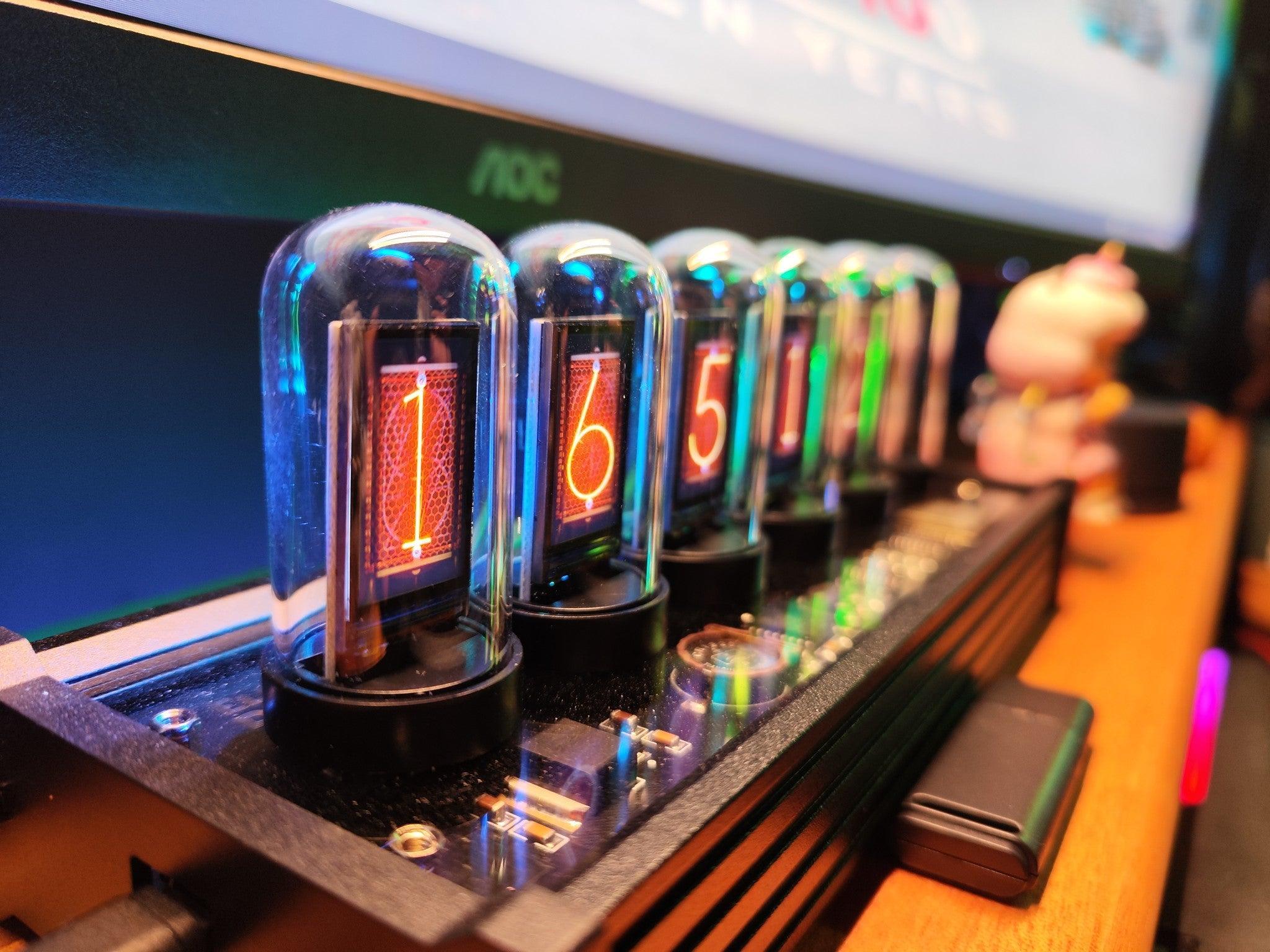
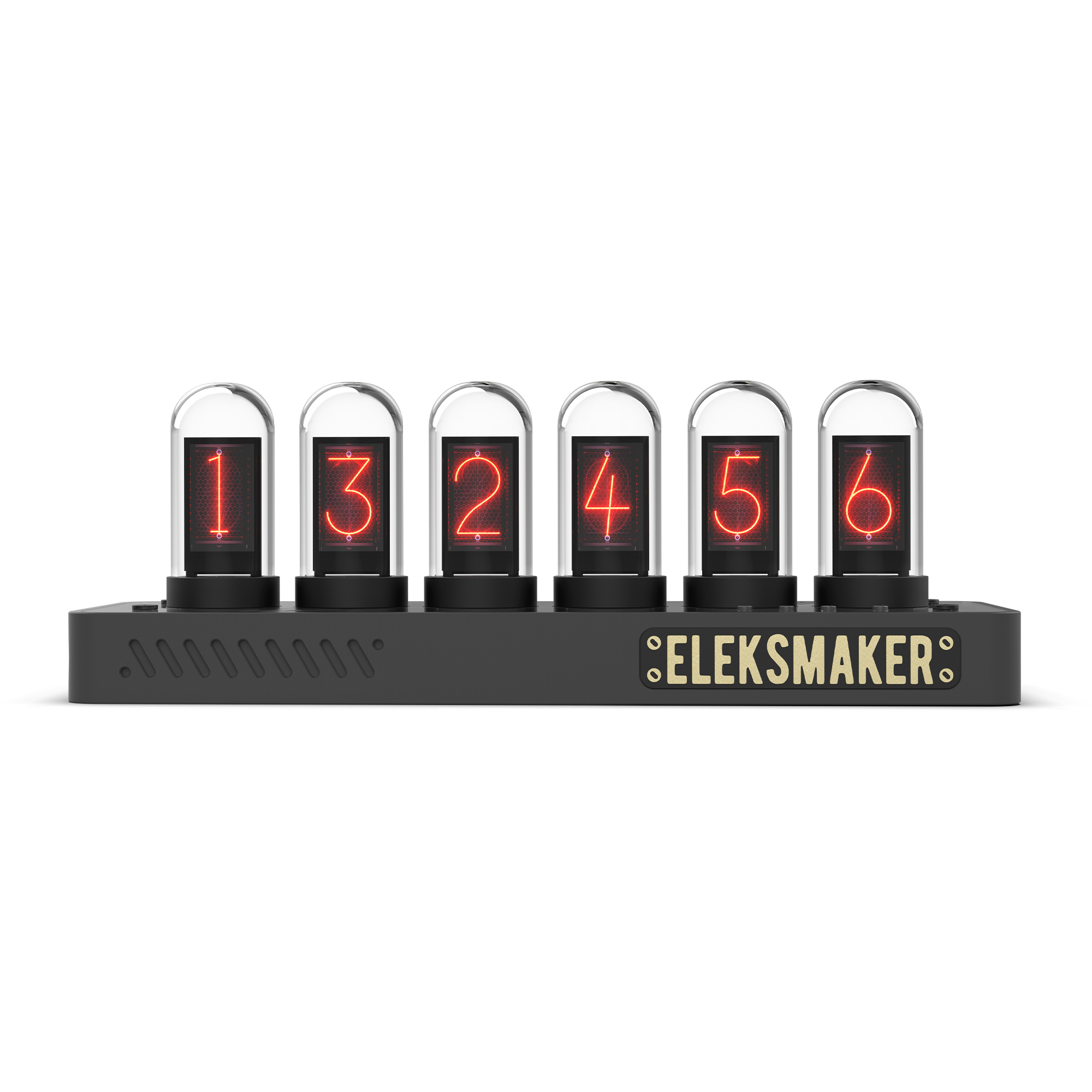
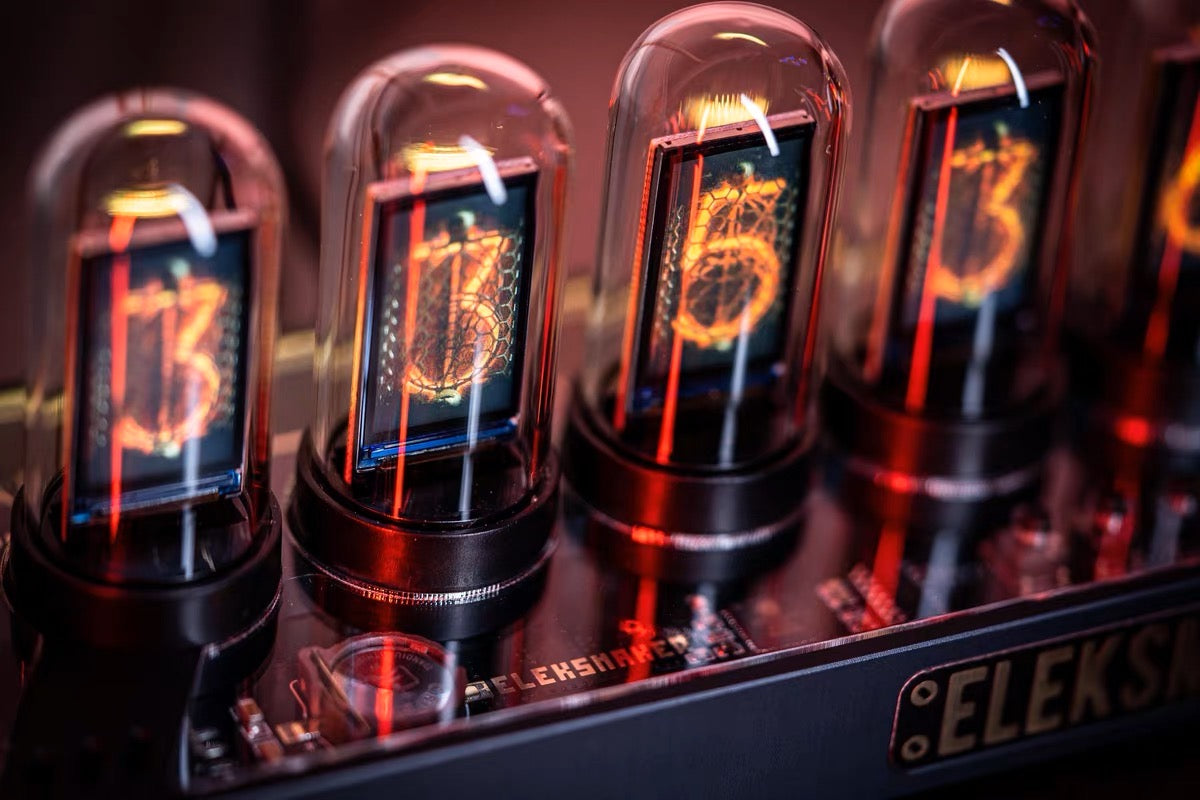


No products match this use case.
Find your clock
Start with the display, then choose the material and finish. IPS models use screens; R2 uses LED glow tubes.
IPS Classic
Six IPS screens in the original aluminum-alloy frame.
Explore IPS ClassicIPS PRO
Six IPS screens in a CNC aluminum base with a matte black finish.
Explore IPS PROIPS PR2
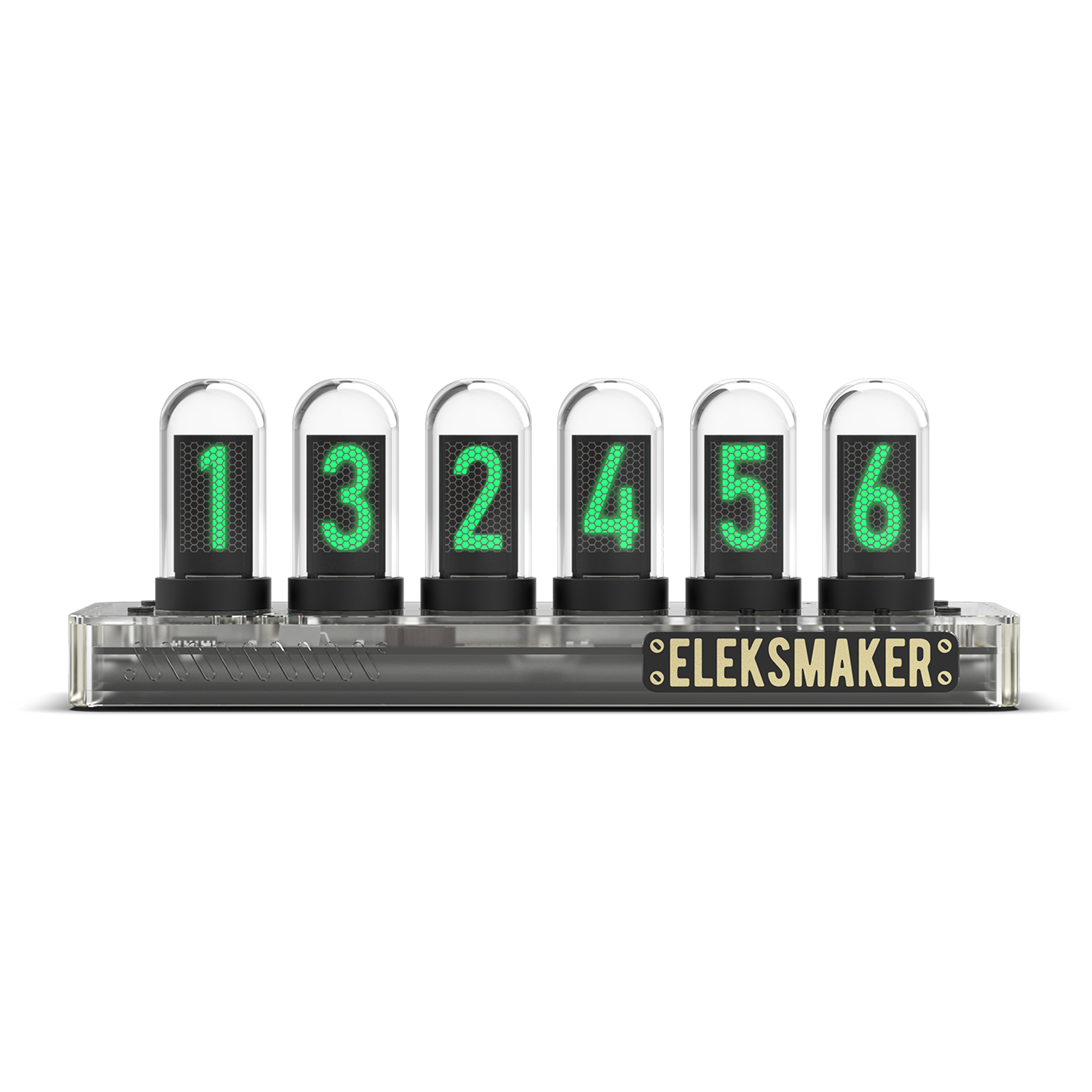
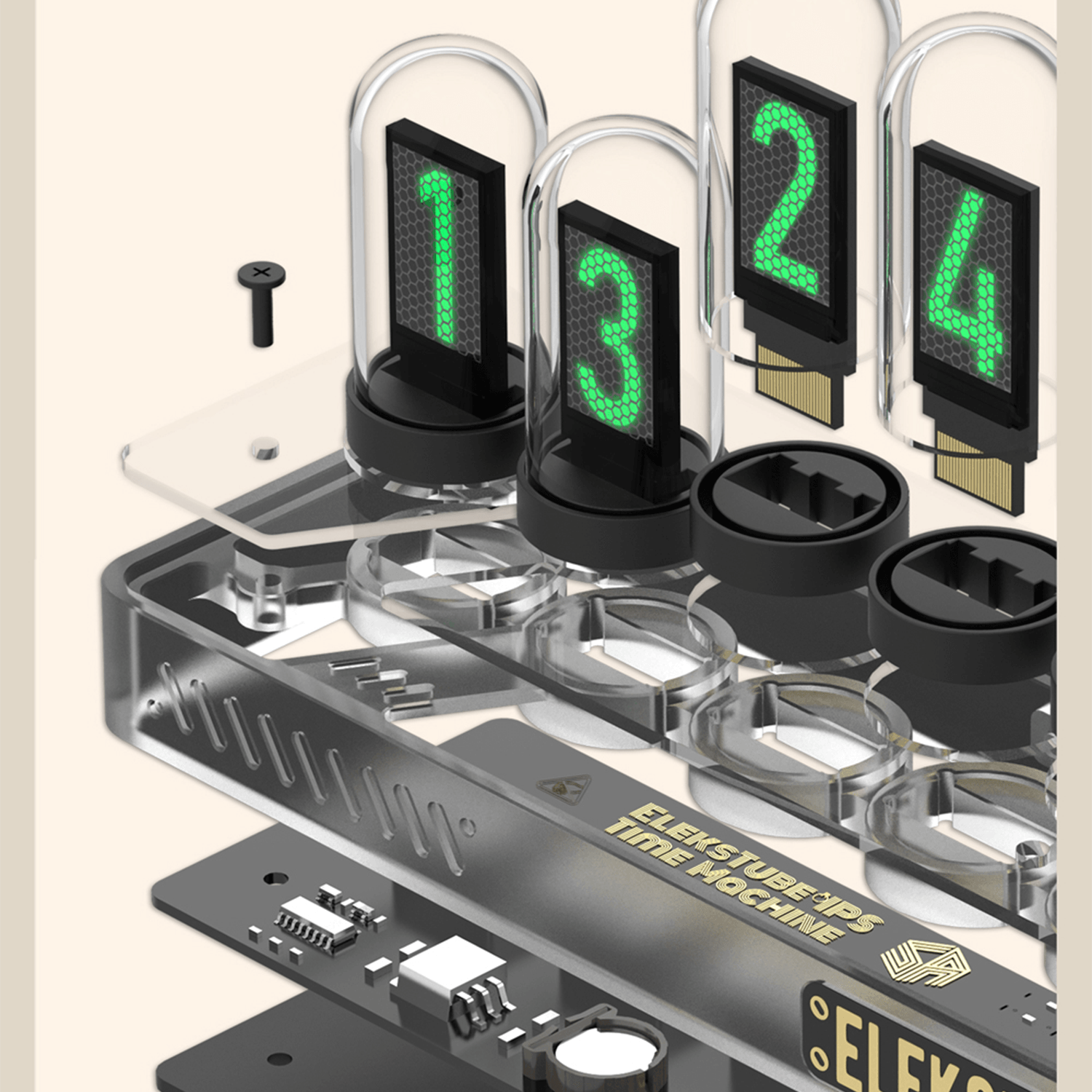
A transparent polycarbonate base that reveals the internal hardware.
Explore IPS PR2IPS PR3
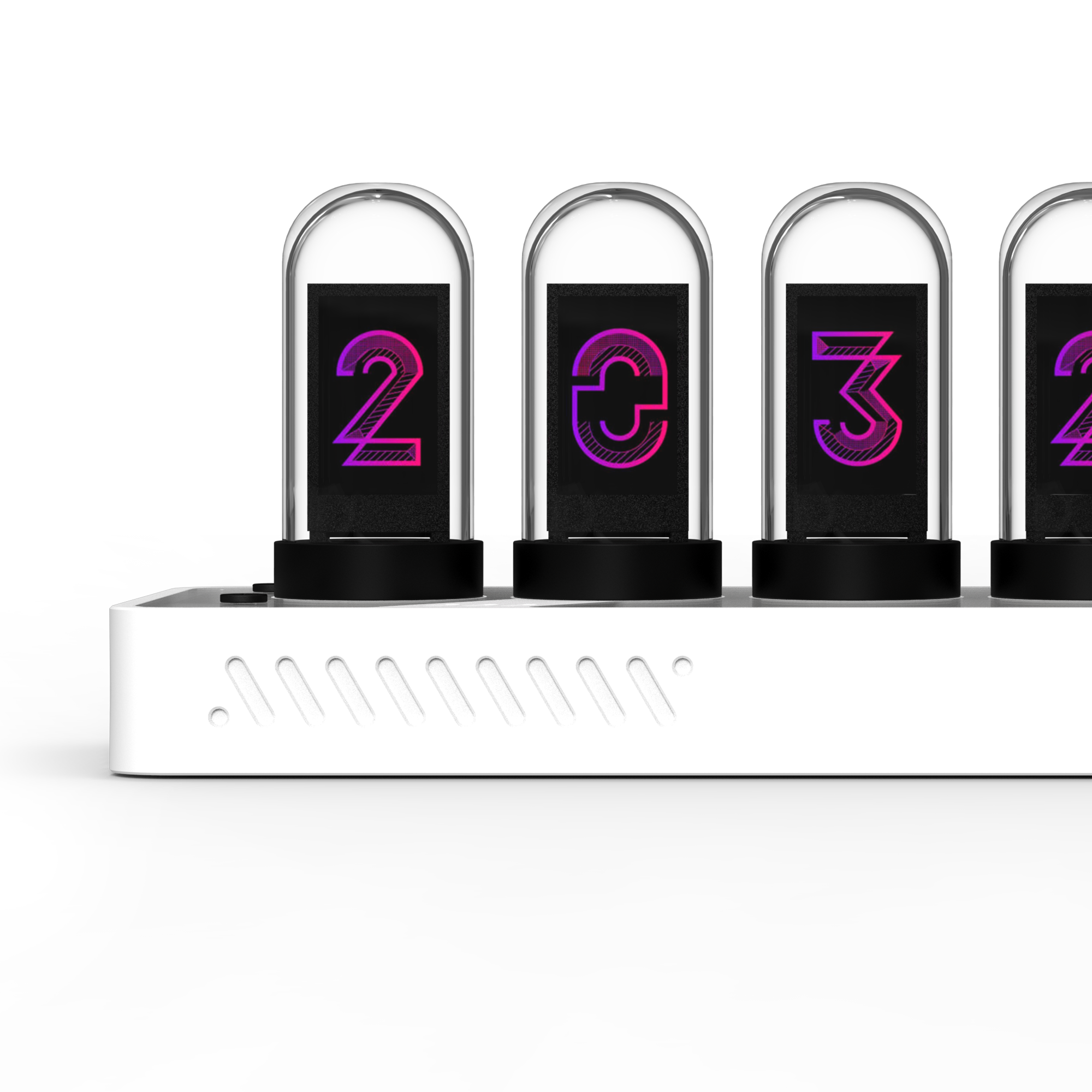
A white polycarbonate base for a lighter desk setup.
Explore IPS PR3R2
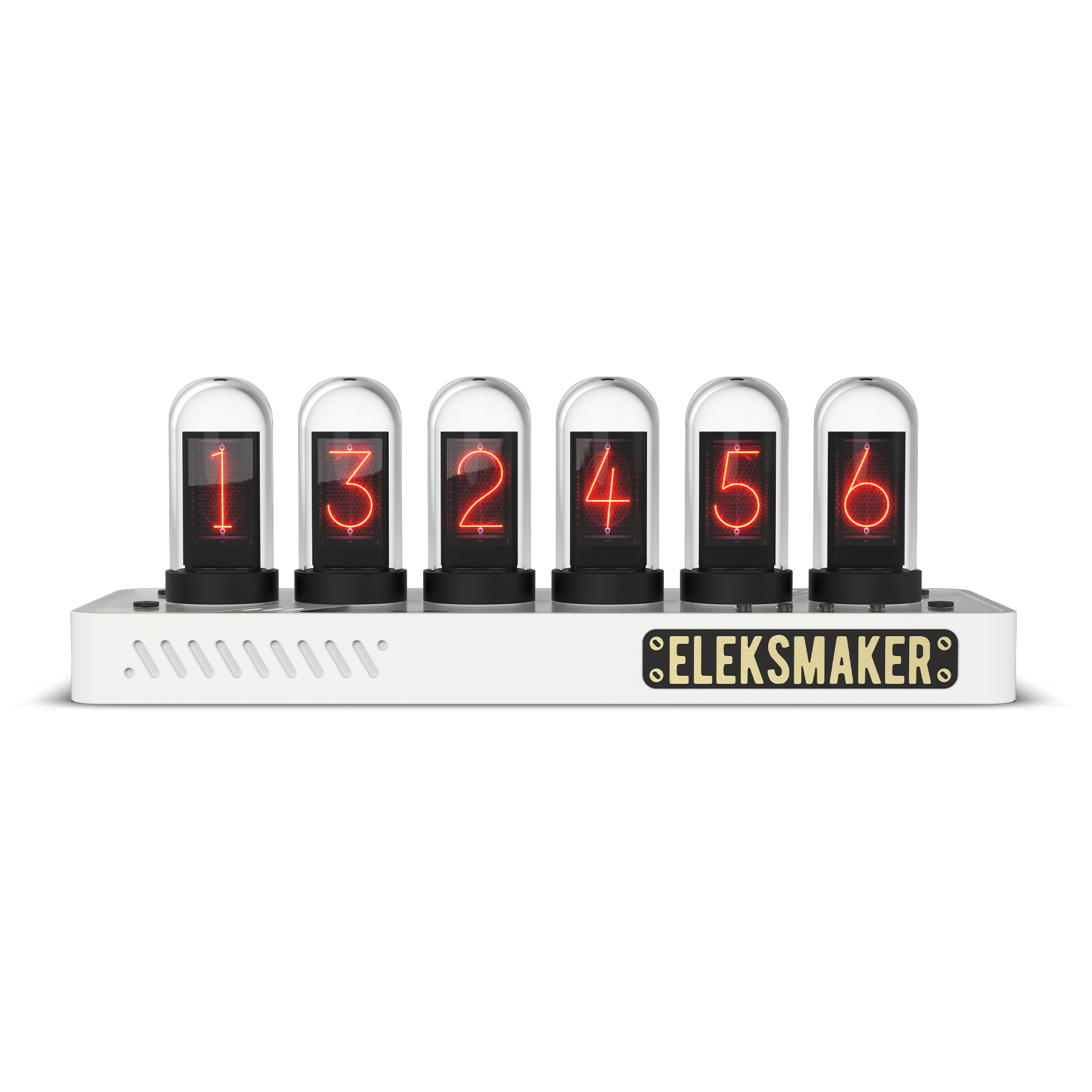
LED glow tubes, walnut wood and an aluminum frame, with a different display system from the IPS range.
Explore R2Frequently asked
Nixie Tube Clock FAQ
Are these traditional gas-discharge nixie clocks?
No. IPS Classic, PRO, PR2 and PR3 use IPS LCD screens inside quartz glass tubes. R2 uses LED glow tubes. Both recreate a retro digit display with modern electronics.
How do the IPS models differ?
Classic uses the original aluminum-alloy frame. PRO has a CNC aluminum base; PR2 has a transparent polycarbonate base and PR3 has a white polycarbonate base. Check each product page for dimensions and current specifications.
Is R2 another IPS model?
No. R2 uses LED glow tubes and a walnut-and-aluminum body. Do not assume IPS display parts, clock-face features or covers are interchangeable with R2.
Do I need a computer to keep the clock running?
The clocks run independently on USB-C power after setup. Wi-Fi setup and customization depend on the model and firmware. Follow the model-specific instructions on the product or download page.
What's in the box?
The current clock listings include the clock, a USB-C cable and a user manual. Check the selected product page for the exact package and power requirements; do not assume a wall adapter is included.