Contiguous US · Standard USD 9.90 · Free on $99+ after discounts
Shipping details
Contiguous U.S. (lower 48 states + DC): Standard shipping is free on eligible orders of $99+ after discounts; otherwise USD 9.90. Express shipping is always paid. Alaska, Hawaii, U.S. territories, and military addresses are not eligible.
If you ordered the wrong item, placed the wrong quantity, or need to change the shipping address, place a corrected order first and contact us to cancel the incorrect one.
If your country requires a tax ID or personal ID, add it at checkout to avoid customs or shipment delays.
For compatibility, firmware, or bulk-order questions, contact support@elekstube.com before placing the order.
Description
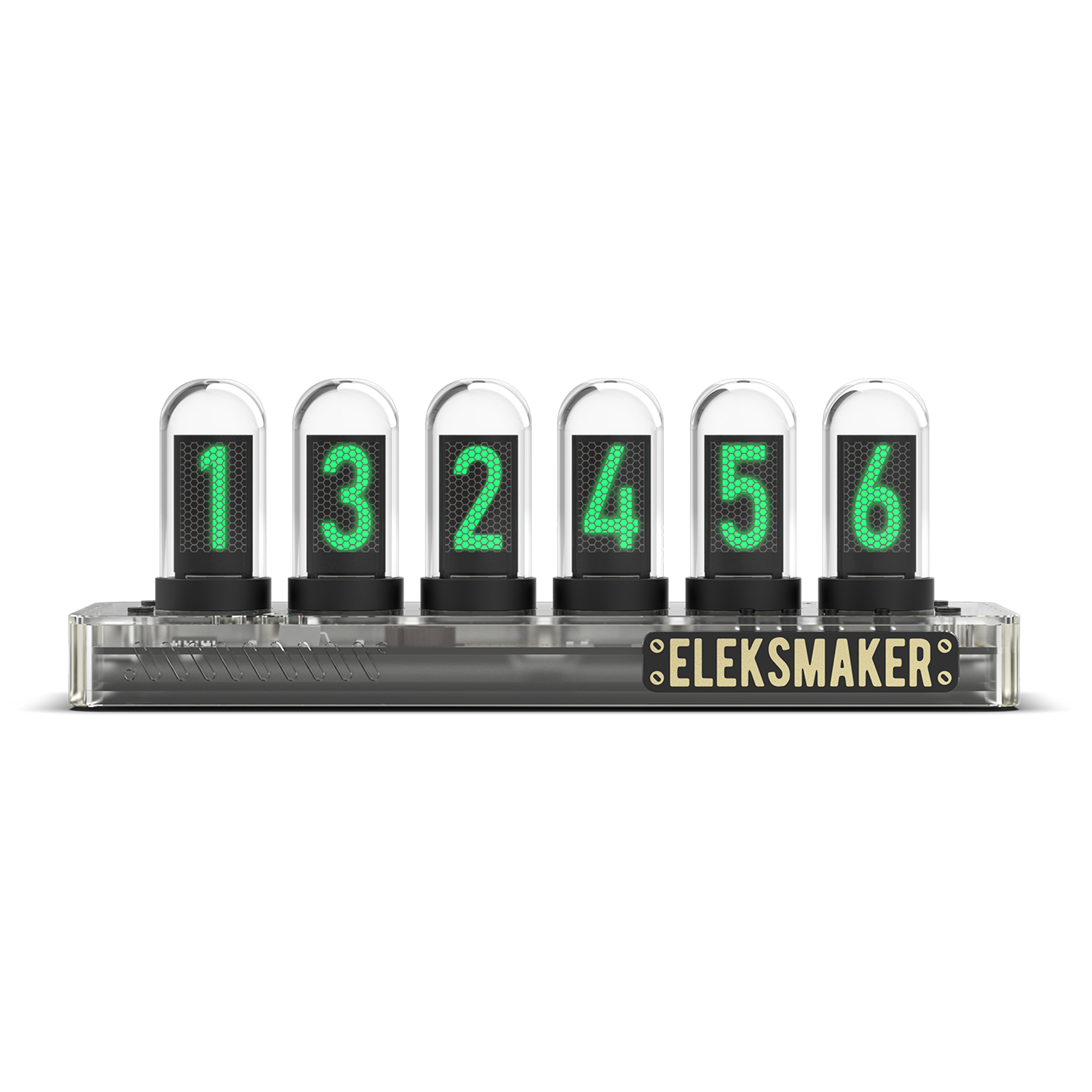
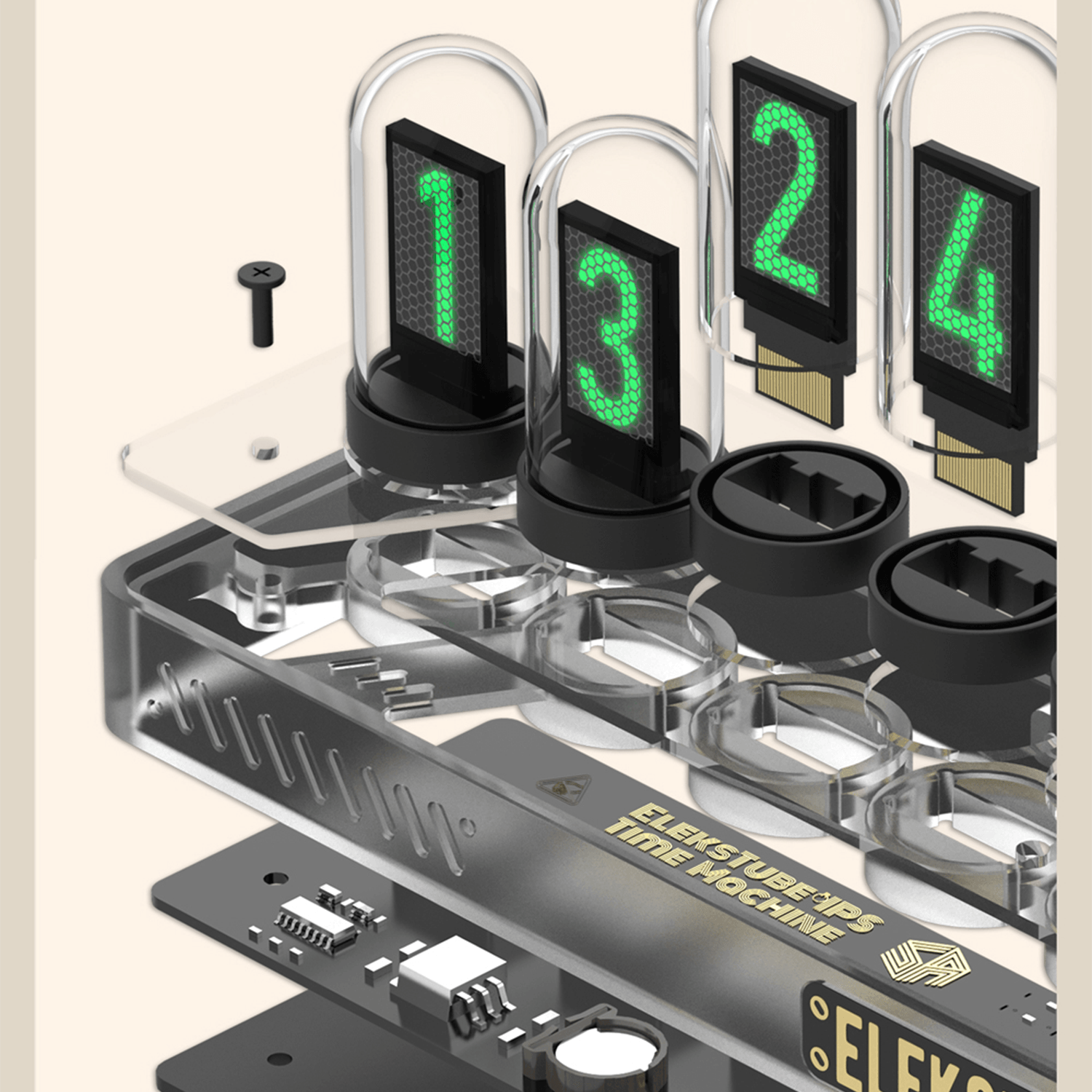
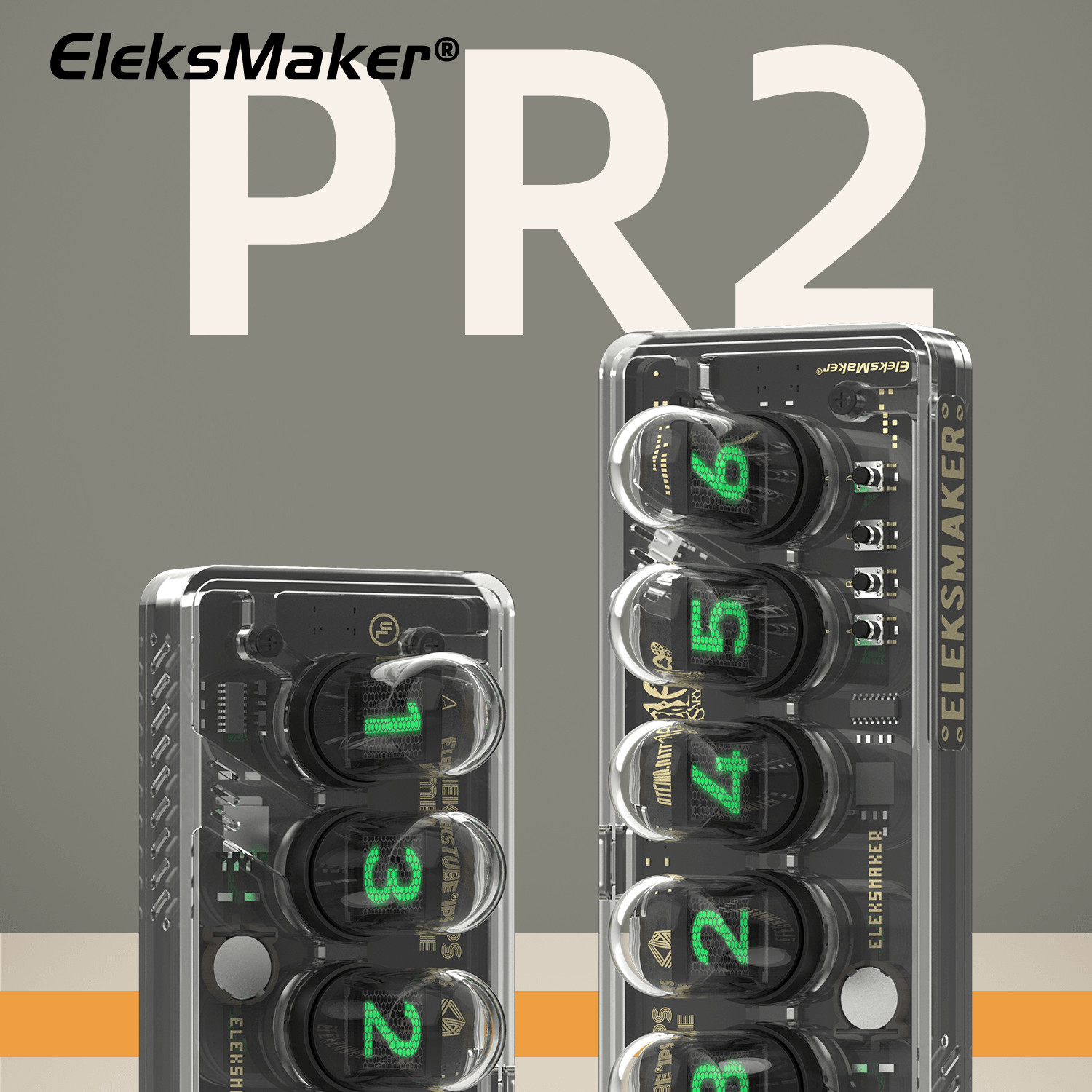
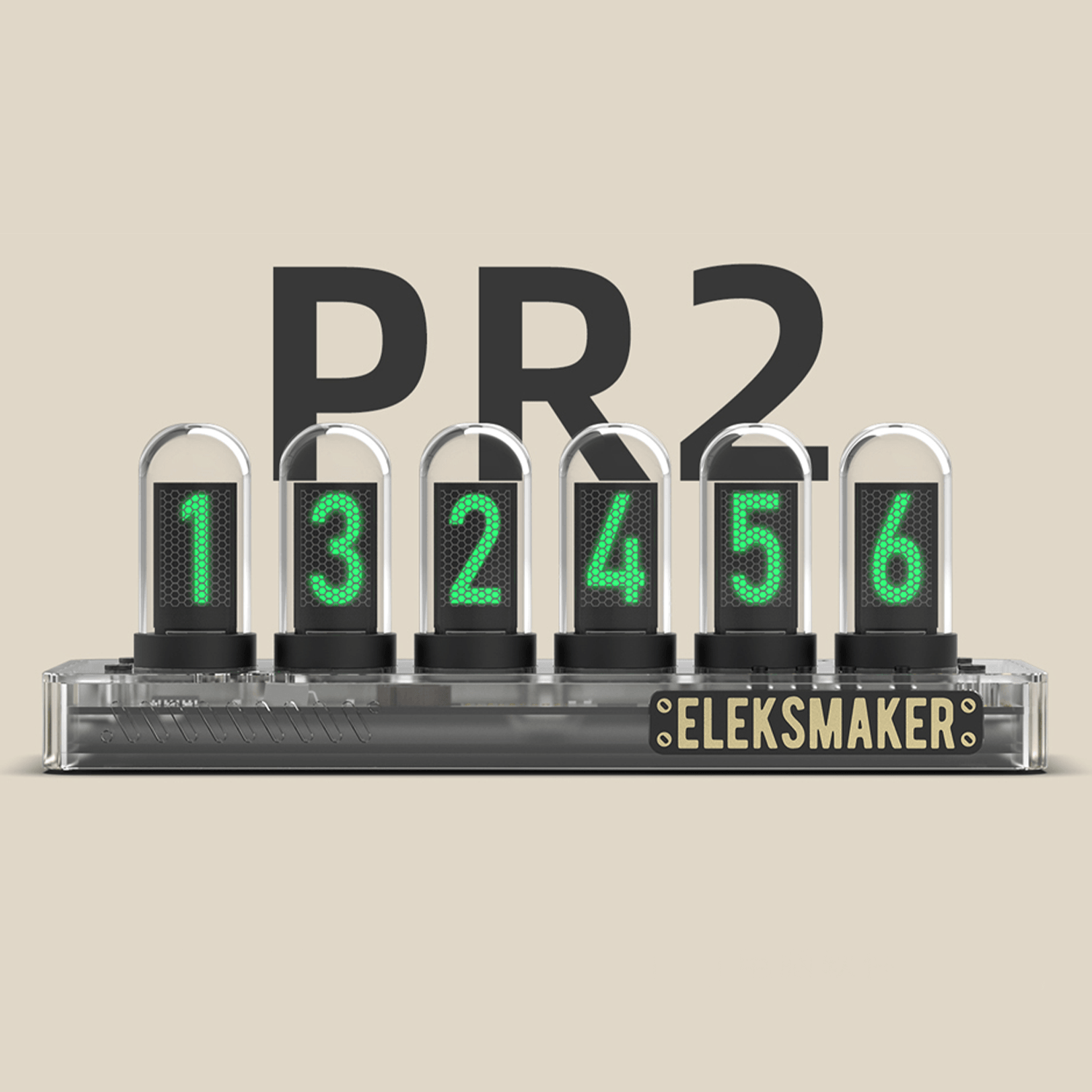
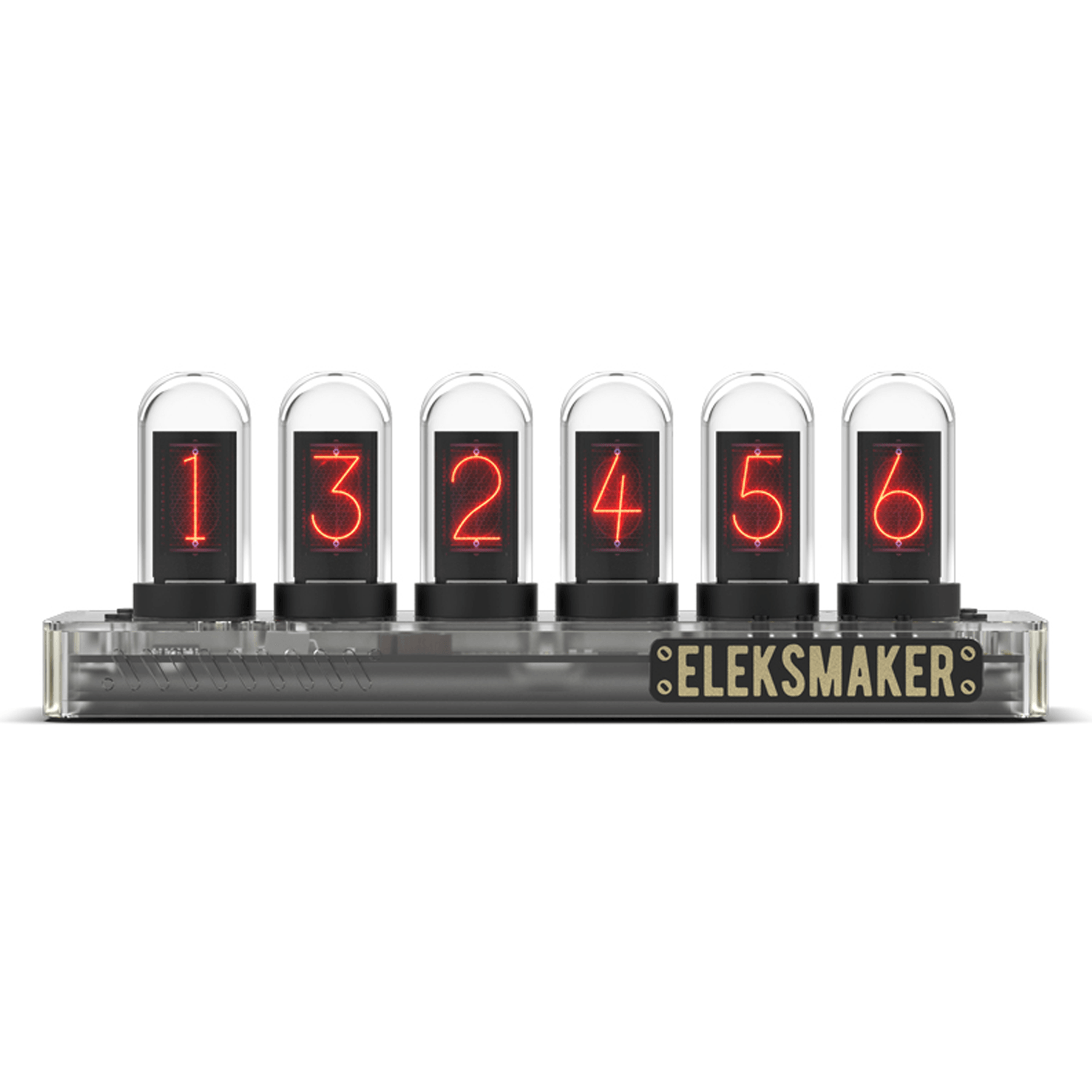
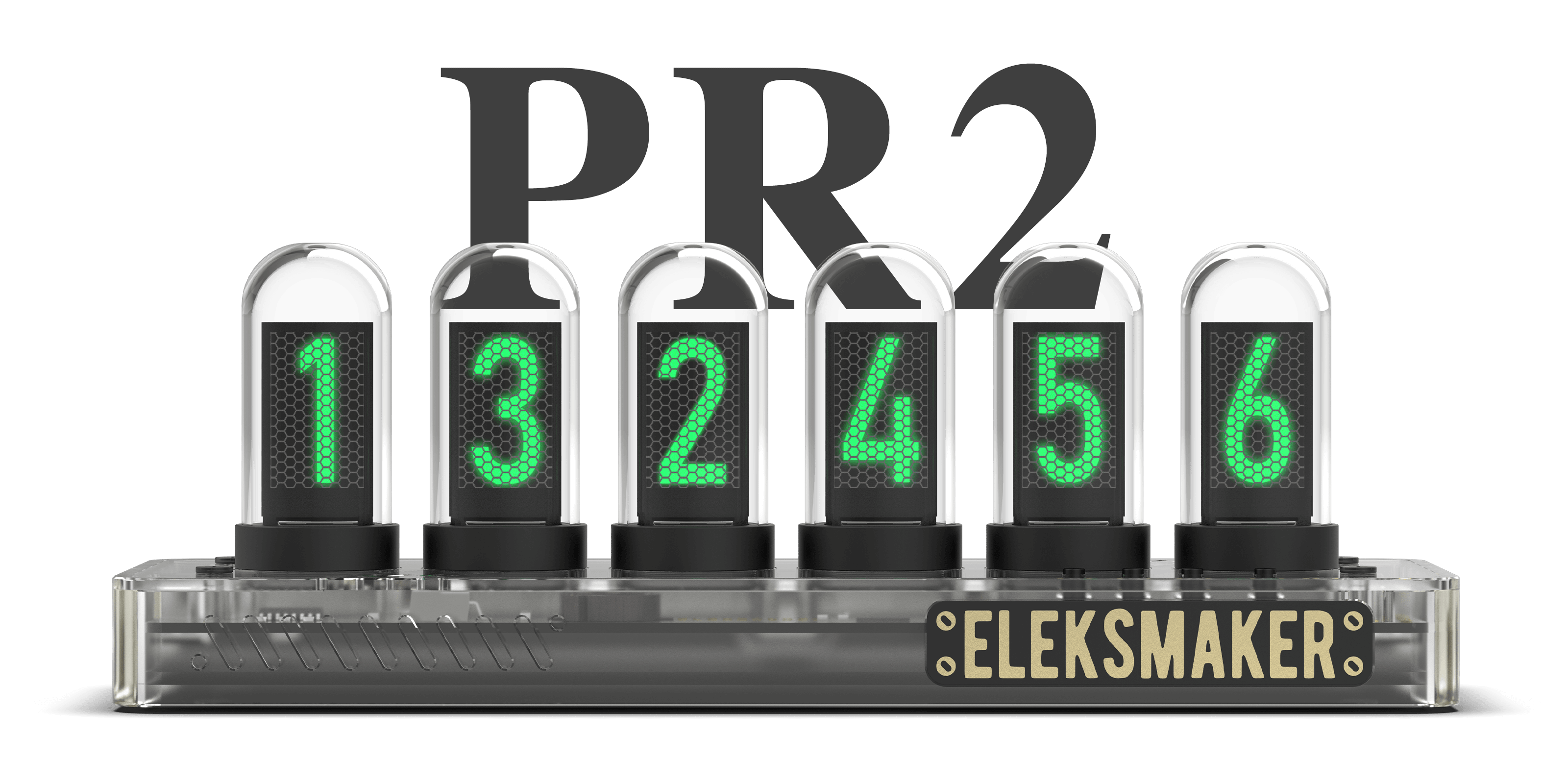
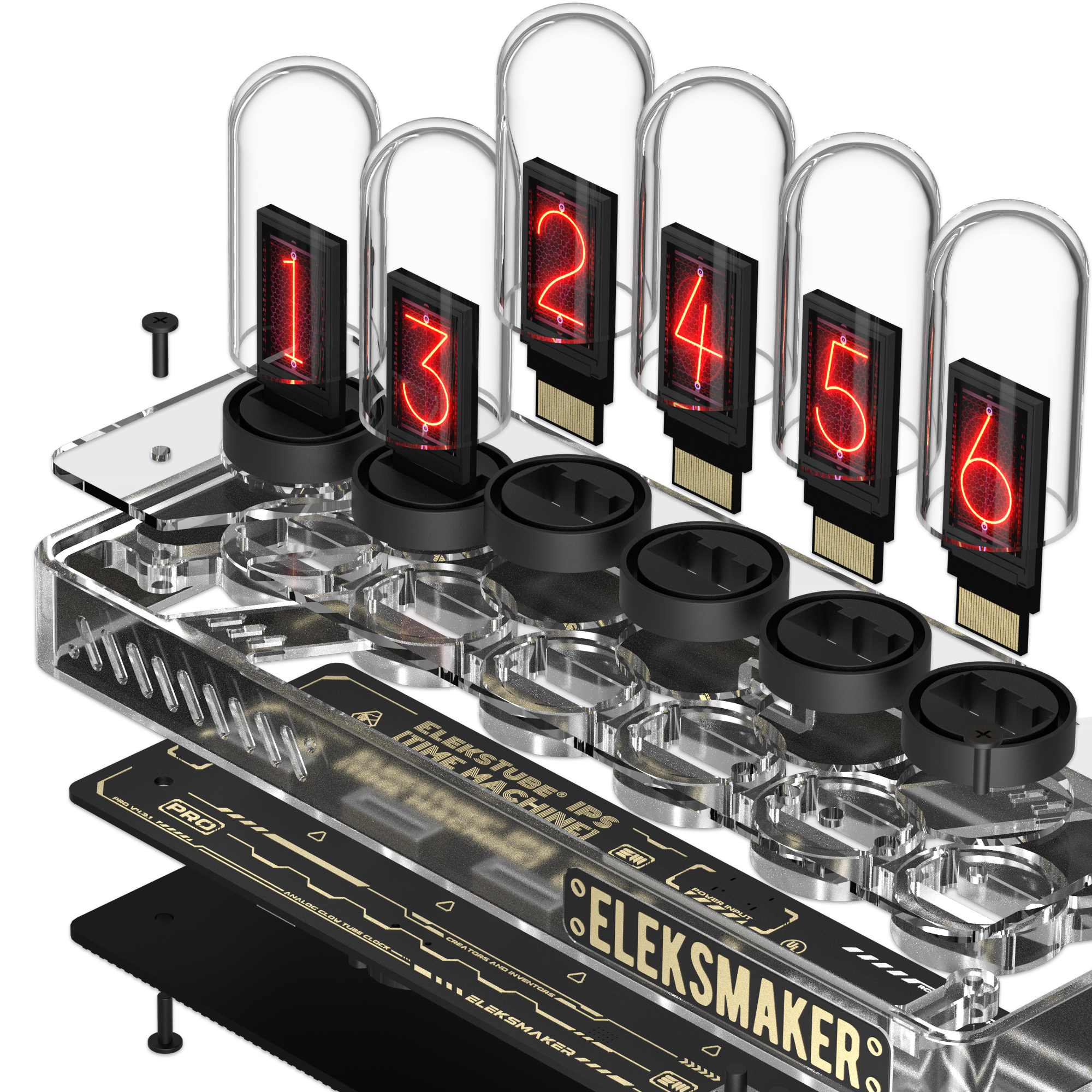
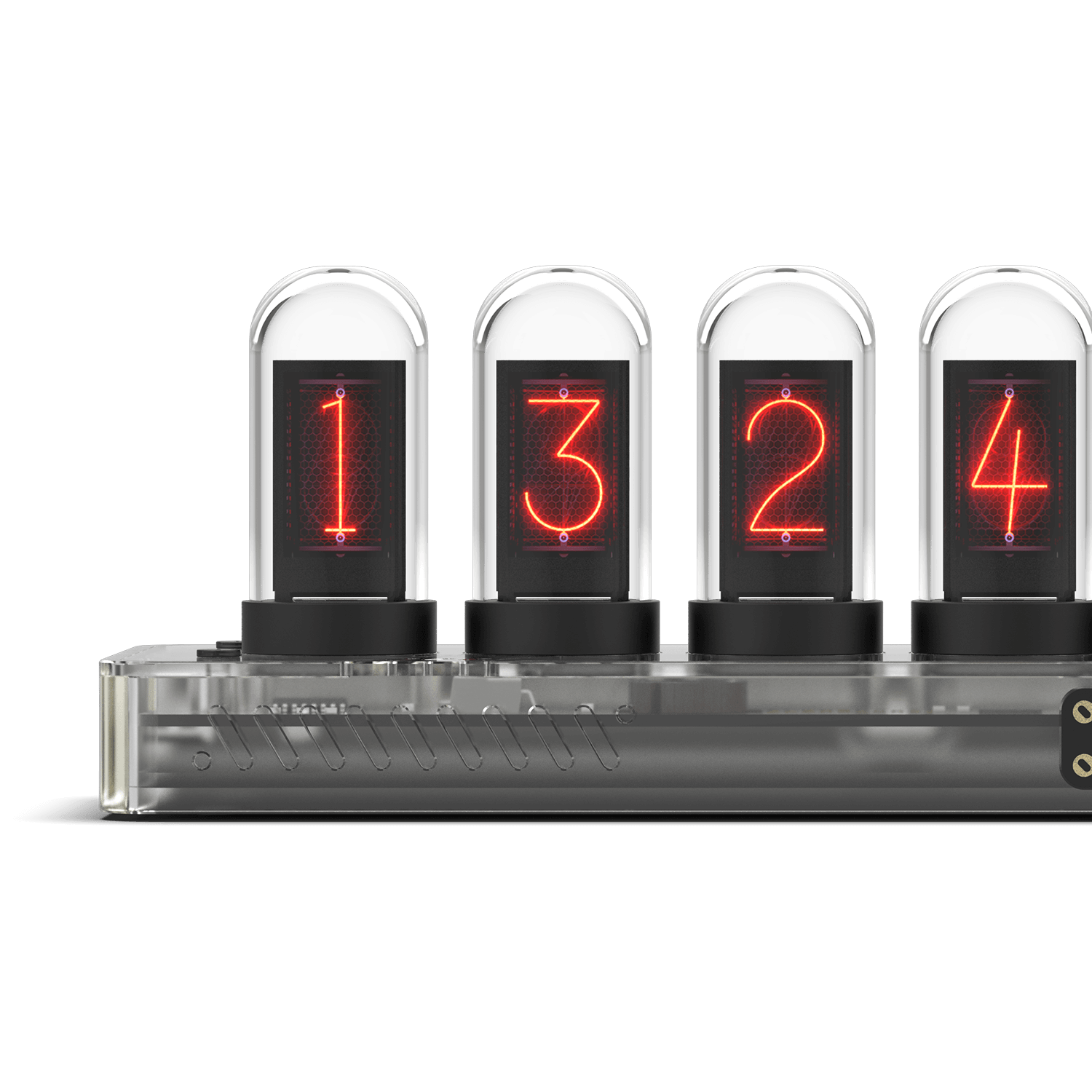
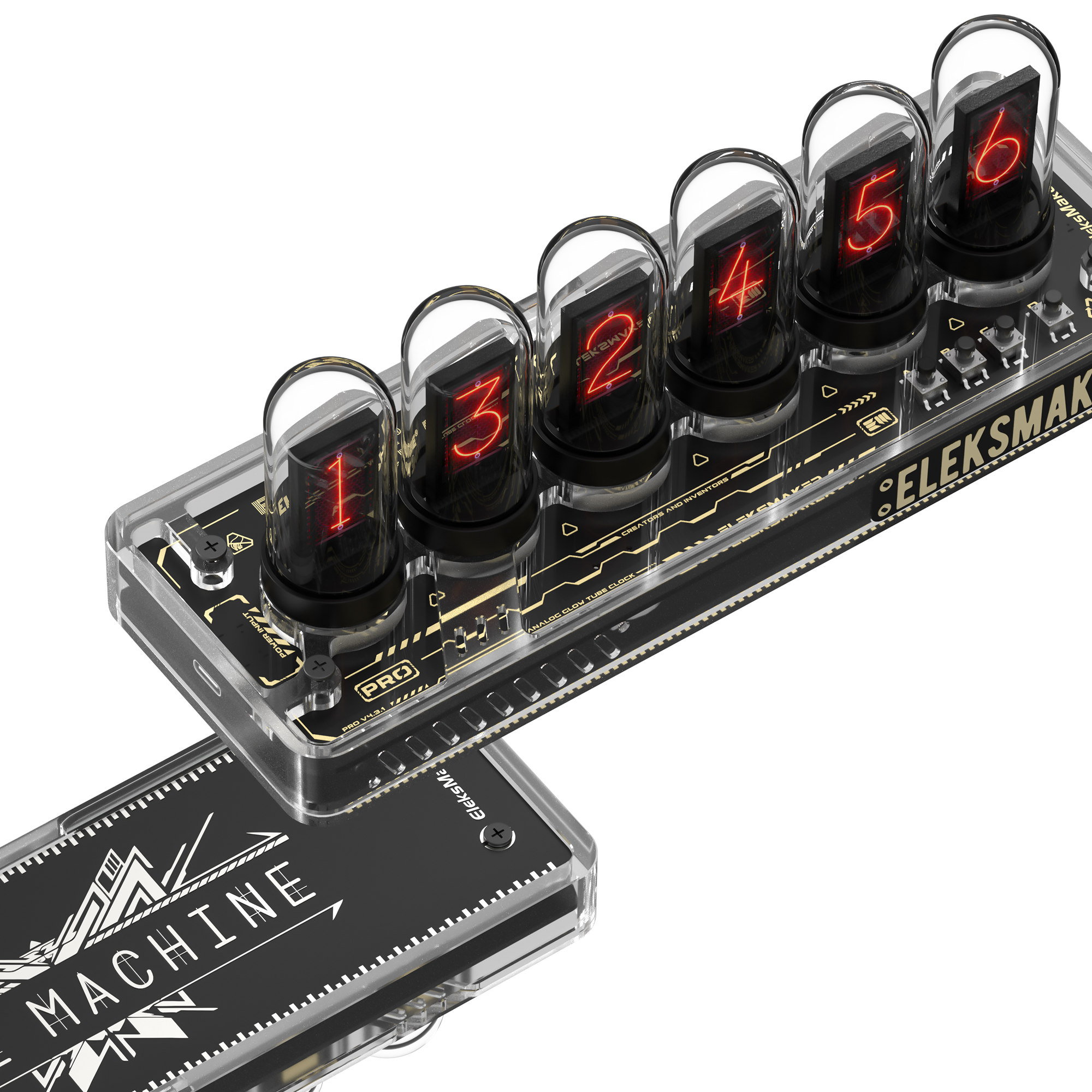
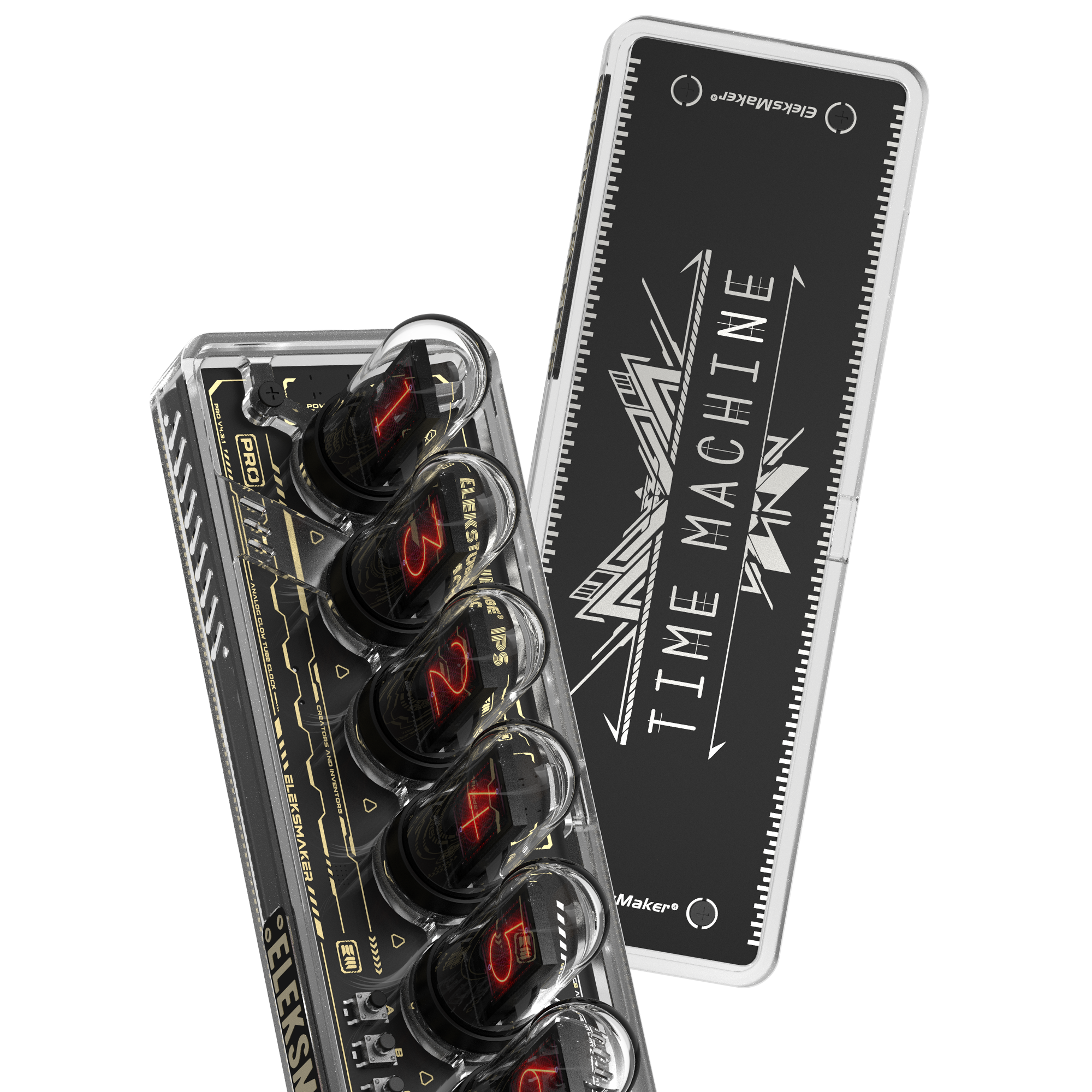
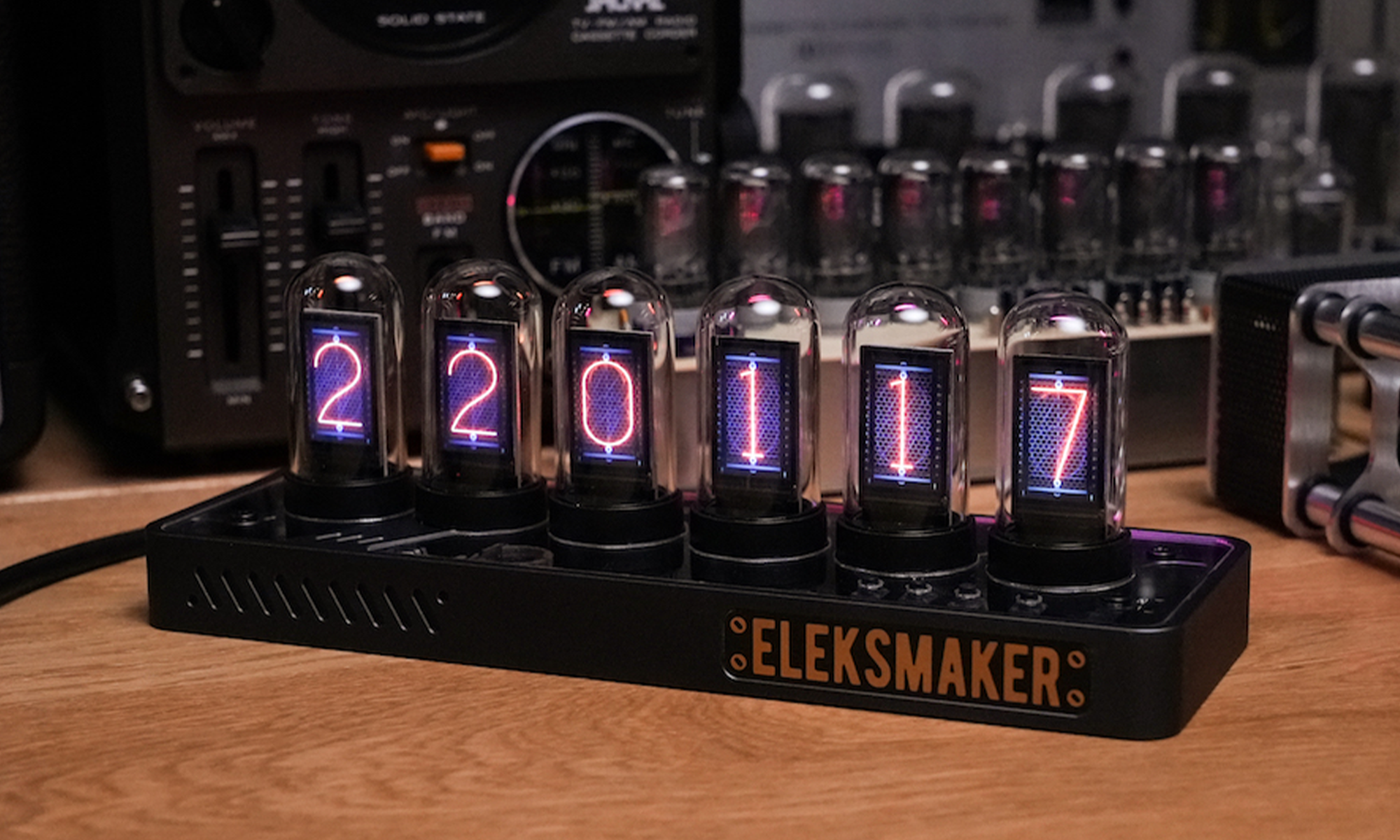
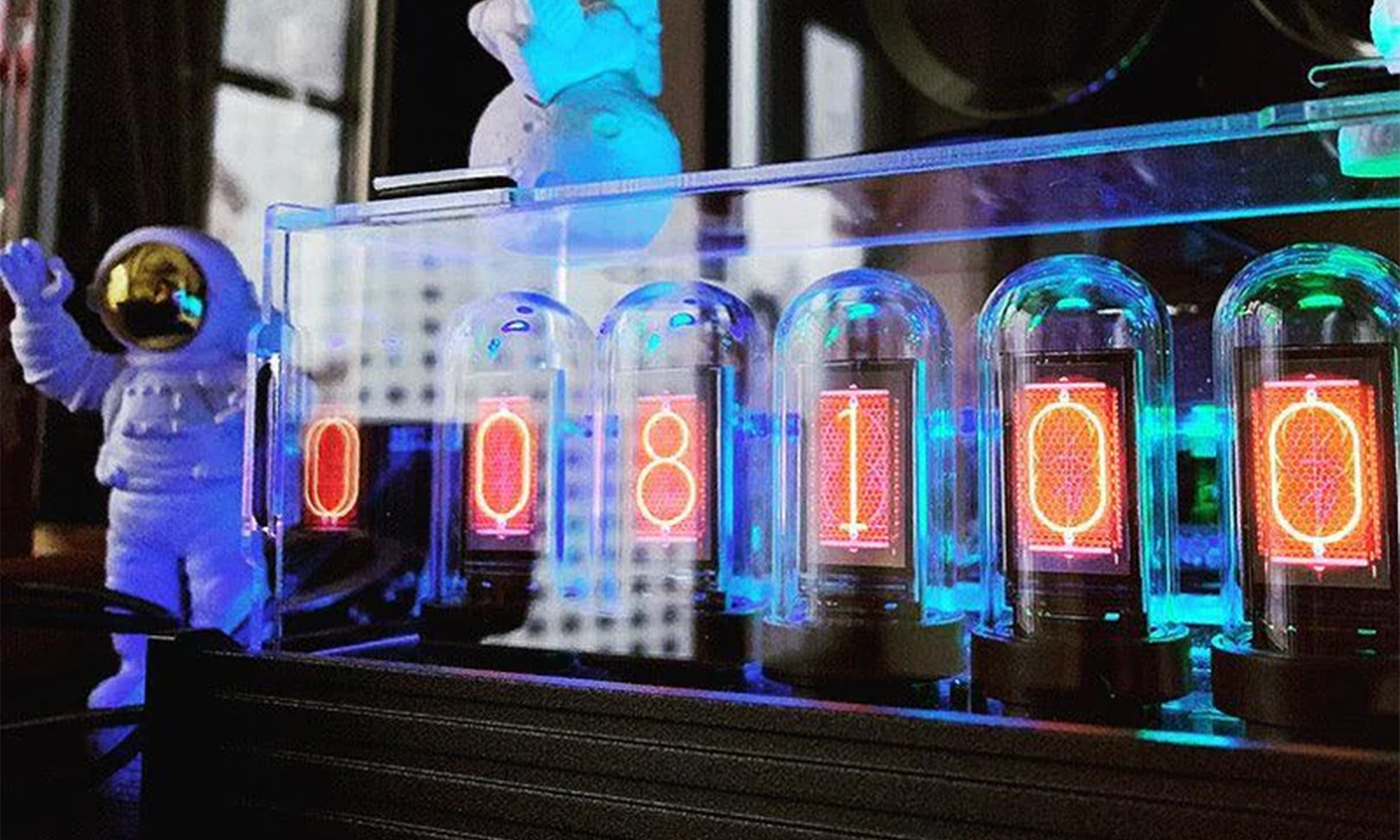
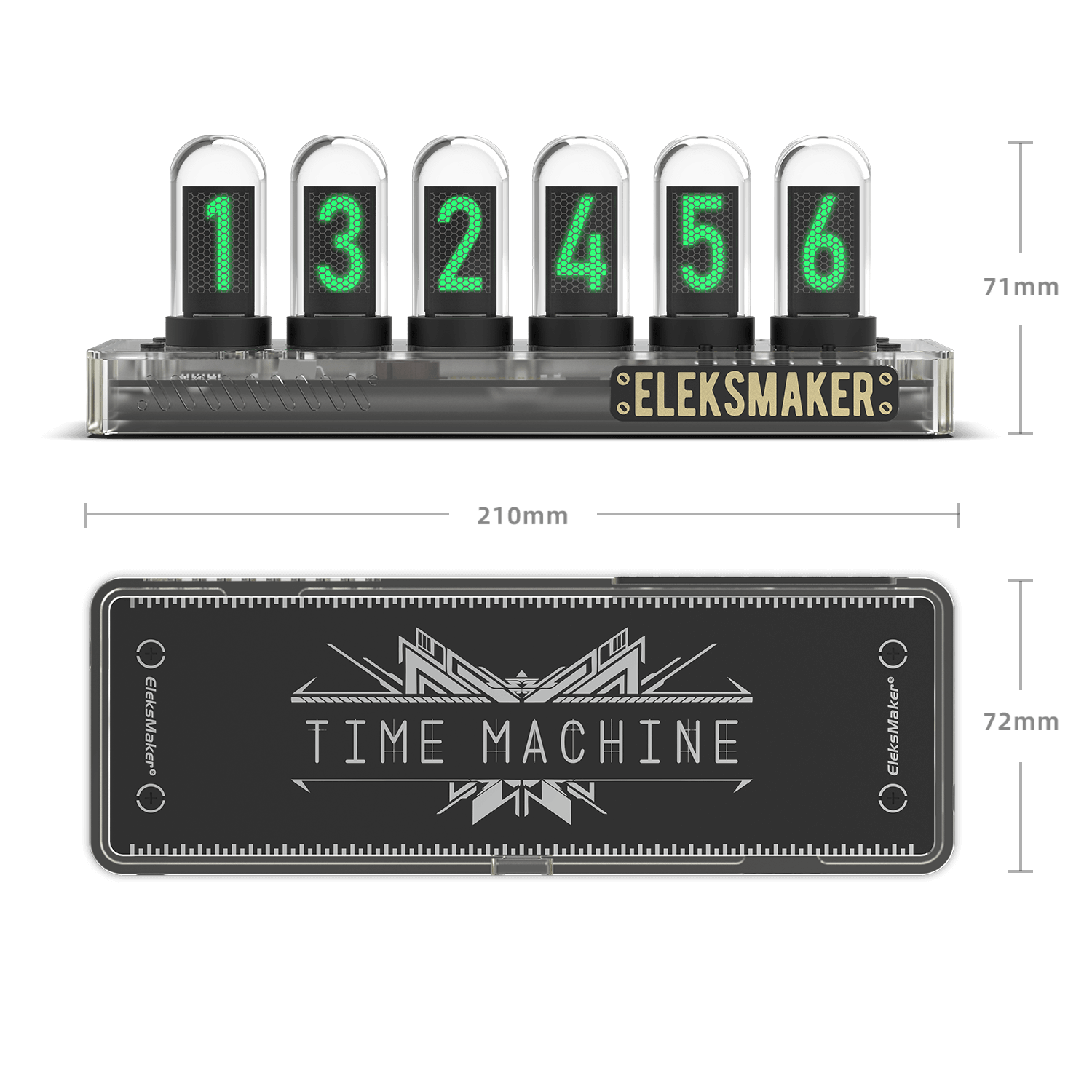
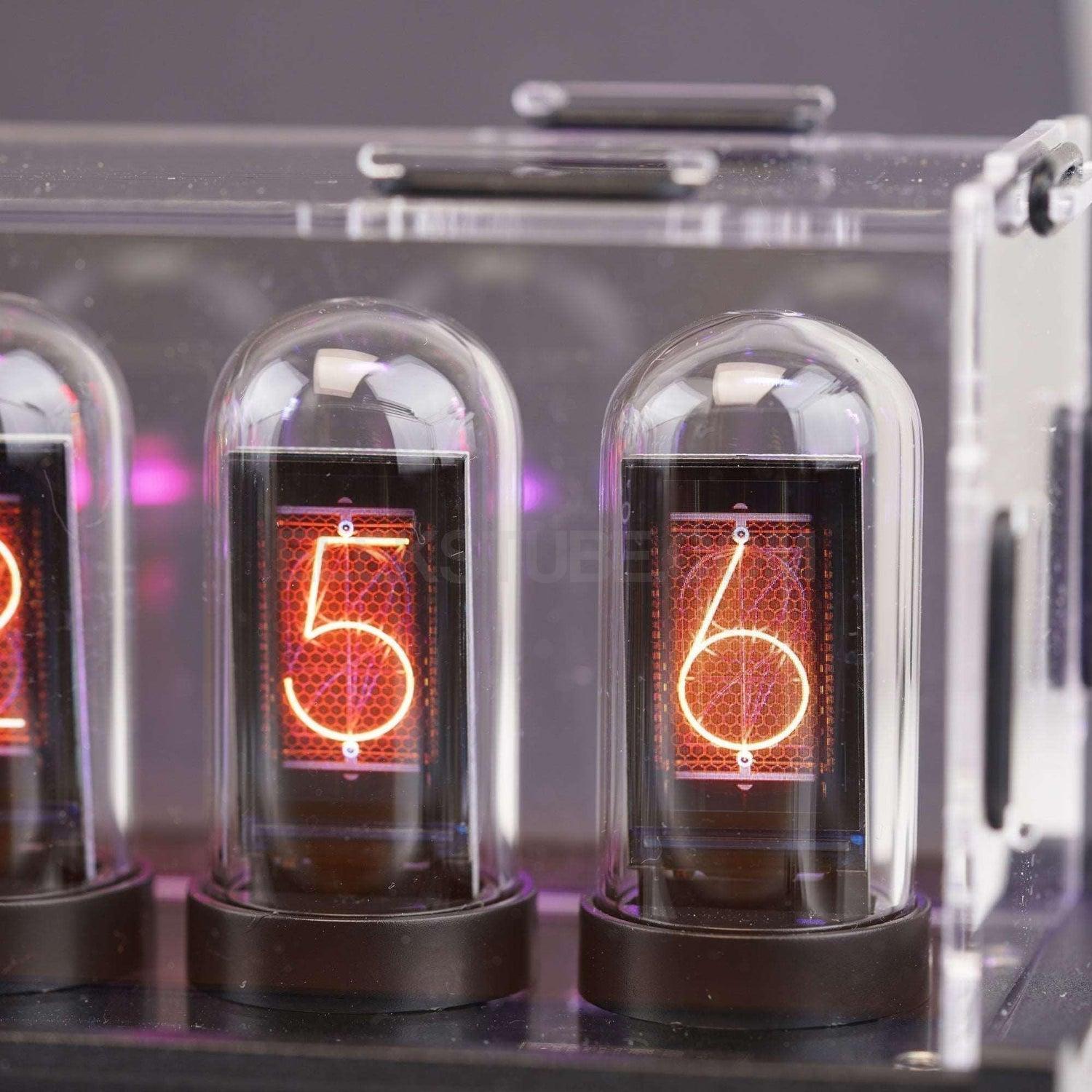
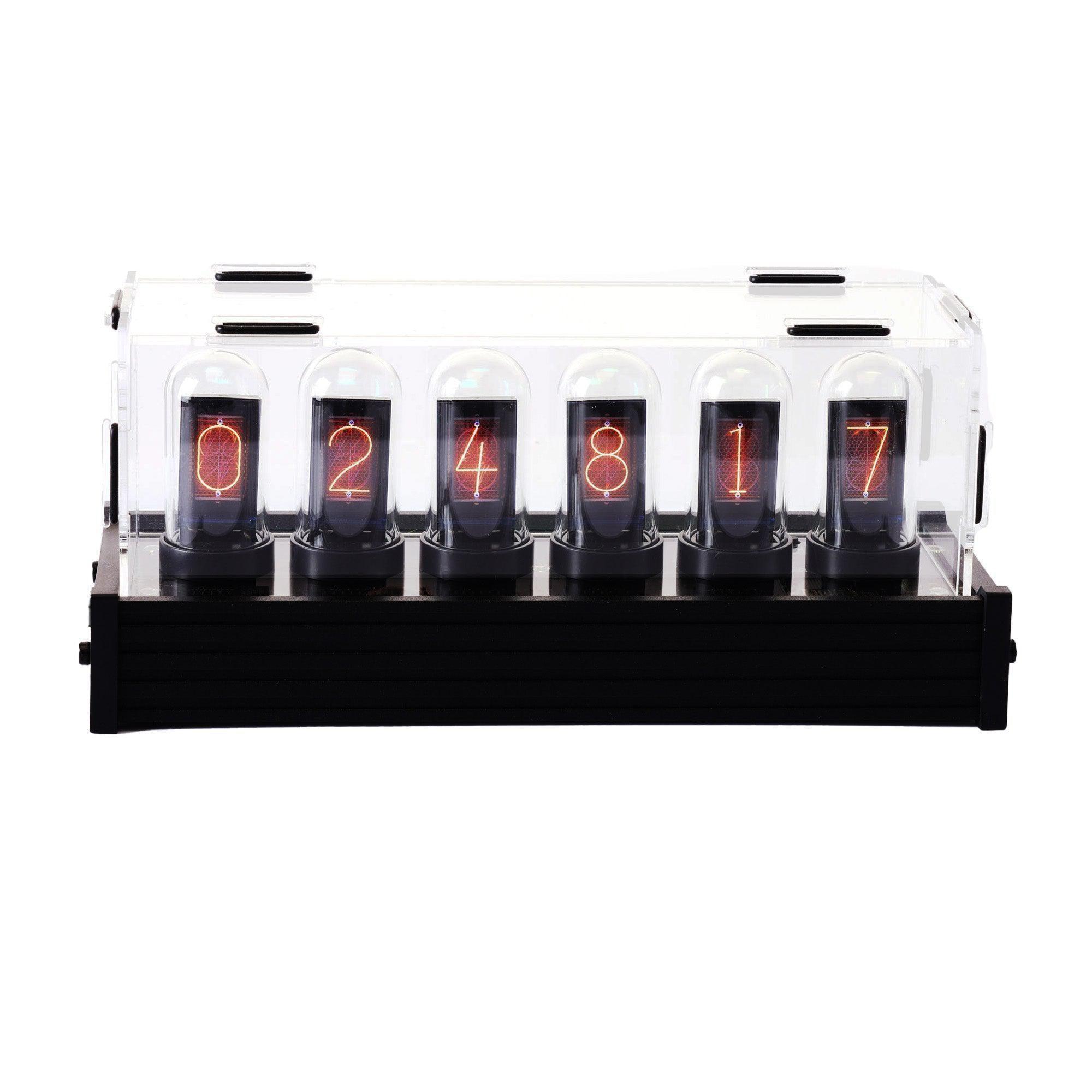
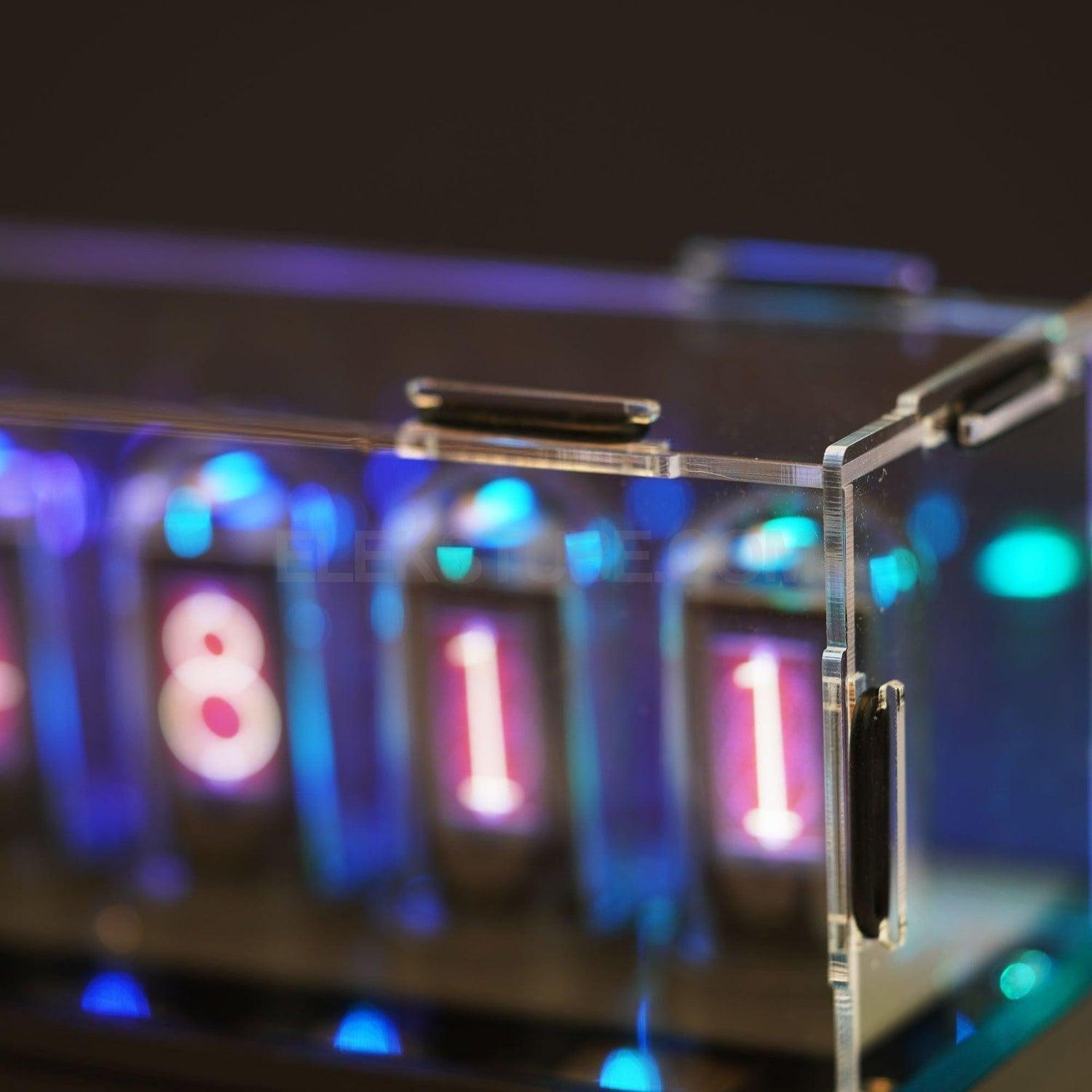
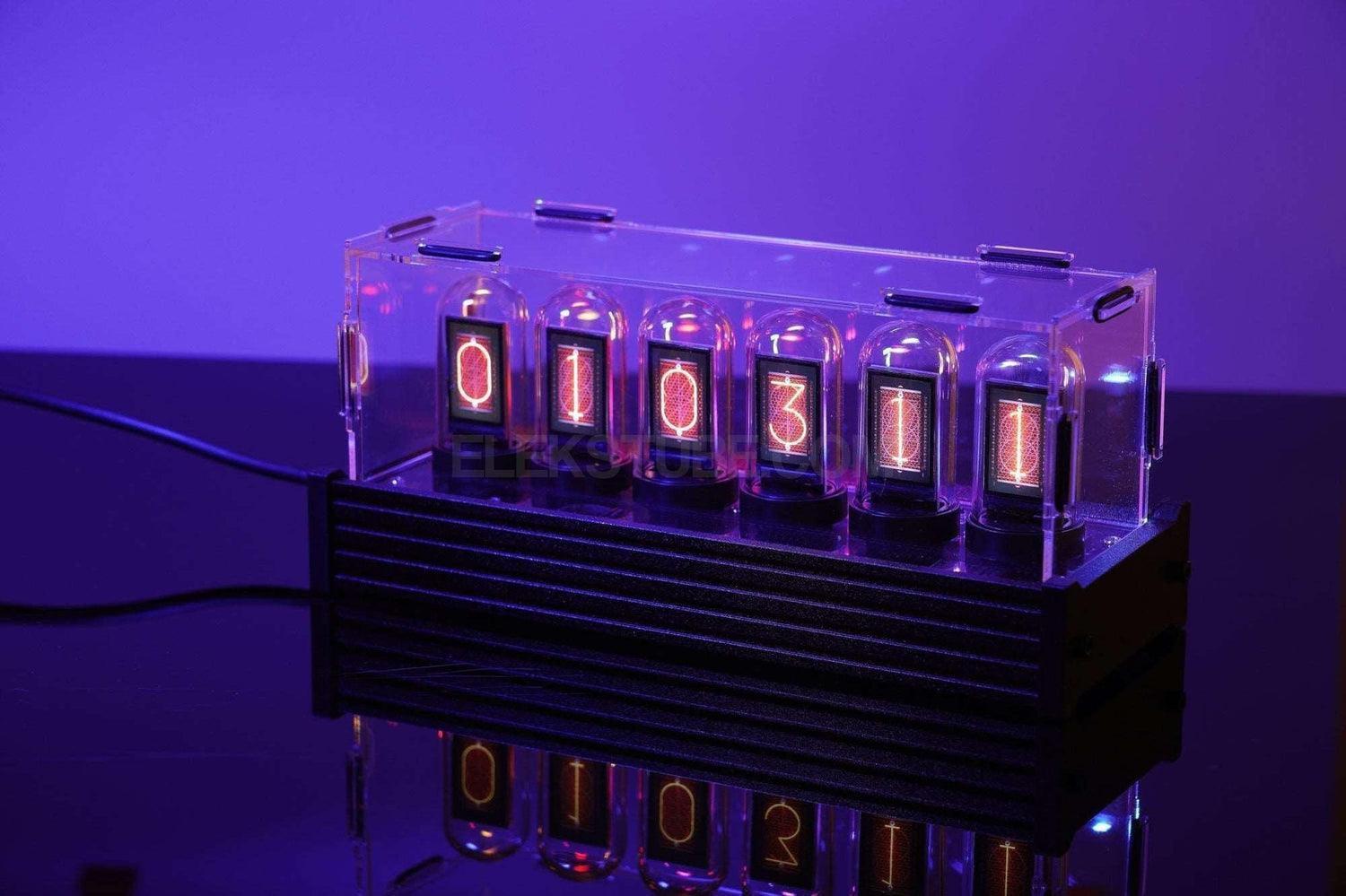
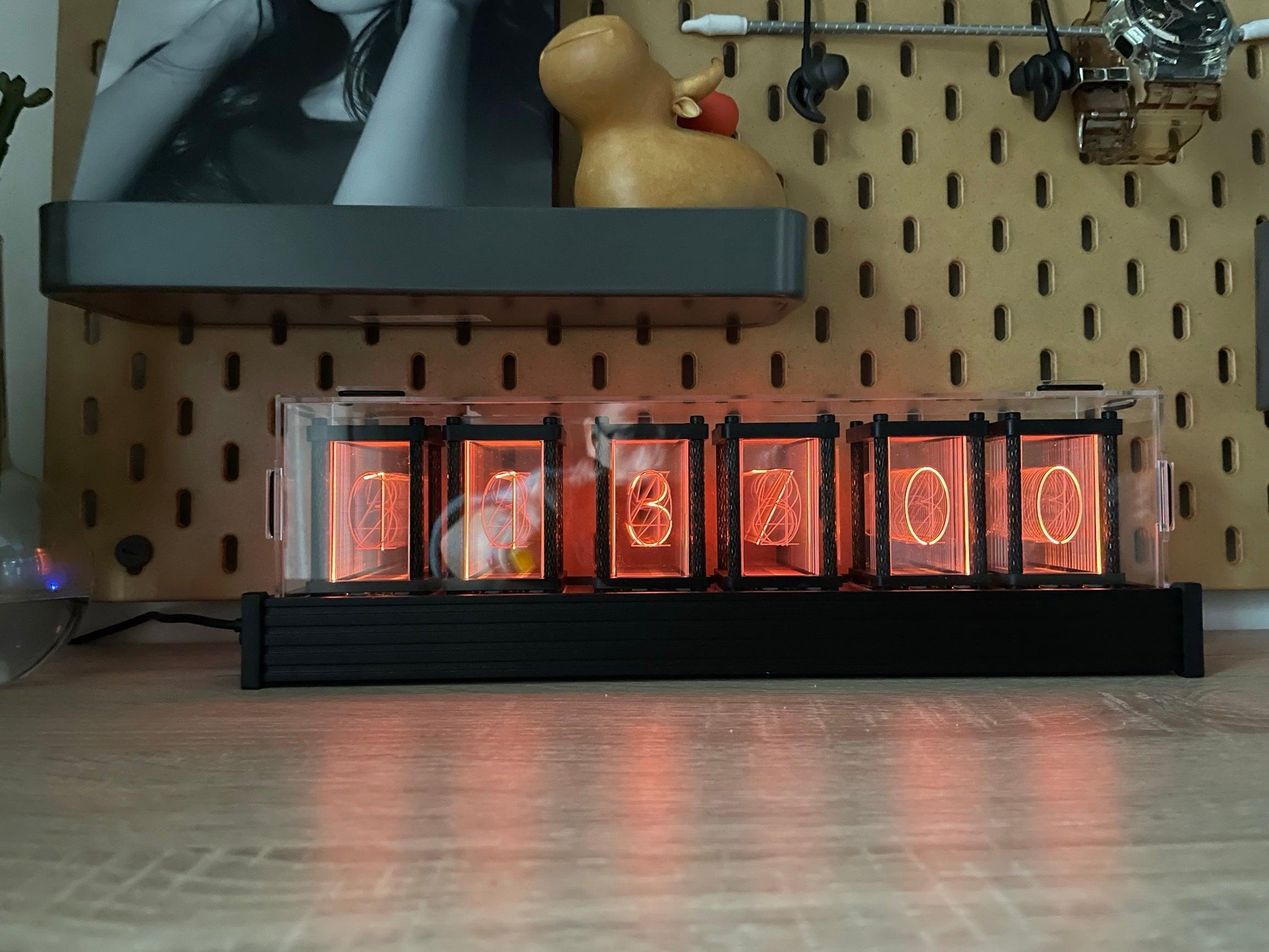
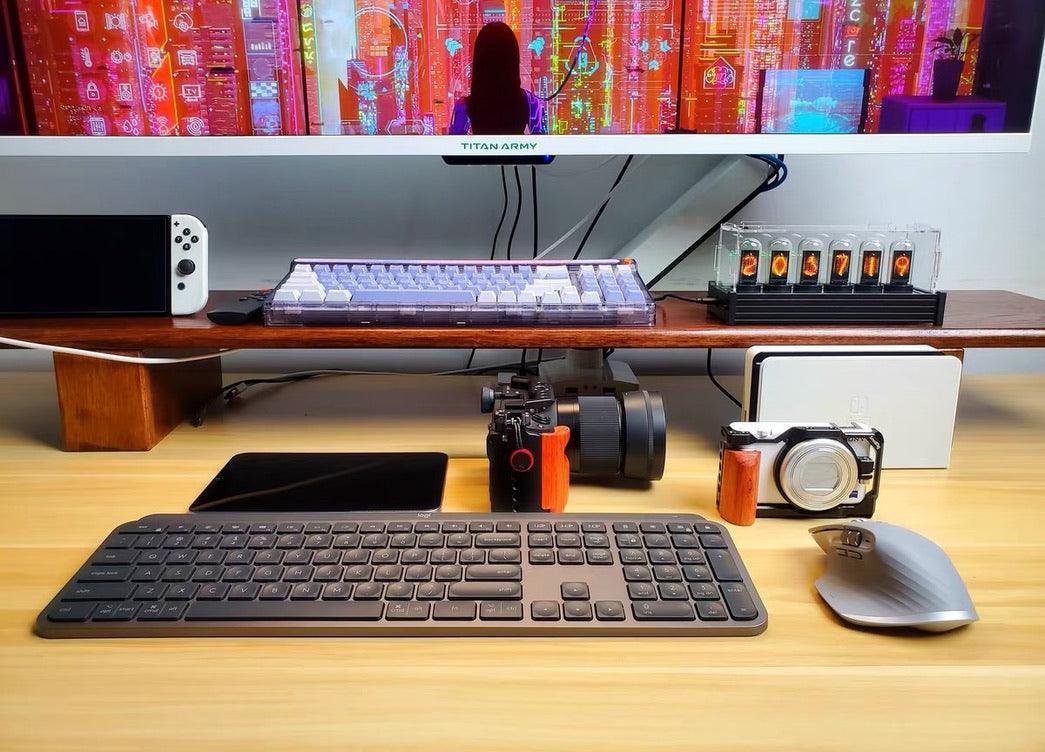
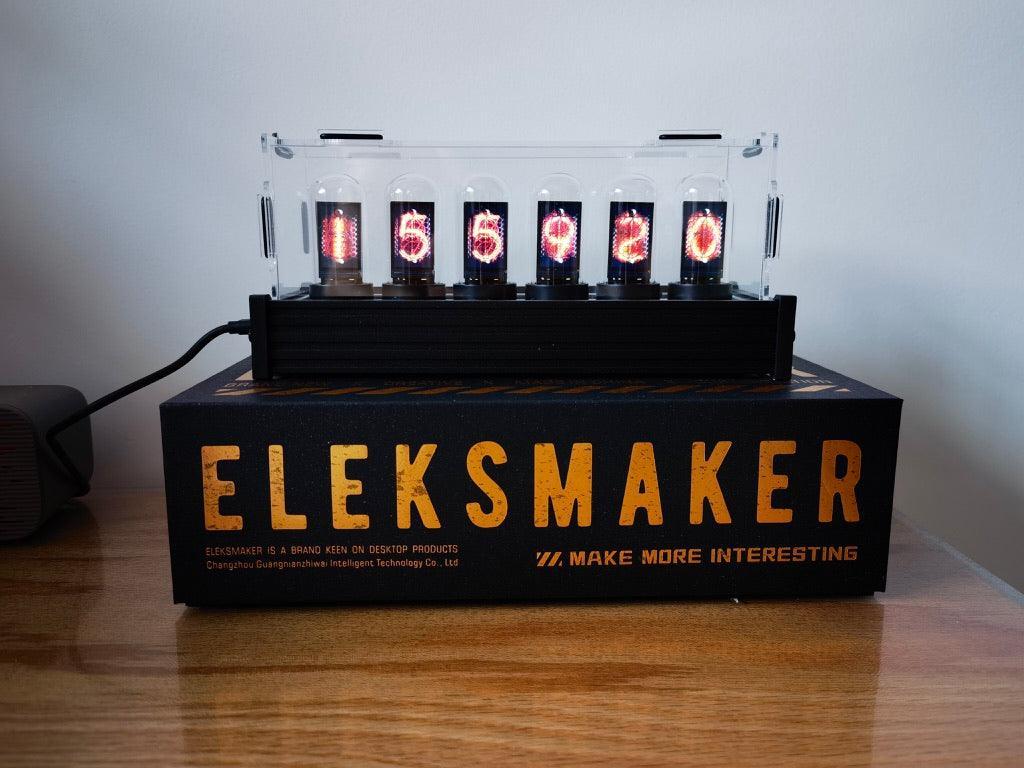
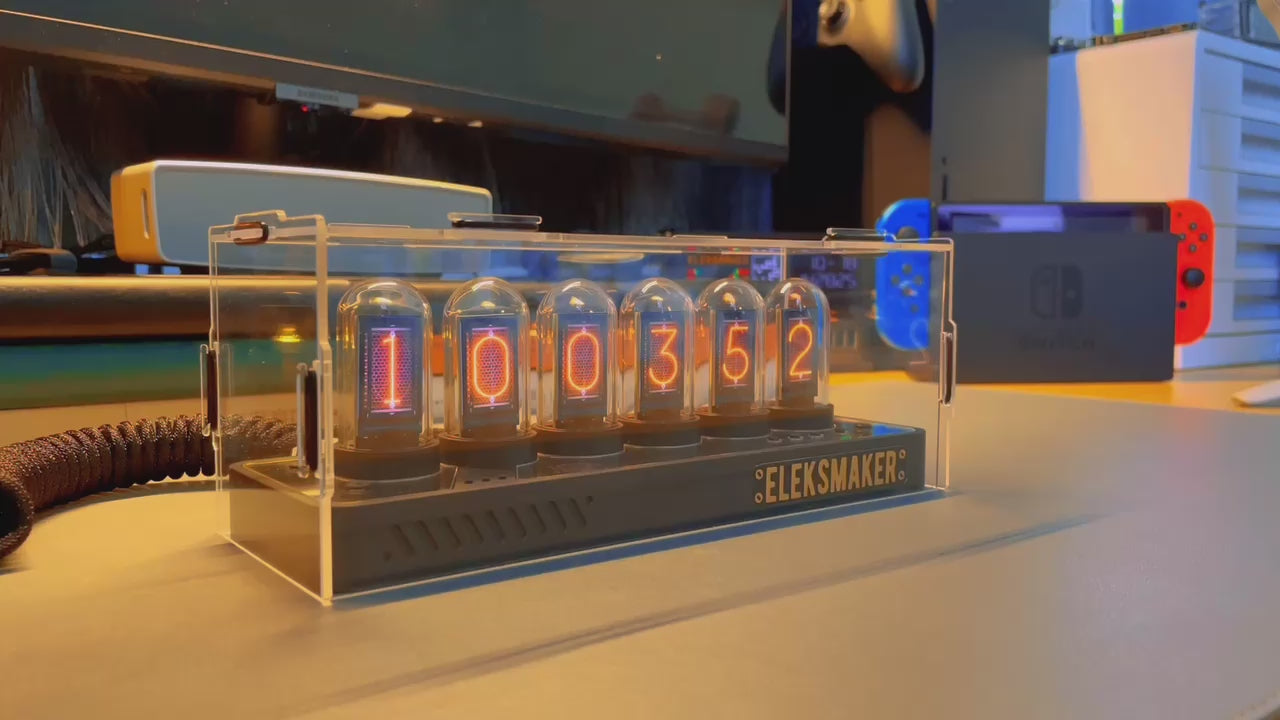
The EleksTube IPS PR2 Transparent Edition lets you see the beauty inside. A crystal-clear polycarbonate base reveals the precision PCB and internal wiring, turning engineering into art. Six IPS LCD screens in quartz glass tubes deliver the signature nixie tube glow.
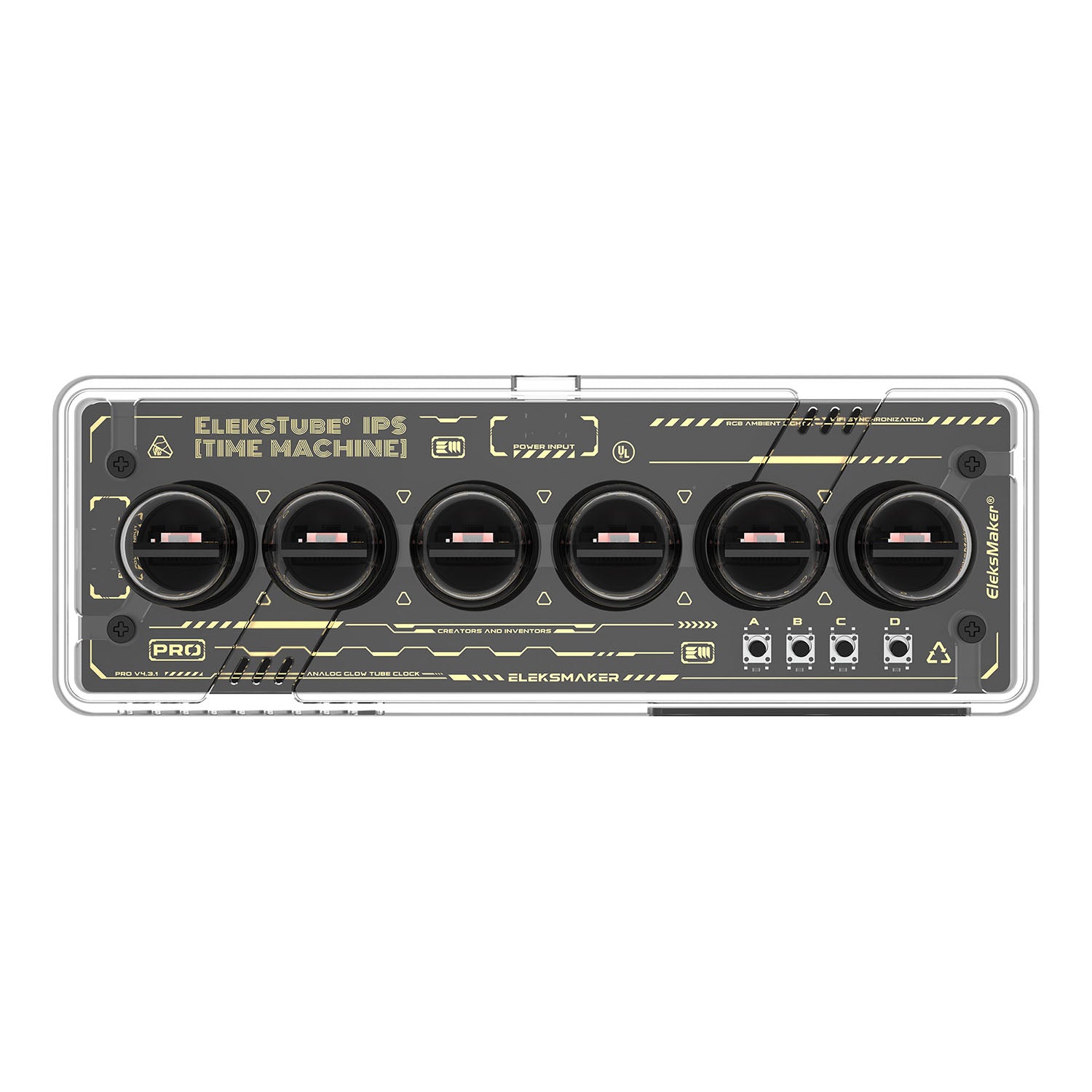
Transparent See-Through Base
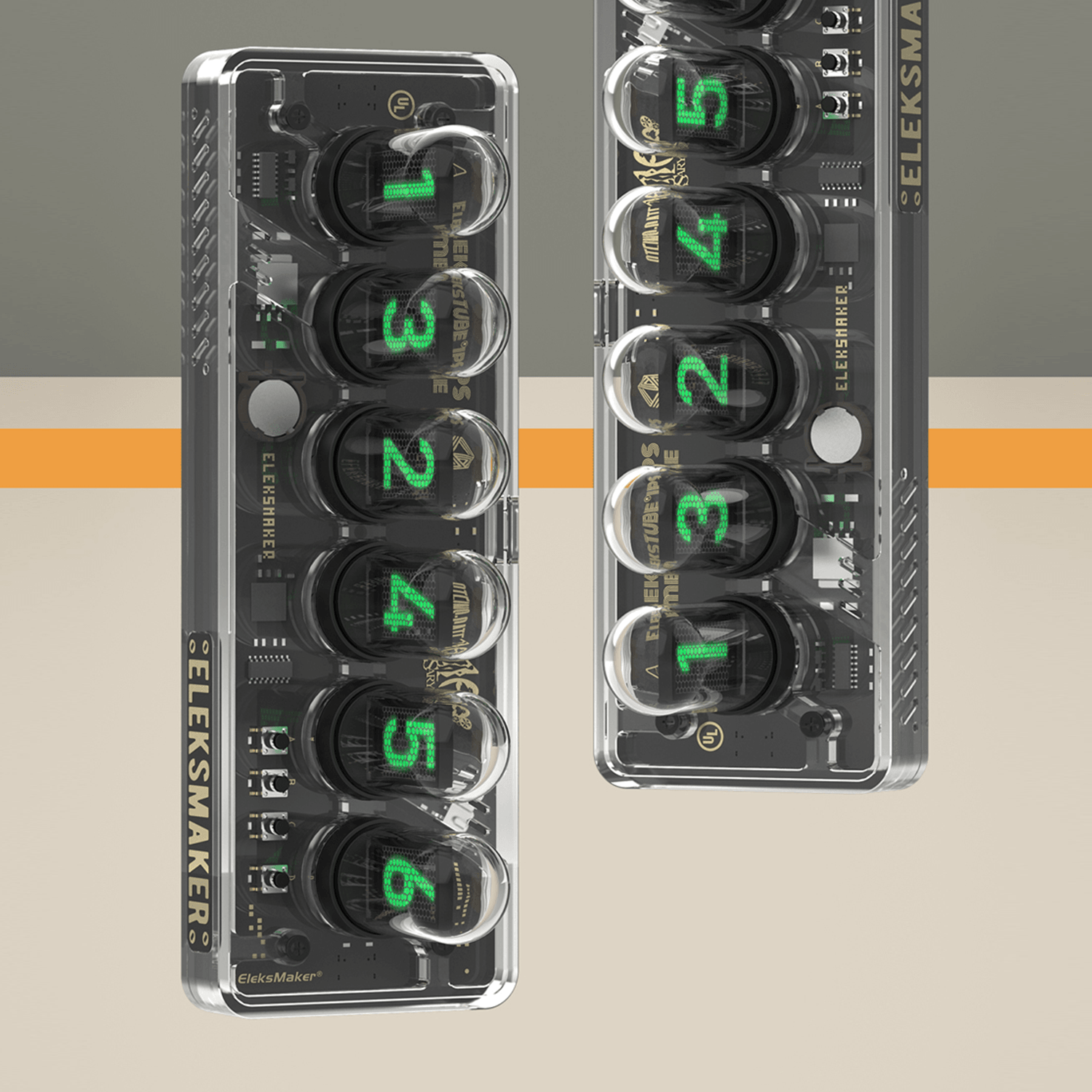
The clear polycarbonate base puts the internal circuit board and wiring on full display. Every solder joint, every trace becomes part of the design — a celebration of engineering aesthetics that appeals to makers, engineers, and tech enthusiasts.
WiFi Smart Control & 9 Display Modes
Built-in 2.4G WiFi auto-syncs with network time servers. The Web UI Control Center provides remote access from any device. 9 display modes include a romantic Proposal Mode for special occasions.
Clock Faces & Customization
Clock-face options, photo uploads and setup methods depend on the hardware generation and installed firmware. Check the IPS setup guide and Downloads page for the WebUI, mobile app or legacy PC client that matches your clock.
Same Core, Unique Identity
Shares the same hardware architecture as the PRO and PR series. The transparent chassis adds a cyberpunk-inspired dimension that stands apart from traditional desk clocks.
Specifications
Display
6 × IPS LCD screens in quartz glass tubes
Connectivity
2.4G WiFi, USB-C
Display Modes
9 (including Proposal Mode)
Clock Faces
Varies by hardware generation and firmware; see the setup guide.
Base Material
Polycarbonate (transparent)
RGB
16 million colors, customizable effects
Power
USB-C 5V/1A
Dimensions
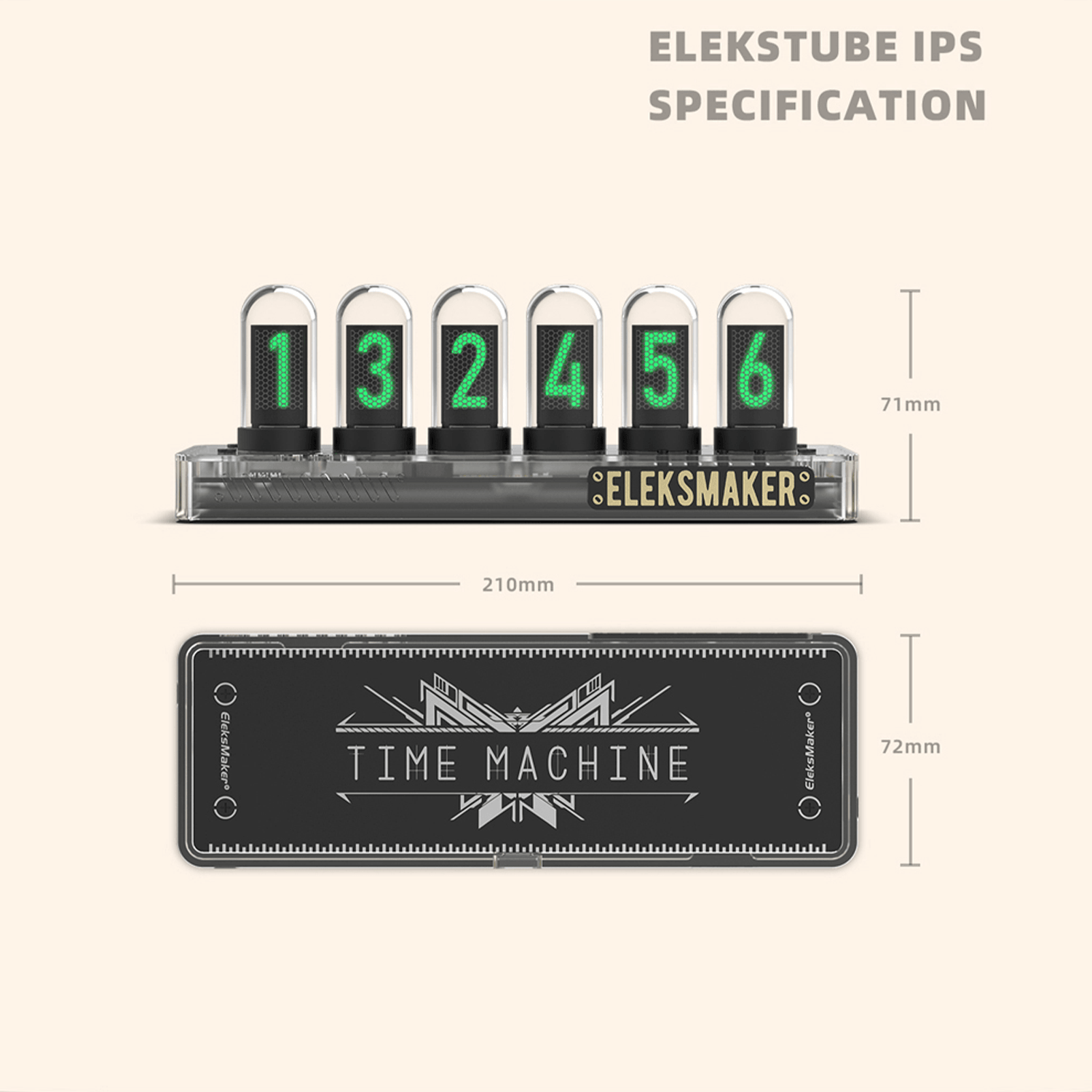
210 × 72 × 71 mm (8.3 × 2.8 × 2.8 in)
Weight
310 g (10.9 oz)
Package Dimensions
28 × 19 × 9.5 cm
Package Weight
0.8 kg
What's in the Box
EleksTube IPS PR2 ×1
USB-C cable ×1
User manual ×1
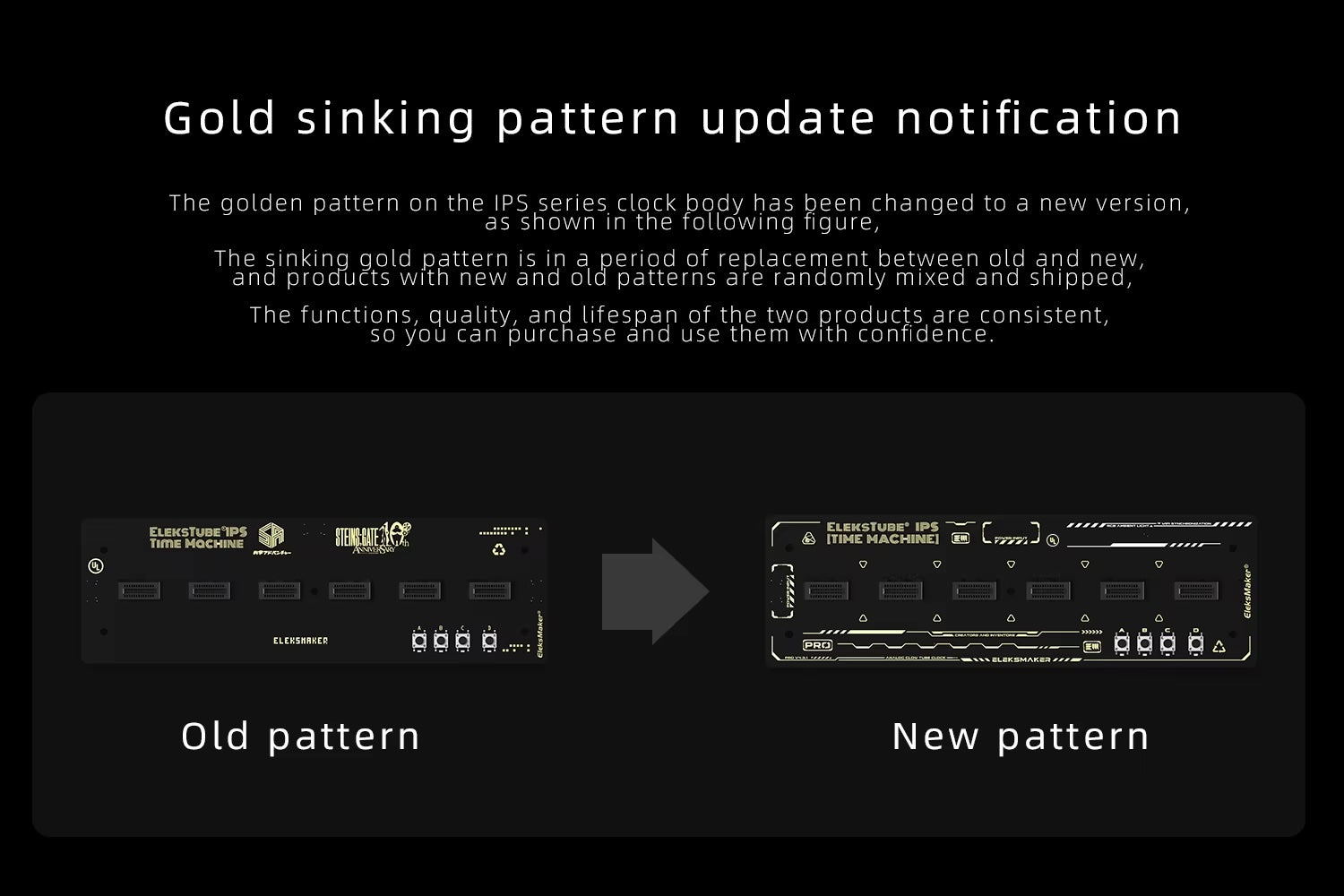
Gold Sinking Pattern Update Notification
The golden pattern on the IPS series clock body has been changed to a new version, as shown in the following figure. The sinking gold pattern is in a period of replacement between old and new, and products with new and old patterns are randomly mixed and shipped. The functions, quality, and lifespan of the two products are consistent, so you can purchase and use them with confidence.
“An elegant, retro-style clock that is a great idea and very well executed.”
TubeClockDB · also featured by Hackaday, Yanko Design and Techmoan
Specifications
Official EleksMaker product with model-specific details shown in the product description and media.
Includes the device and model-specific accessories listed on this page; USB-C cable is included when required by the product.
Official direct warranty and support are available from EleksMaker.
Need exact dimensions, compatibility, or bulk-order requirements before purchase? Email support@elekstube.com with the product name.
Warranty & Returns
12-month limited warranty direct from EleksMaker. We replace defective or damaged products at no cost. Returns accepted within 30 days of delivery - see our refund policy.
What's In The Box
Each product ships with the device, USB-C cable, quick start guide, and warranty card. Model-specific accessories (mounts, dust covers, replacement parts) are listed in the product description above.
Current EleksTube IPS clocks sold here ship with the latest official WebUI firmware. Control the clock from a
phone, tablet, Mac, or PC using a modern browser on the same Wi-Fi network. No Windows desktop client is
required.
IPS ClassicPR1PR2PR3IPS PRO
SystemLive preview, Wi-Fi, display modes, and RGB lighting
SettingsWeather, countdown, timezone, and network time
Smart ScheduleUp to eight time, sunrise, or sunset rules
Images & DialsImage uploads plus built-in, online, and custom faces
Initial setup uses a 2.4 GHz Wi-Fi network. After setup, press the rightmost clock button to view its IP address,
then open that address in your browser.
A translucent frosted base, a clock like no other. The essence of a classic lies in its unique charm, which remains unmistakable even after countless encounters.
New “Explorer Edition”
A translucent frosted base, a clock like no other. The essence of a classic lies in its unique charm, which remains unmistakable even after countless encounters.
Custom Photos, Multiple Watch Faces
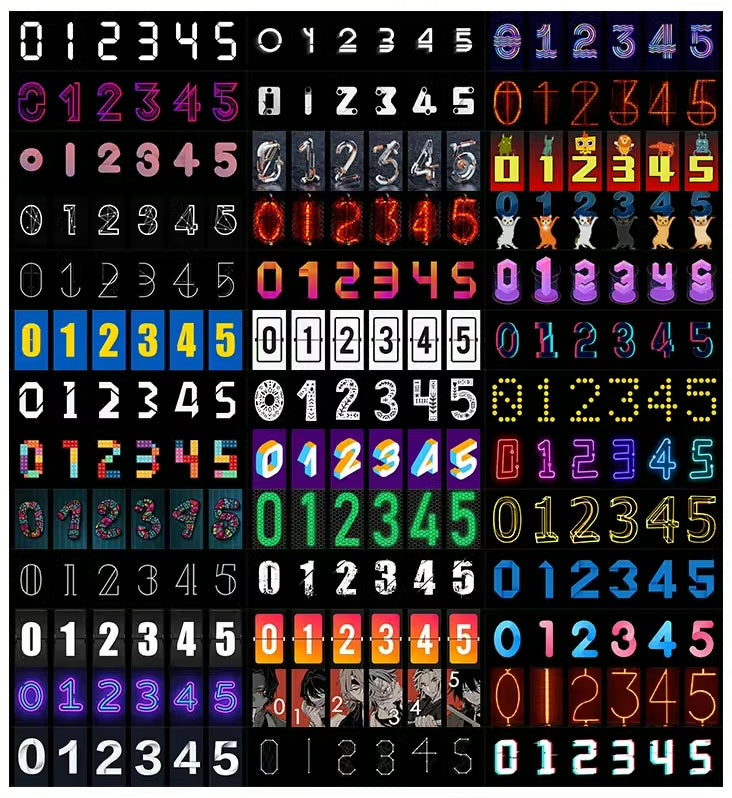
The clock includes built-in face styles that can be switched with a button. In WebUI Dial Manage, you can browse online face packs, preview them before downloading, or create and upload your own ten-digit clock face from a phone, tablet, Mac, or PC.
Custom Photos, Multiple Watch Faces
The clock includes built-in face styles that can be switched with a button. In WebUI Dial Manage, you can browse online face packs, preview them before downloading, or create and upload your own ten-digit clock face from a phone, tablet, Mac, or PC.
PRO Class
Same motherboard as the EleksTube IPS PRO, with no compromise in performance.
Featuring the same Wi-Fi/Bluetooth chip and antenna.
PRO Class
Same motherboard as the EleksTube IPS PRO, with no compromise in performance.
Featuring the same Wi-Fi/Bluetooth chip and antenna.
Wireless - Supports 2.4G Frequency Band
Supports WiFi connection, automatically connects to the time server, and updates the time automatically.
Wireless - Supports 2.4G Frequency Band
Supports WiFi connection, automatically connects to the time server, and updates the time automatically.
Built-in, Online, and Custom Clock Faces
Use WebUI Dial Manage to switch between faces included with the firmware, browse downloadable online packs, or create a custom ten-digit face. Preview an online pack in your browser before sending it to the clock.
Built-in, Online, and Custom Clock Faces
Use WebUI Dial Manage to switch between faces included with the firmware, browse downloadable online packs, or create a custom ten-digit face. Preview an online pack in your browser before sending it to the clock.
Recommended purchase
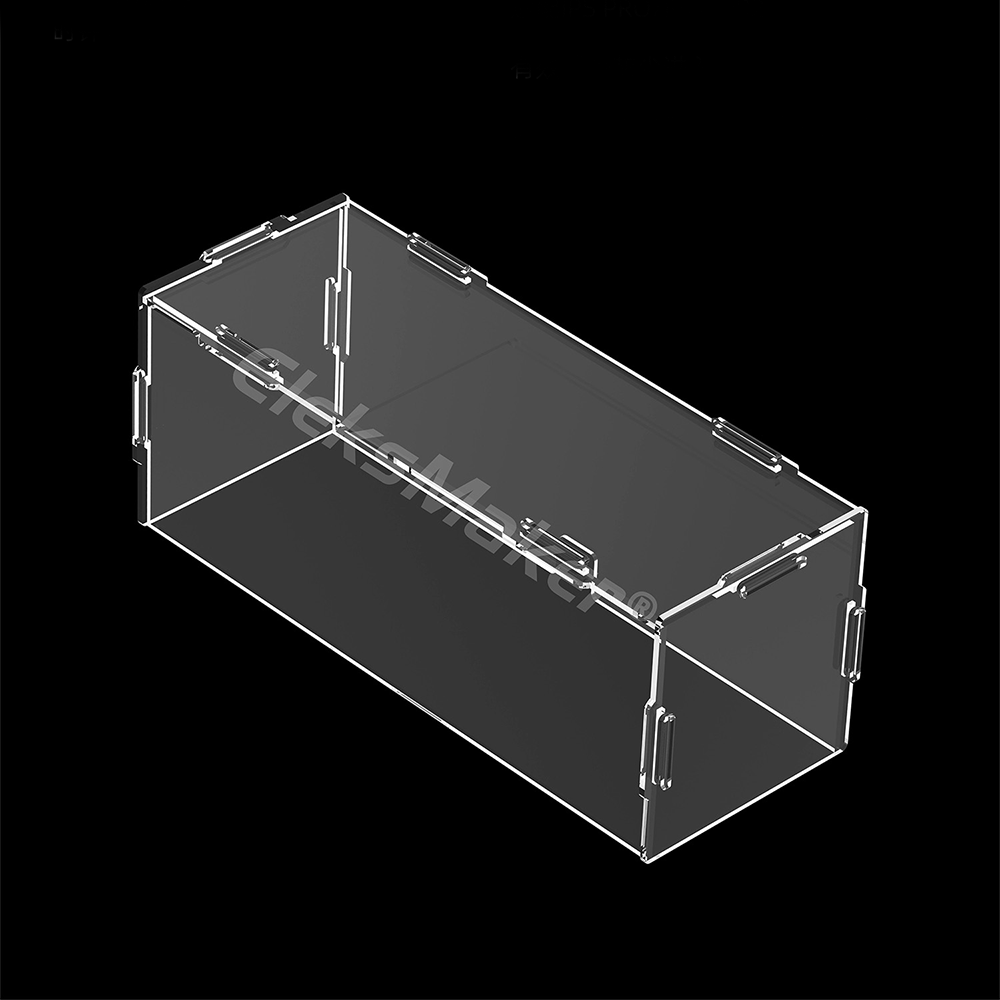
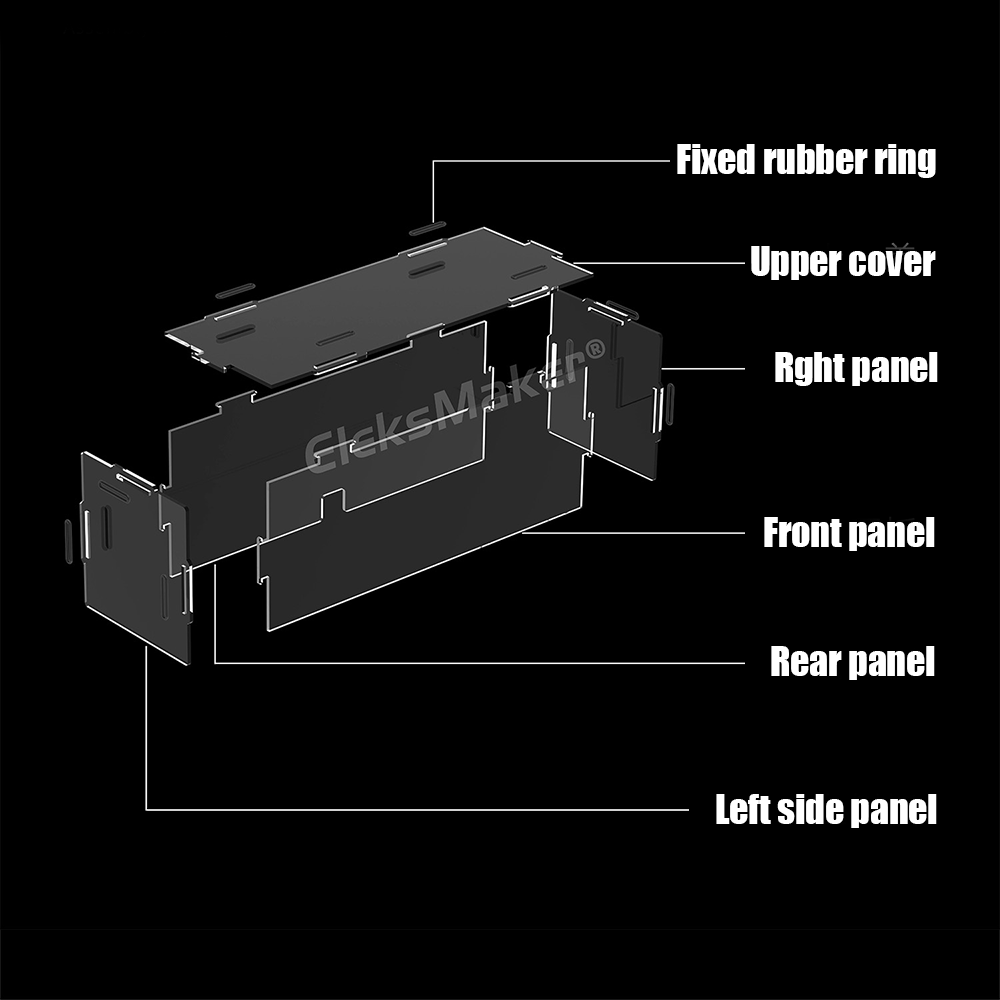
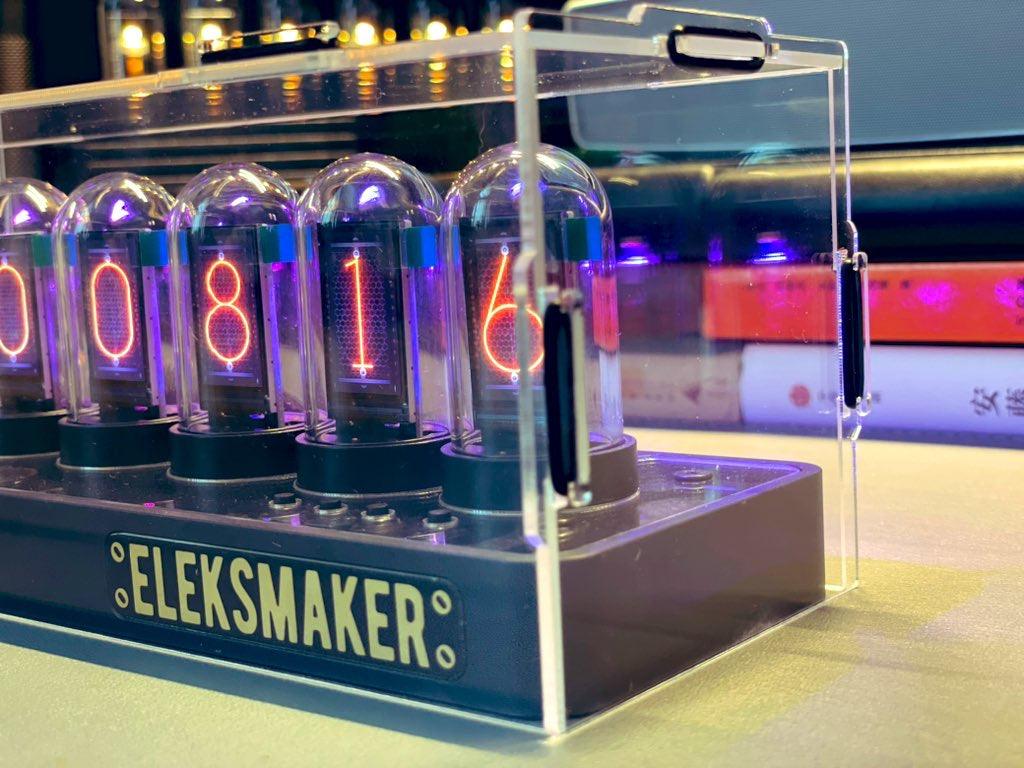
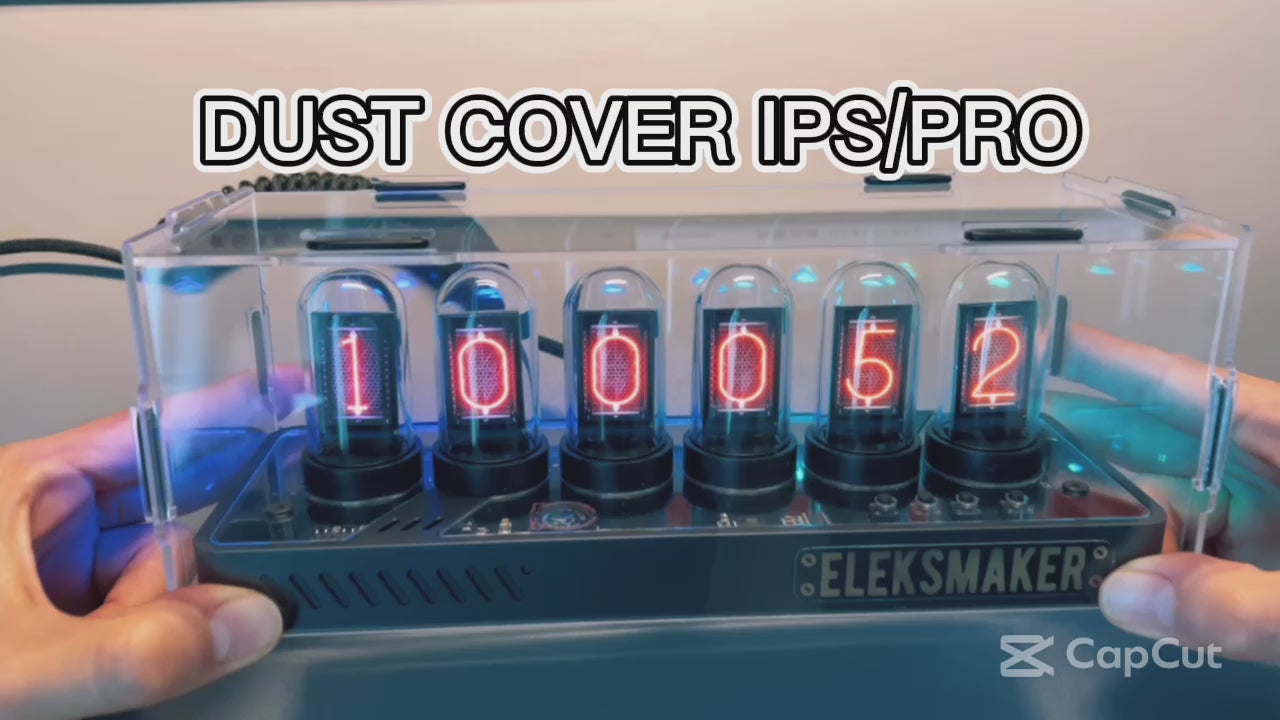
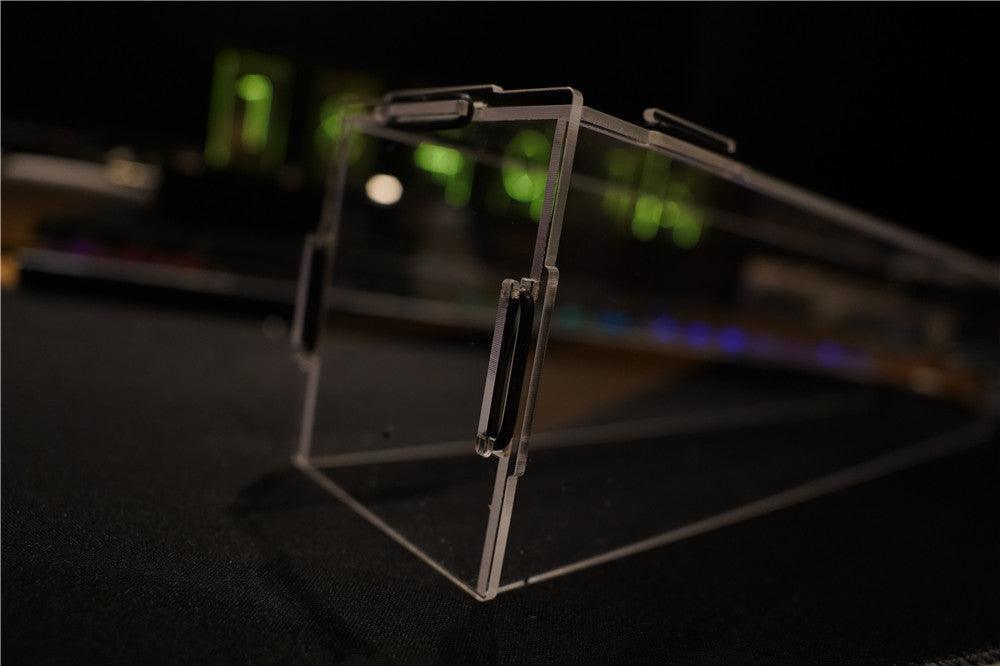
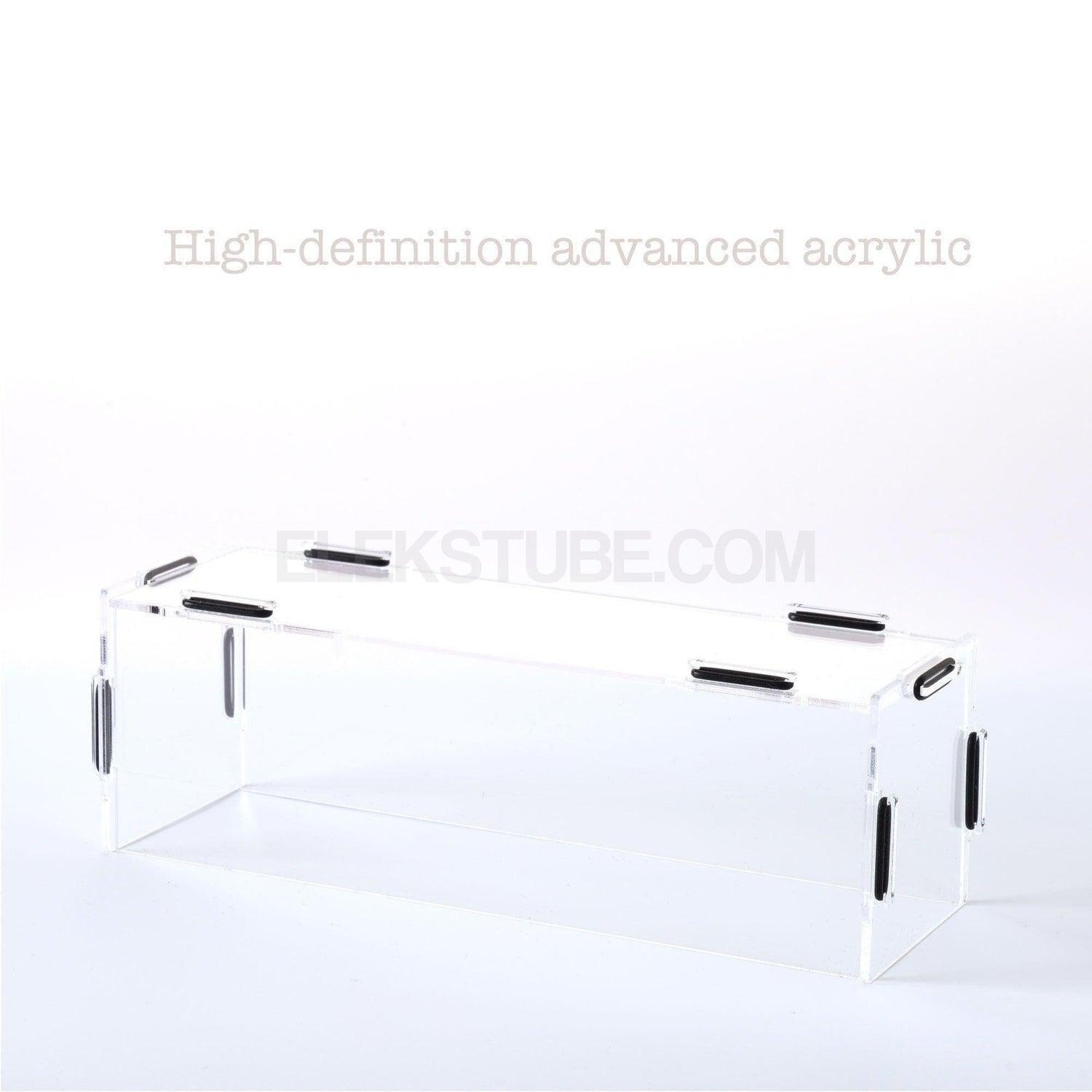
Acrylic dustproof protective cover
Besides dust prevention, it also protects the high-definition glass tubes from being touched by curious children.
individually
After installing the dust cover
Drag
Product Specifications
Product model
EleksTube IPS PR2
Body material
PC frame/glass
Interface type
Type-C
Control method
Browser-based Web Control Center
Power supply
5V1A
Product size
210mm*72mm*71mm
Software support
iOS, Android, macOS, Windows (modern browser)
Product list
Clock*1, data cable*1, manual*1
Customer Reviews
Overall rating: 5.0 / 5 from 43 reviews.
The quality of the clock looks well made and nice. The "tube" covers are glass and look great. It simulates the retro nixie tube look very well.
I'm rating the product a 5 out of 5 but the delivery service guy rates a 0. I saw him throw the package 2 meters on to my porch with a loud thump and dented package. However, it still worked so packaging was good! I was relieved.
A great device! The clarity of the six screens, the fact that it can be customized, brings added value to the watch. The configuration is relatively easy, the whole process went without any problems. The only minus would be the PC application, otherwise nothing. In the future I plan to purchase another one, an excellent product!
The delivery came two weeks earlier than I expected. It’s the perfect clock for my setup, which I’ve been looking for since version 1. I haven’t tried their app yet, but the current clock style works for me. I’ll definitely revisit this for future versions.
Fast delivery (12 days to Croatia).
Excellent packaging - just unpacking the clock is a special experience :-)
It is not visible in the picture, but the colors on the screens are clean and beautiful.
The transparent case with a view of the motherboard enhances the overall experience even more.
The overall impression and satisfaction is very high.
Recommendation!!!
Dario (Osijek, Croatia)
Fast delivery (12 days to Croatia).
Excellent packaging - just unpacking the clock is a special experience :-)
It is not visible in the picture, but the colors on the screens are clean and beautiful.
The transparent case with a view of the motherboard enhances the overall experience even more.
The overall impression and satisfaction is very high.
Recommendation!!!
Dario (Osijek, Croatia)
Device works very nice and looks very good. What could be improved is that the tubes that go over the displays cannot be clicked into place. But otherwise, a very nice clock.
Looks great with lots of customability. Having a little trouble getting the bluetooth to connect properly (to my desktop not via the website based app), but fully functional without it so again very cool nerdy gift.
Great product and very fast shipping! The only thing I'm having an issue with, seems to be with the time zone. I've tried to sync it to my PC and that works well, however if I reboot it and it is not connected to my PC, it is an hour off. I think it has to do with the daylight saving time on the East Coast. I'll figure it out I'm sure. Otherwise - it's pretty great!
I've been sitting on buying an Elekstube clock for a few years. I finally bit the bullet and am very happy.
Arrived well within the predicted delivery time and the packaging was superb. Quality black box, gold lettering, supportive black foam.
Just enough putting the pieces together to feel like I'd made something.
Worked exactly as expected when switched on.
Beautiful clear screens.
The whole clock looks amazing in my living room and everyone who has seen it has been impressed.
Yet to connect to PC to explore further customisation but the quality so far gives me confidence that it'll be easy.
Clock is awesome. Looks as pictured.
There is room for improvement with the app functionality/ usability.
The addition of brightness/ dimming and additional custom numbers / clock faces would be advantageous, as would a mobile app.
Fantastic product. Easy to assemble and setup. I went for the manual setup rather than the app and it was very easy. The manual that comes with it was easy to follow. Lovely quality.
Yes. This is the official EleksTube store operated by EleksMaker. Product support and available firmware updates depend on the model and hardware generation. Learn more about buying genuine →
What is a nixie tube clock?
Traditional nixie clocks display numerals with gas-discharge tubes. EleksTube IPS clocks instead use IPS LCD screens inside glass tubes to create a Nixie-inspired look; they are not gas-discharge nixie clocks.
How do I set up the clock?
For compatible official IPS WebUI firmware, connect USB-C power, join the clock network beginning EM-IPS-, open 192.168.4.1 if needed, then connect to 2.4 GHz Wi-Fi. Hardware generations and firmware differ; follow the IPS setup guide for your clock.
Can I customize the clock face?
On compatible official WebUI firmware, Dial Manage handles included faces and compatible clock-face packs, Images accepts personal pictures, and System controls base RGB lighting. Options depend on hardware and installed firmware; see the IPS setup guide.
Does it require an app?
Compatible official WebUI firmware works in a browser without the legacy PC client. The mobile app requires the latest compatible official firmware. Check your hardware generation and the setup guide before updating.
What is the difference between IPS PRO and PR series?
IPS PRO uses a CNC-machined aluminum base; PR2 and PR3 use polycarbonate bases, with transparent and white finishes. Connectivity, display options, and controls can vary by model and firmware, so check each product page for current specifications.
What is the warranty policy?
All products purchased from elekstube.com come with an official EleksMaker warranty. If you receive a defective or damaged product, we offer a full refund or replacement. Returns are accepted within 30 days of delivery. Please visit our refund policy page for complete details.
Do you ship internationally?
Available destinations, delivery estimates and shipping charges depend on your destination. See our shipping policy and checkout for current options.
Our customer support is available Monday to Friday: 8am-8:30pm.Average answer time: 24h