


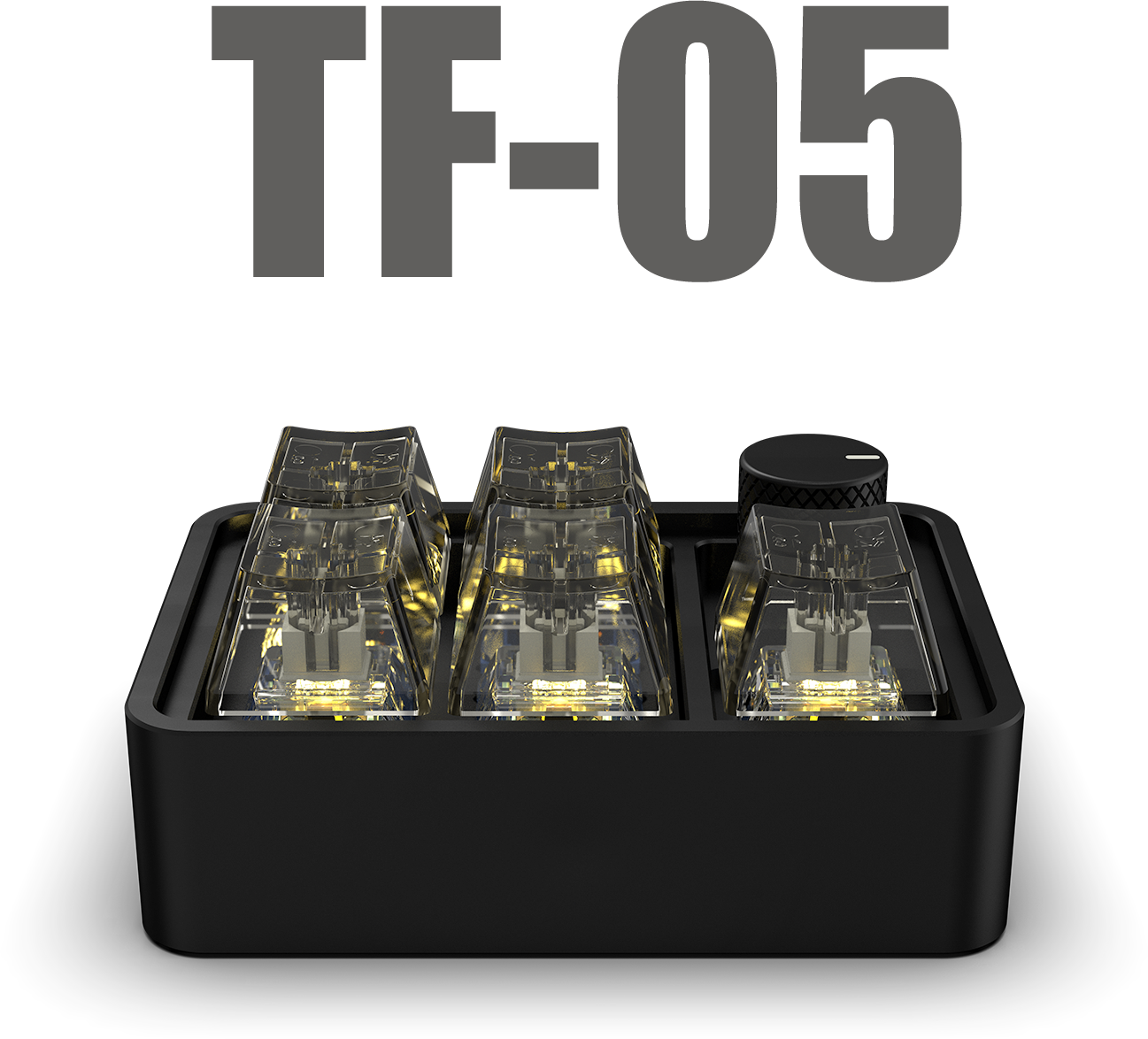
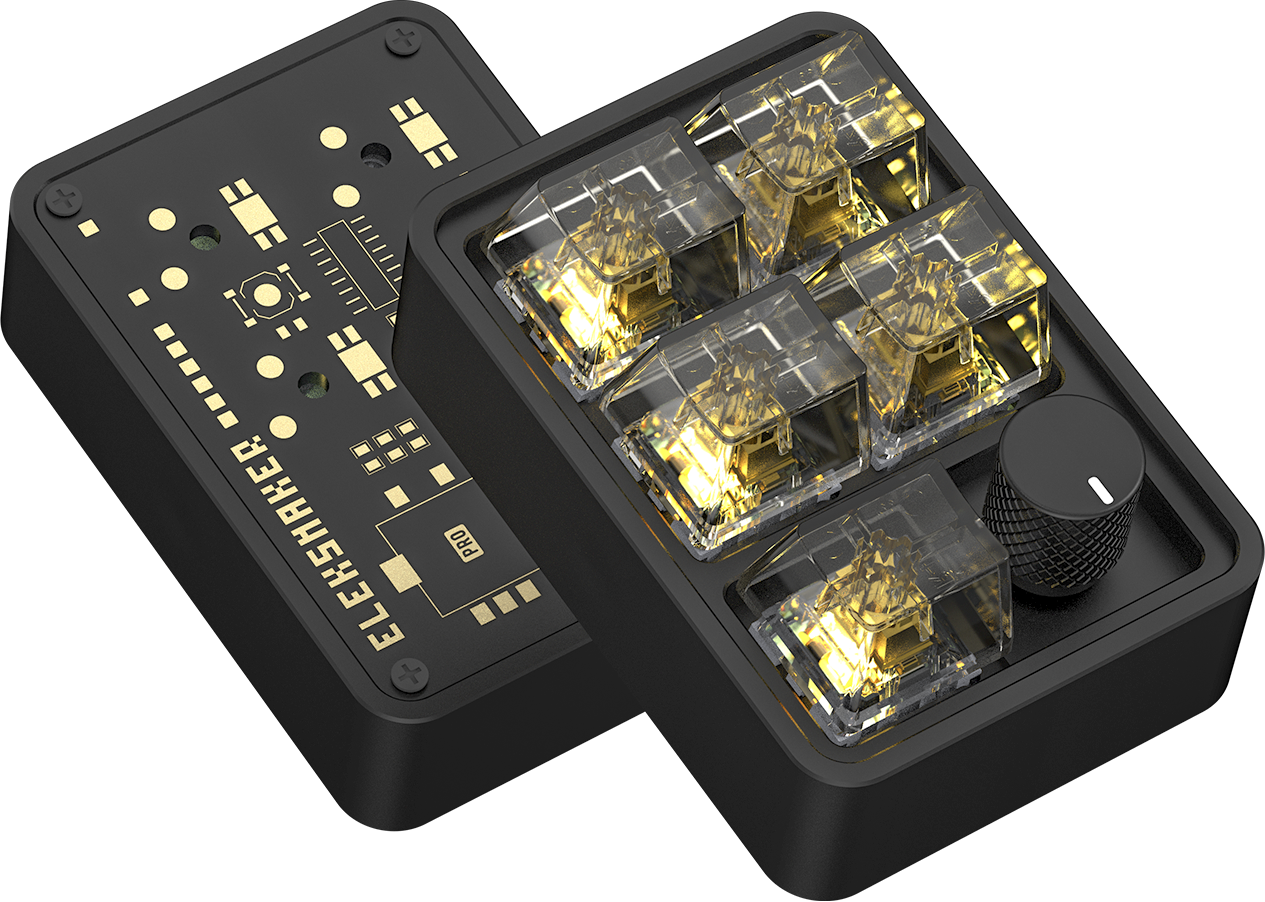

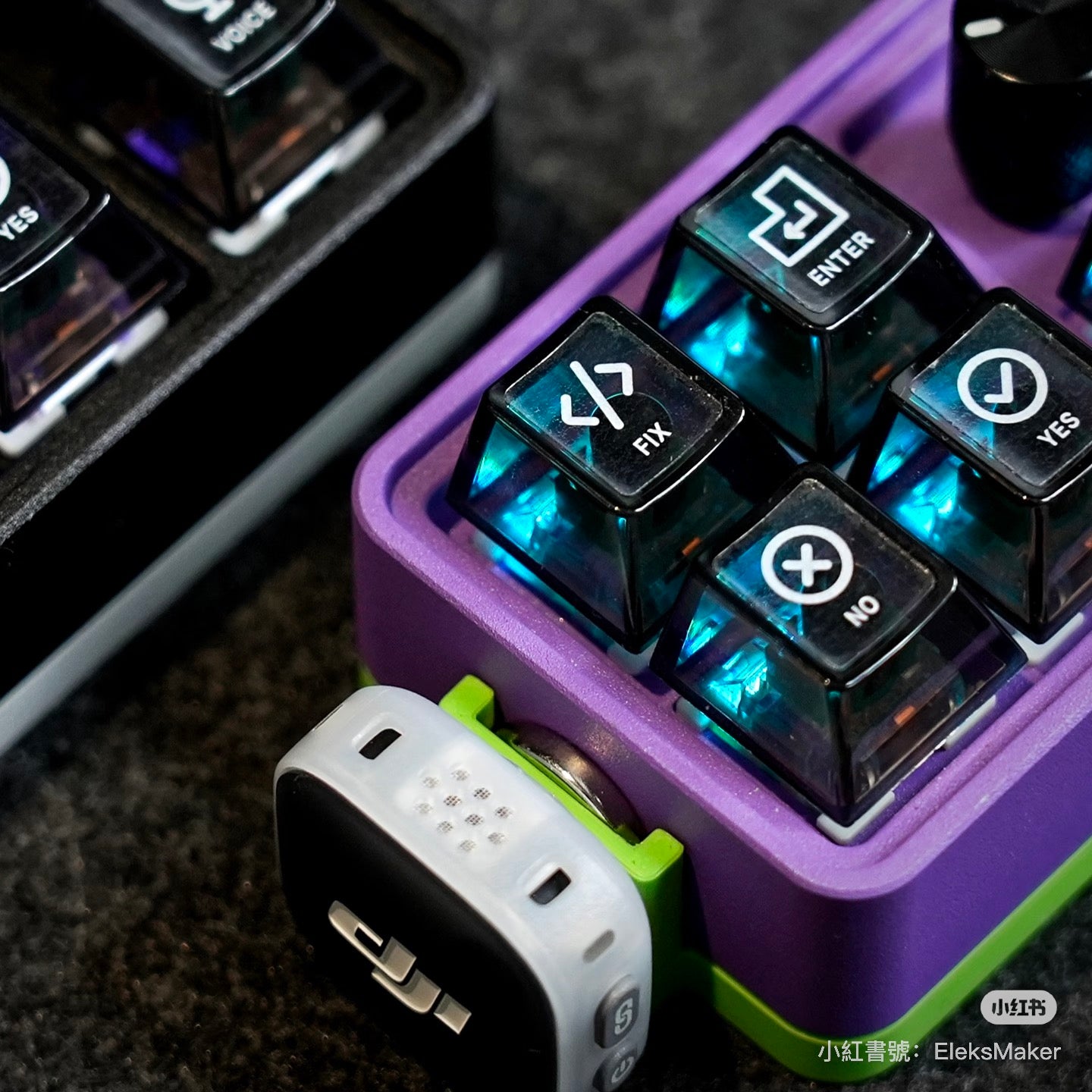
EleksMaker TF05 — Vibe Coding Keypad & CNC Aluminum 5-Key Macro Pad
- Support within 24h
- 12-month limited warranty
- Secure checkout
Contiguous US · Standard USD 9.90 · Free on $99+ after discounts
Shipping details
Contiguous U.S. (lower 48 states + DC): Standard shipping is free on eligible orders of $99+ after discounts; otherwise USD 9.90. Express shipping is always paid. Alaska, Hawaii, U.S. territories, and military addresses are not eligible.
Shipping policy- If you ordered the wrong item, placed the wrong quantity, or need to change the shipping address, place a corrected order first and contact us to cancel the incorrect one.
- If your country requires a tax ID or personal ID, add it at checkout to avoid customs or shipment delays.
- For compatibility, firmware, or bulk-order questions, contact support@elekstube.com before placing the order.
The first macro pad purpose-built for vibe coding
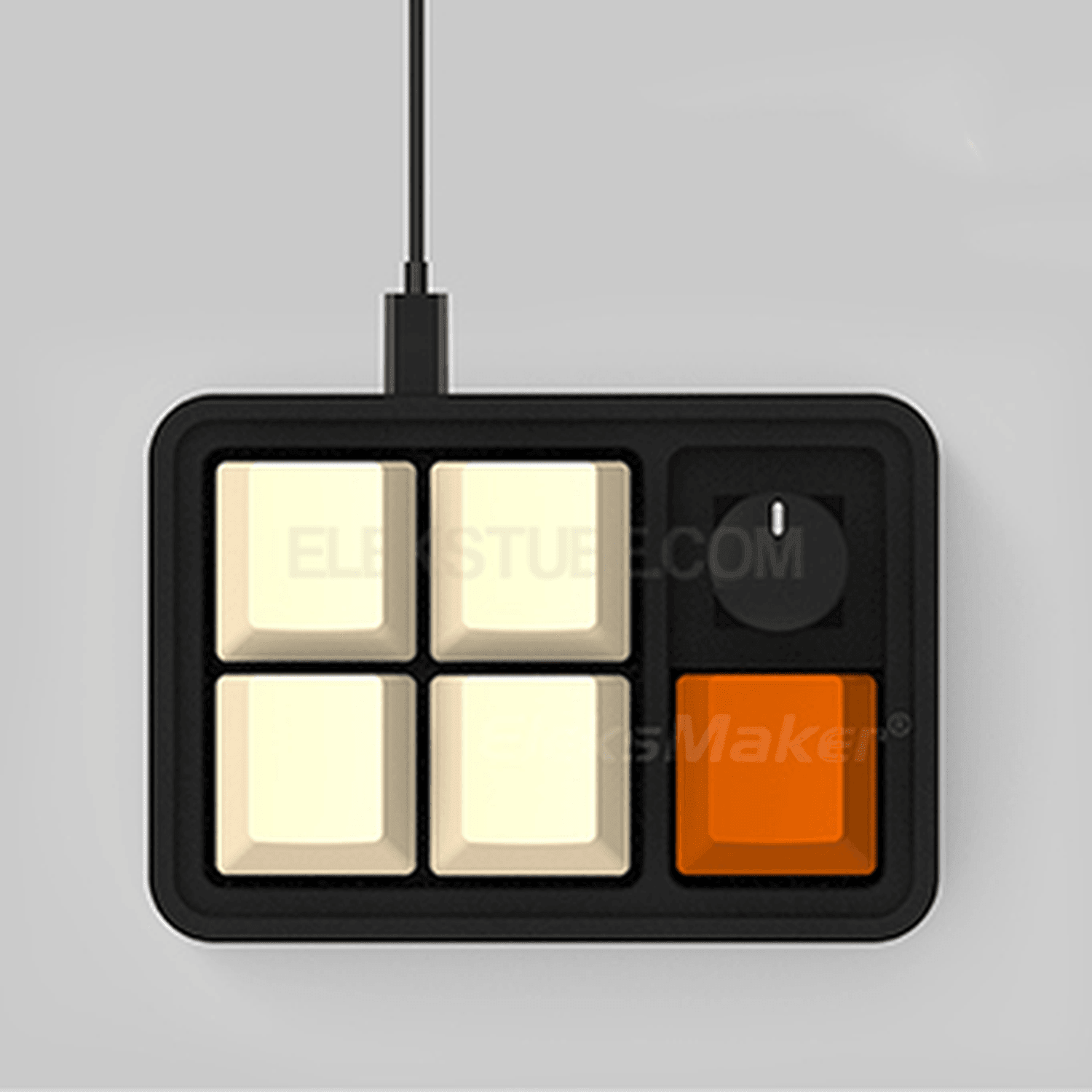
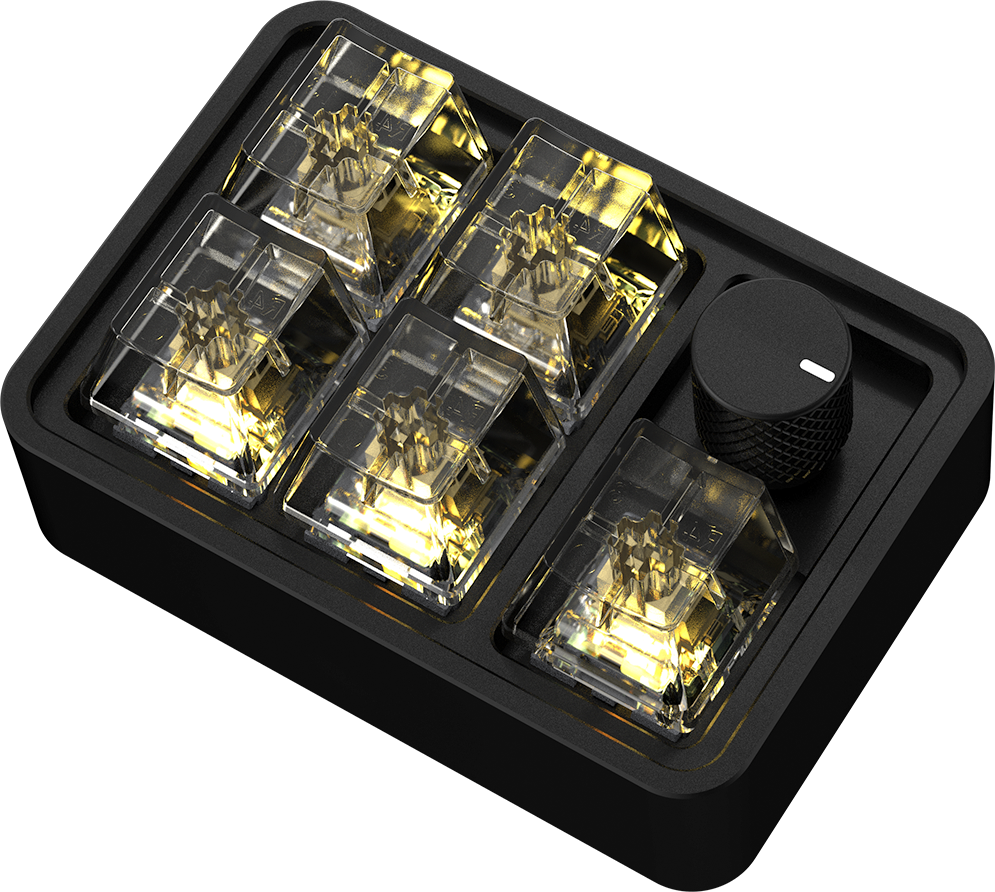
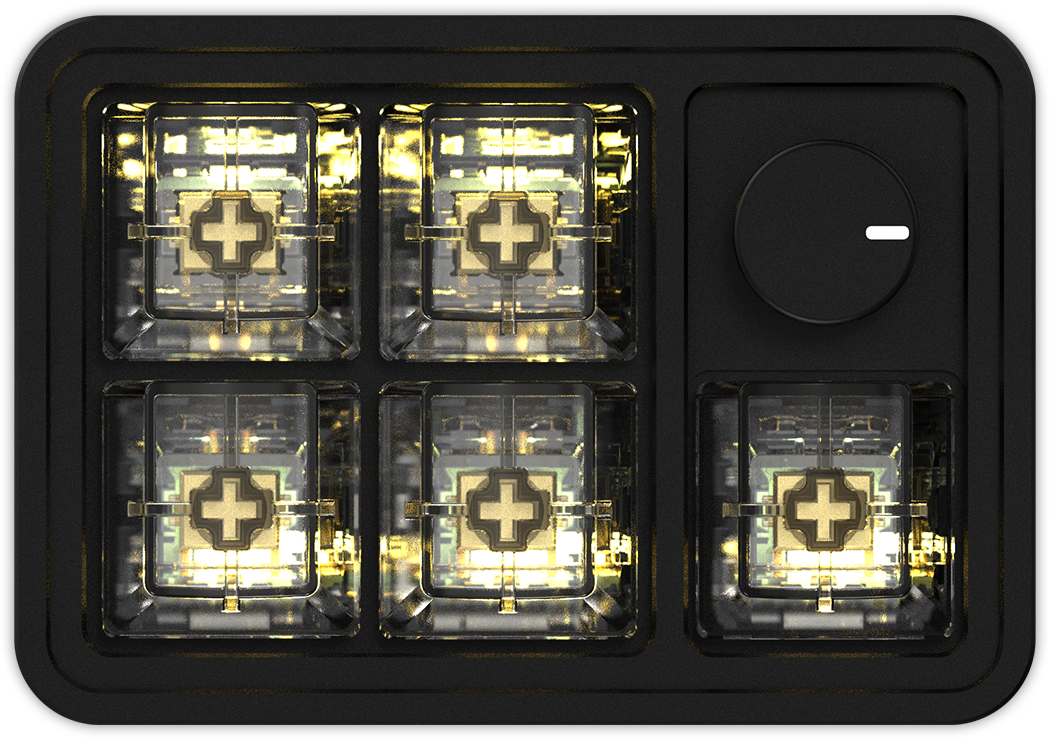
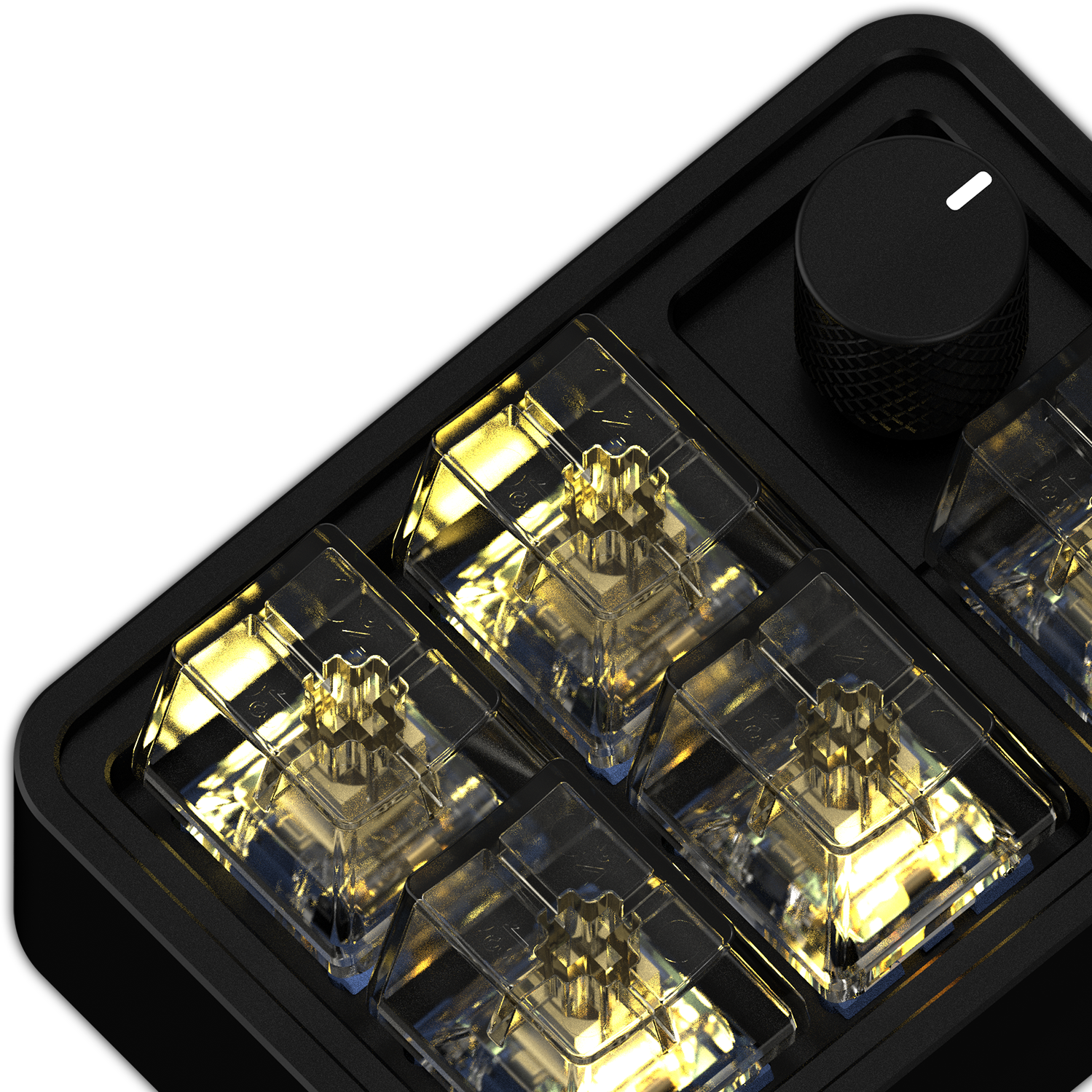
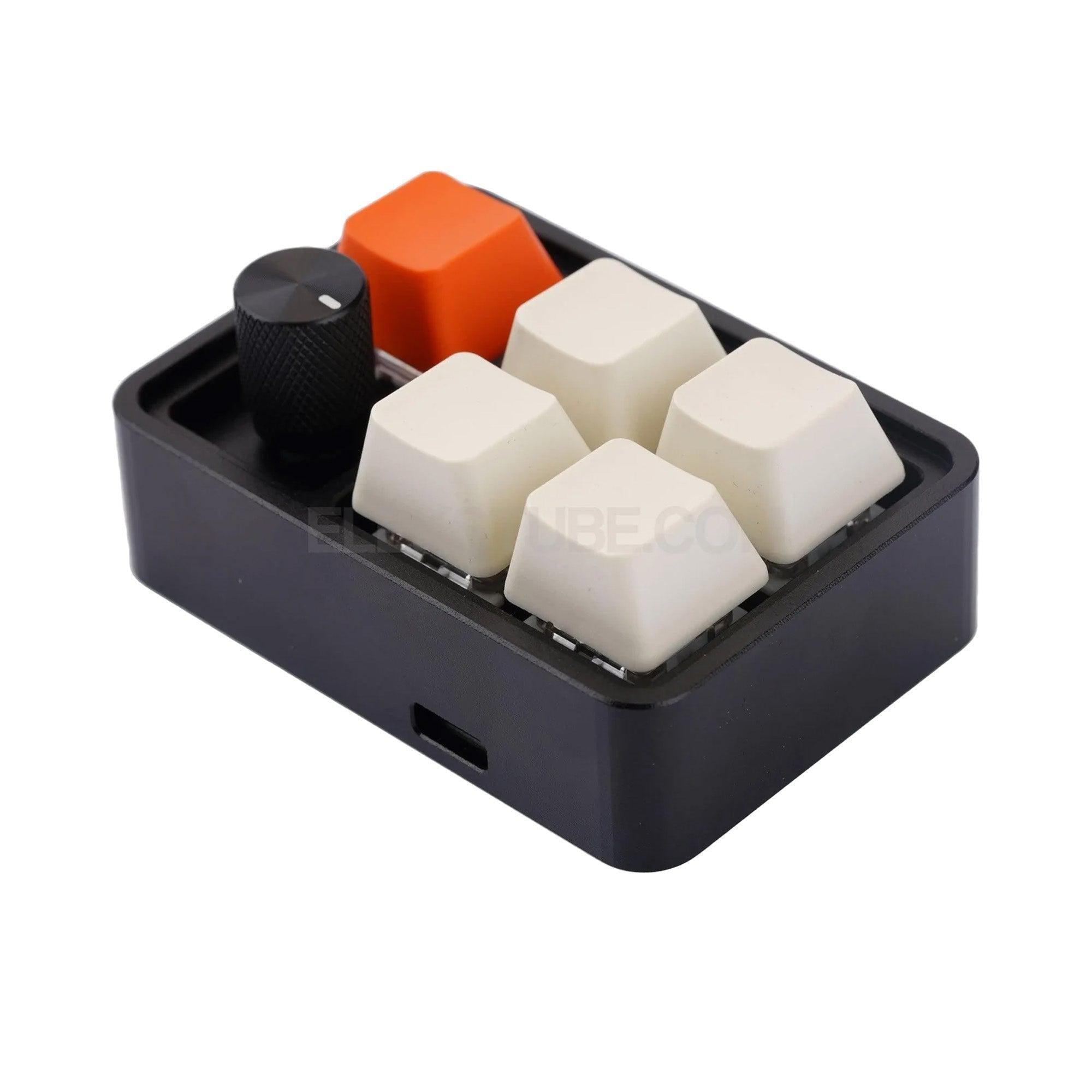
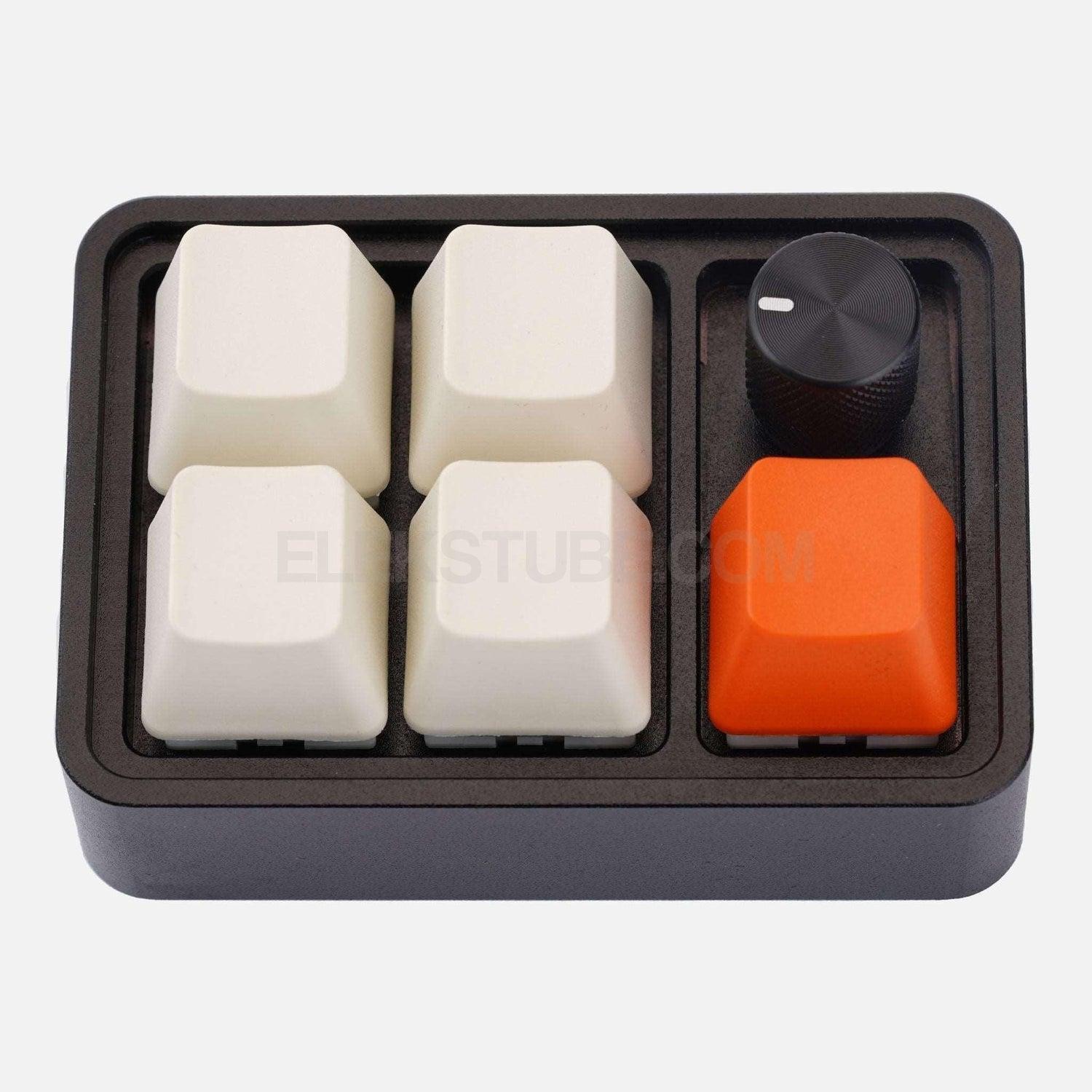
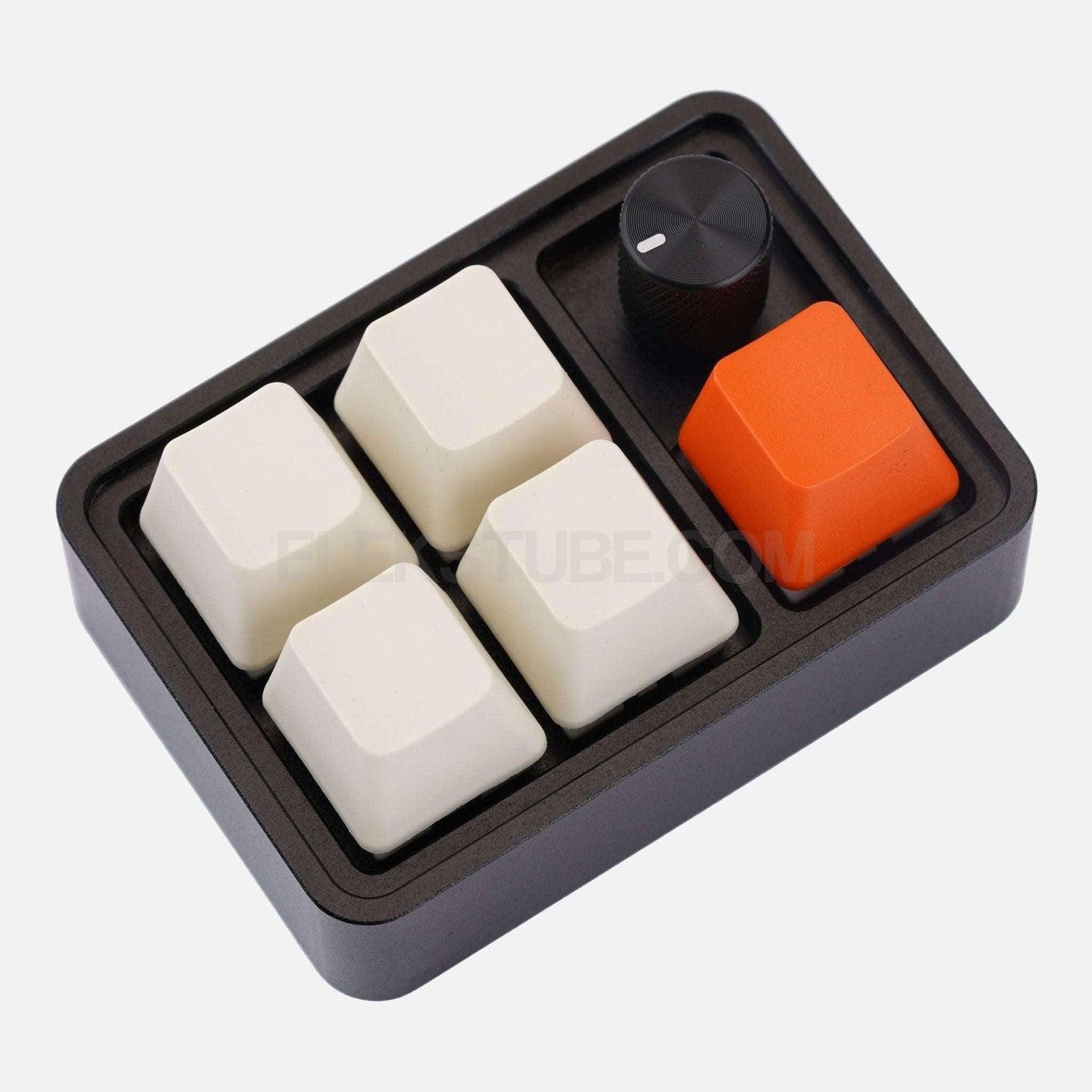
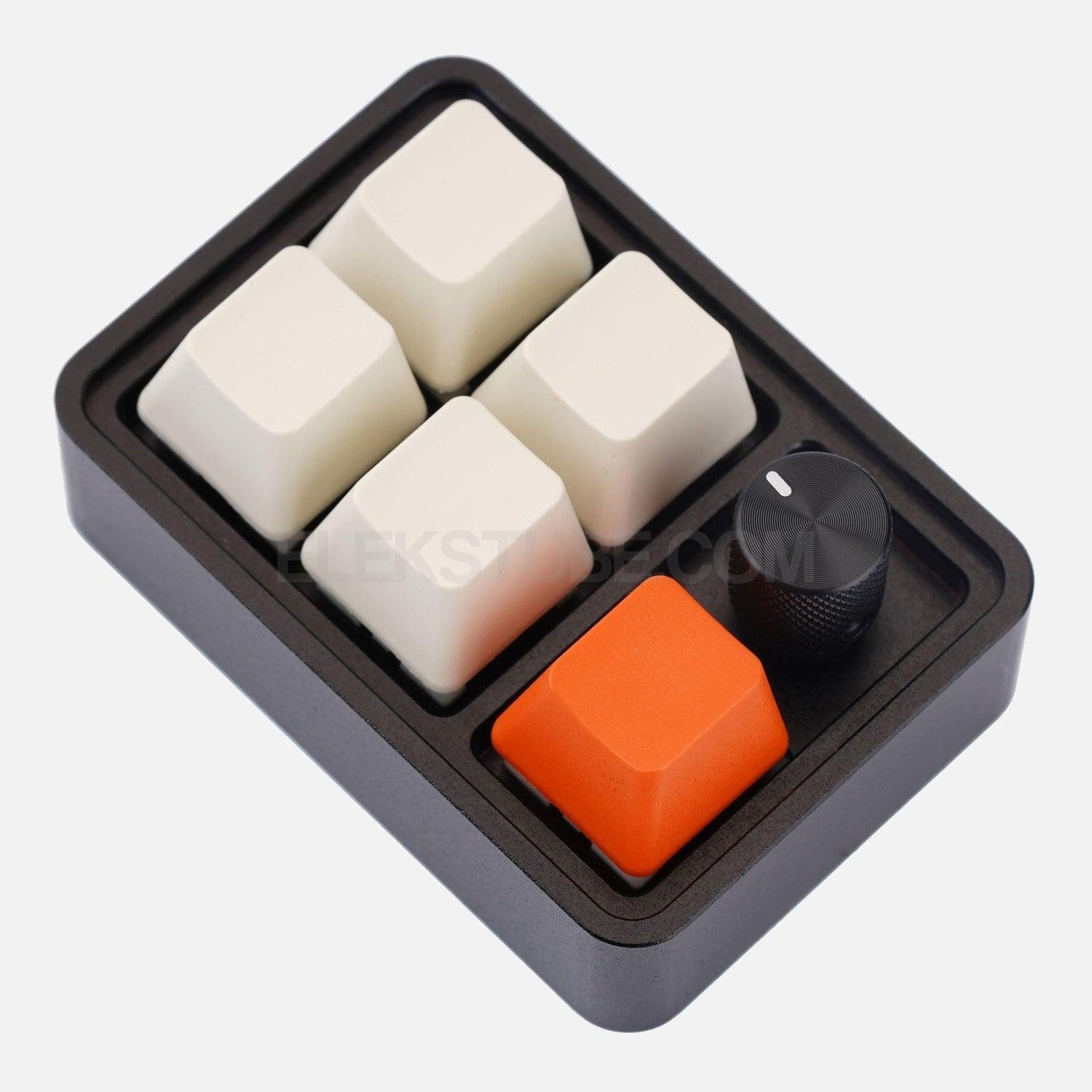
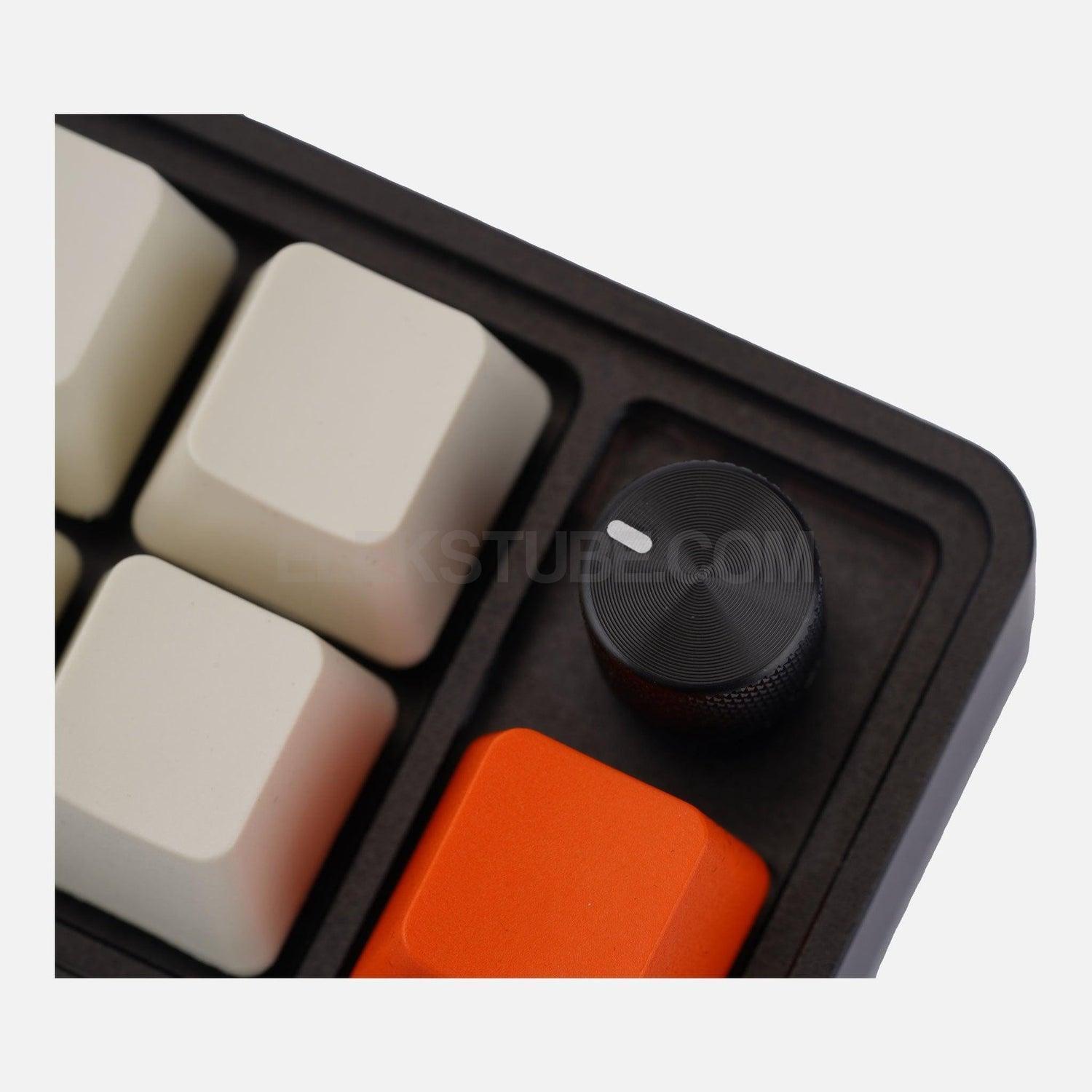
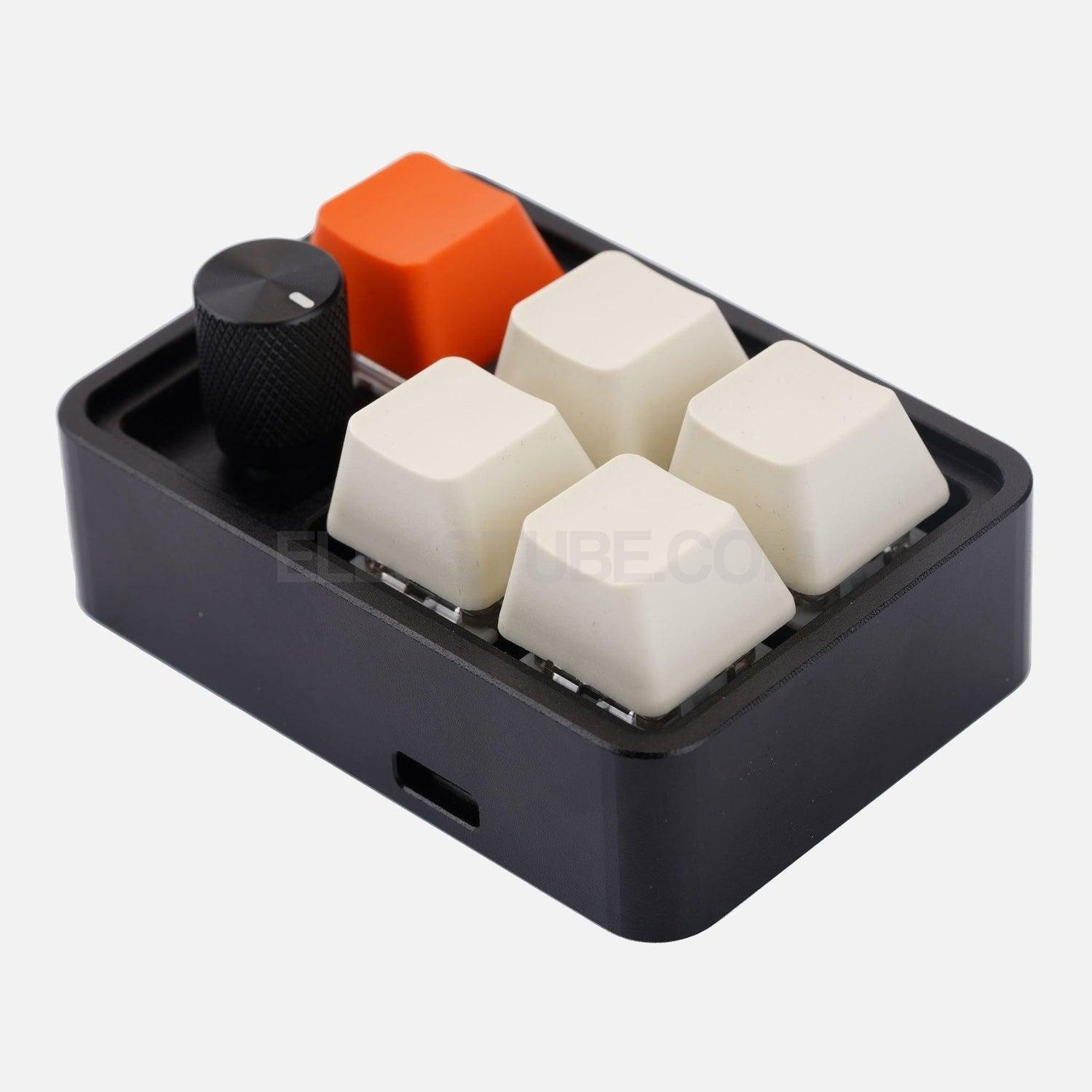
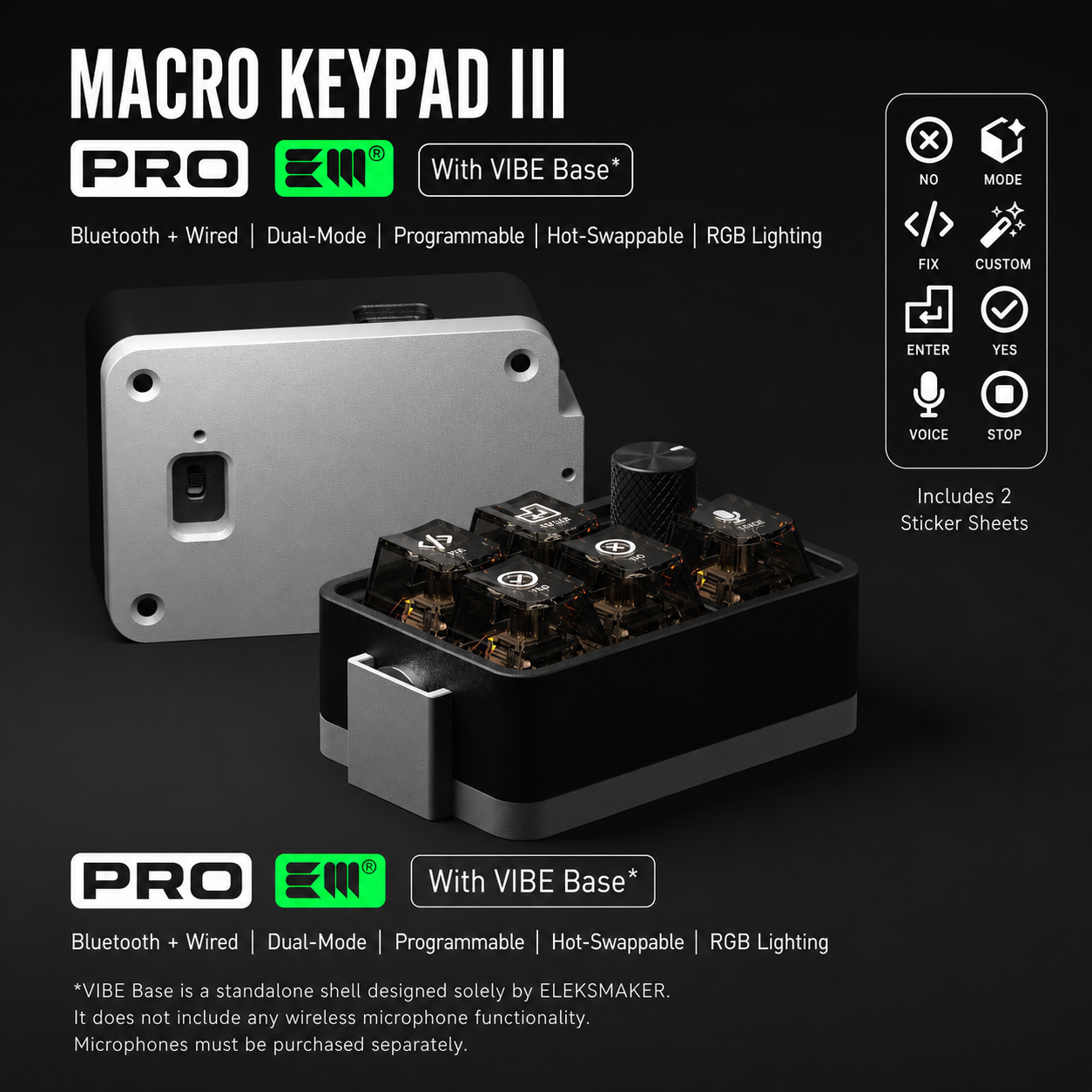
When you're deep in an AI pair-programming flow — describing what you want, watching the model write it, reviewing, accepting, iterating — you shouldn't be hunting across a 108-key board for Tab, Esc, Cmd+L, Cmd+K. The TF05 gives you five dedicated mechanical keys, a precision aluminum knob, and a Boss Key — a minimal control surface tuned to the inner loop of vibe coding.
Originally designed as a "touching fish" keypad for office escape artists, the TF05 turned out to be the perfect hardware for a different kind of flow state: the one you enter when Cursor, Claude Code, or Copilot is writing code faster than you can read it.
Why 5 keys + a knob is the vibe coding sweet spot
The entire inner loop of AI pair programming collapses into five actions:
- Accept the AI suggestion
- Reject and regenerate
- Agent — run, continue, or stop the coding agent
- Prompt — open chat or fire a canned prompt macro
- Toggle — switch between chat panel, terminal, and diff view
The aluminum knob handles the things a key can't: scrub through diffs, scroll long generations, adjust zoom, or control call volume while pairing with a remote collaborator.
Suggested bindings for popular AI coding tools
| Tool | 5-Key Suggested Binding |
|---|---|
| Cursor | Tab · Esc · Cmd+Enter · Cmd+L · Cmd+K |
| Claude Code | Enter · Esc · Ctrl+R · Ctrl+L · /clear macro |
| GitHub Copilot | Tab · Esc · Ctrl+Enter · Ctrl+I · multi-line prompt |
| Windsurf / Codeium | Tab · Esc · Cmd+Enter · Cmd+I · Cascade |
| ChatGPT / Claude.ai | Enter · Shift+Enter · Ctrl+Shift+O · new chat · paste prompt |
Every key is reprogrammable to any key, combo, or macro via the free web-based configurator at key.eleksmaker.com. No app install. No driver hunt.
Also a great pad for…
- Video editing — scrub timeline with the knob, bind cut / ripple / render to the keys (Premiere, Resolve, Final Cut)
- Photoshop / Figma / Blender — one-press tool switching
- OBS / streaming — scene switching and mute
- Boss key — one press to hide everything and switch to a "working" window
- Programmer gift — for the vibe coder, the Neovim purist, or the friend who appreciates CNC aluminum
CNC aluminum build
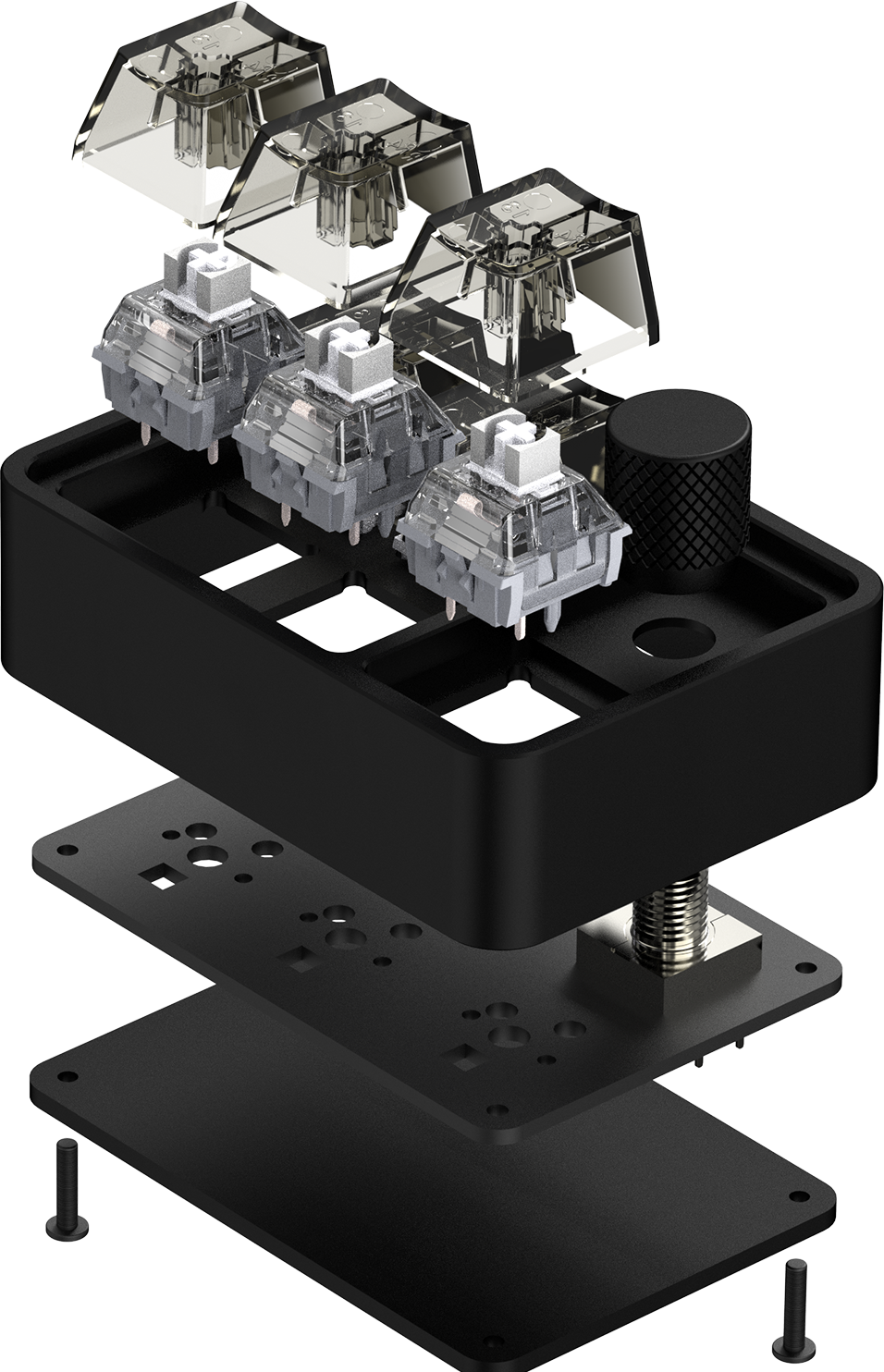
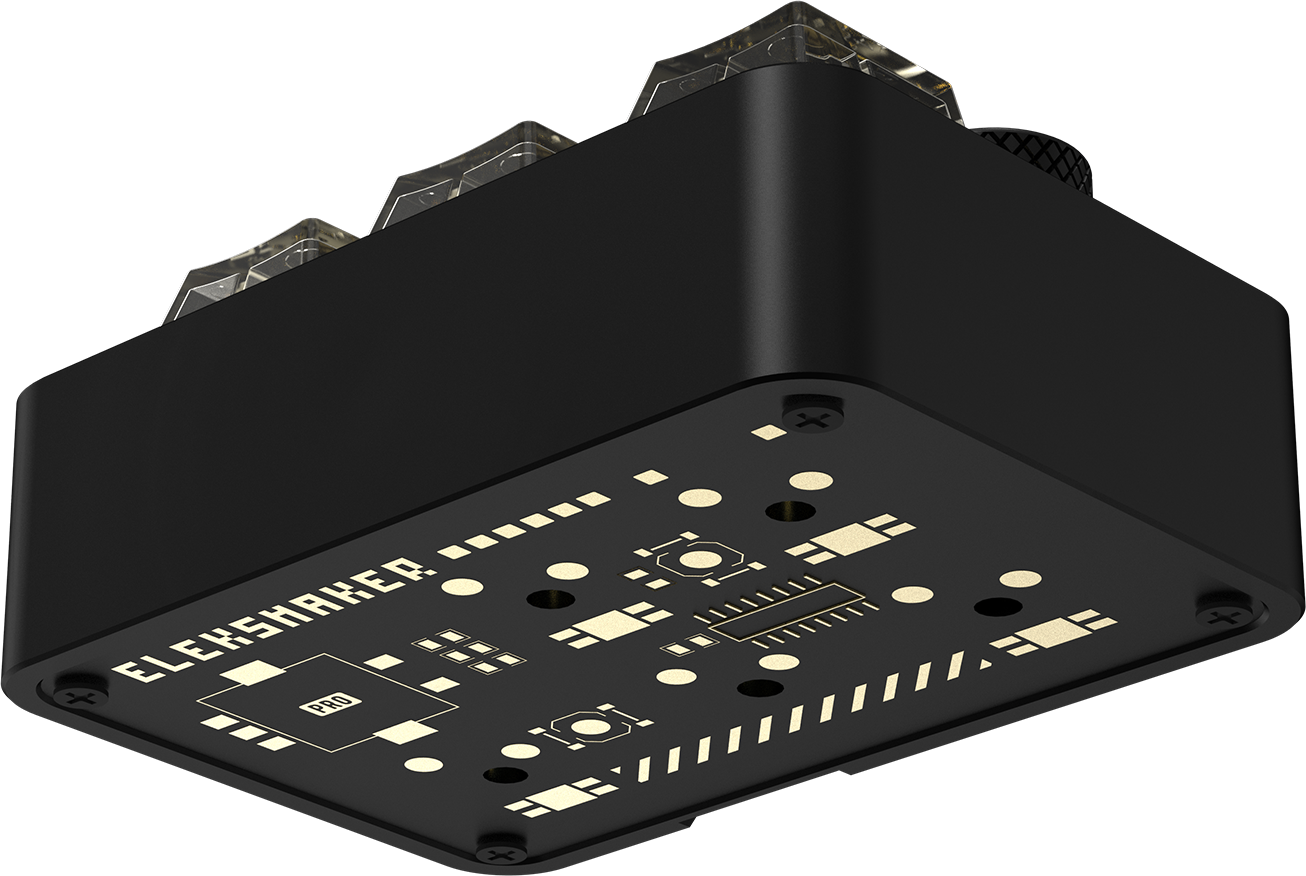
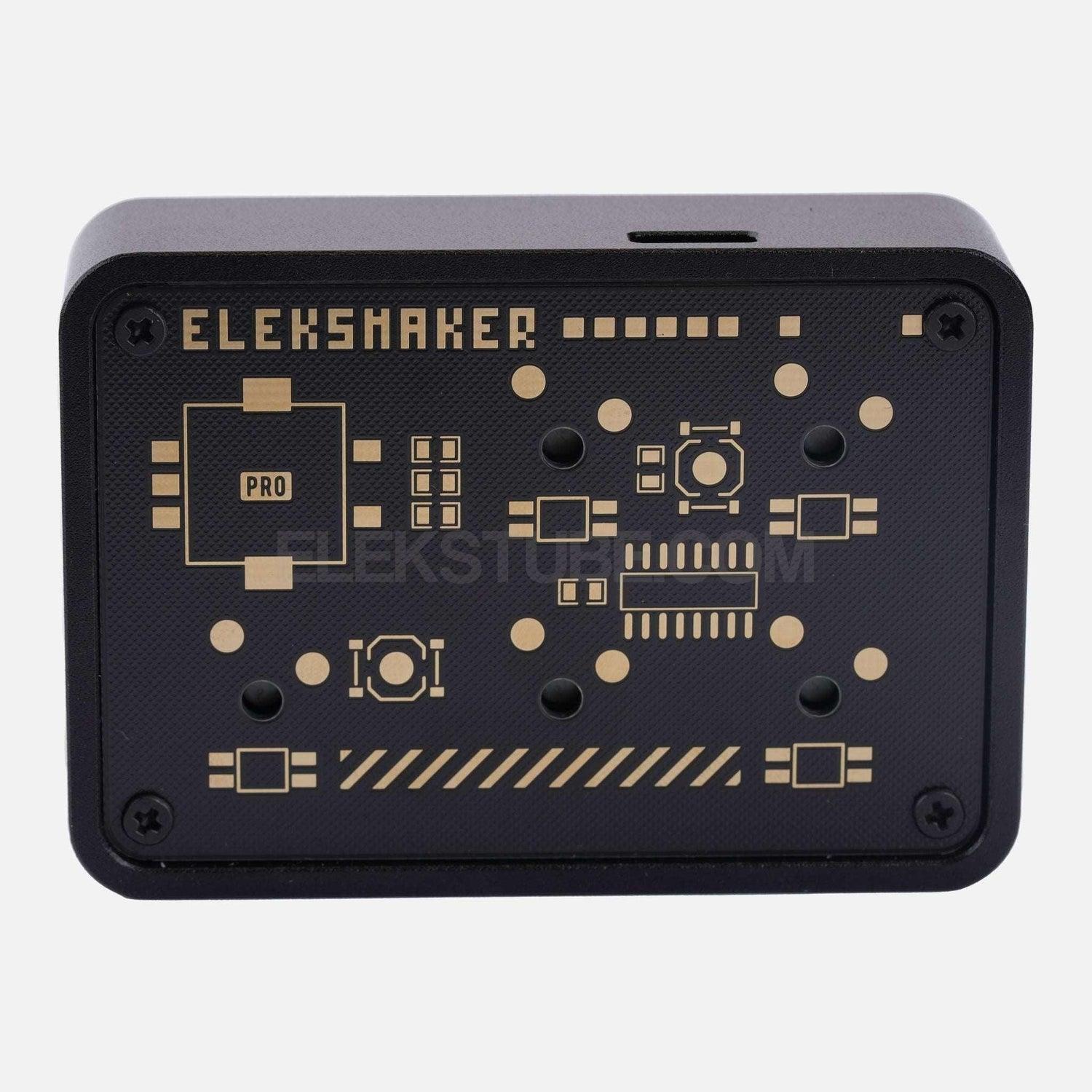
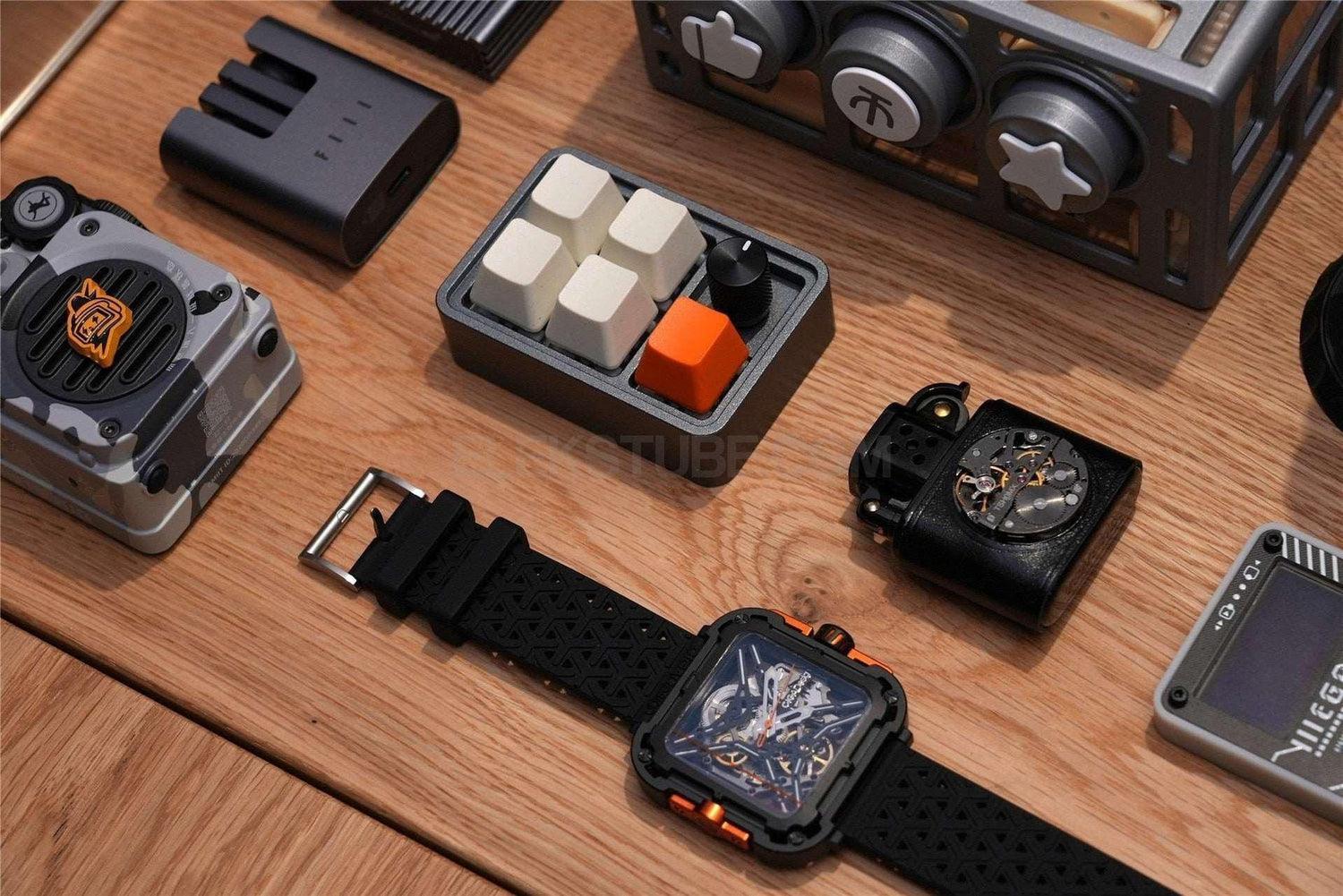
Full CNC machining from a single aluminum block with anodized finish. 93 g of reassuring weight on the desk. The kind of hardware that earns a permanent spot next to your main keyboard, not a drawer.
Specifications
| Keys | 5 mechanical switches |
| Knob | CNC aluminum, multi-function |
| Connectivity | USB-C wired |
| Material | CNC aluminum alloy, anodized |
| Backlight | RGB, per-key customizable |
| Programming | Web-based at key.eleksmaker.com (Chrome / Edge) |
| OS compatibility | Windows, macOS, Linux (HID keyboard — plug-and-play after setup) |
| Configurator OS | Windows 10+ required to change key bindings |
| Dimensions | 70 × 50 × 30 mm (2.8 × 2.0 × 1.2 in) |
| Weight | 93 g (3.3 oz) |
| Package Dimensions | 13 × 9 × 9 cm |
| Package Weight | 0.3 kg |
What's in the box
- TF05 Vibe Coding Keypad ×1
- USB-C cable ×1
- Quick start card with key.eleksmaker.com setup guide ×1
Configure your keys: key.eleksmaker.com
- Official EleksMaker product with model-specific details shown in the product description and media.
- Includes the device and model-specific accessories listed on this page; USB-C cable is included when required by the product.
- Official direct warranty and support are available from EleksMaker.
Need exact dimensions, compatibility, or bulk-order requirements before purchase? Email support@elekstube.com with the product name.
12-month limited warranty direct from EleksMaker. We replace defective or damaged products at no cost. Returns accepted within 30 days of delivery - see our refund policy.
Each product ships with the device, USB-C cable, quick start guide, and warranty card. Model-specific accessories (mounts, dust covers, replacement parts) are listed in the product description above.
Frequently Asked Questions
Is this an official EleksMaker product?
Yes. EleksTube.com is the only official online store operated by EleksMaker, Inc. Every product sold here comes with official firmware updates via our Web Control Center, full warranty coverage, and dedicated customer support. Similar-looking products from other sellers are not manufactured or supported by EleksMaker and may not be compatible with our firmware or software updates. Learn more about buying genuine →
What is vibe coding?
Vibe coding is a style of programming popularized by Andrej Karpathy in early 2025, where you describe your intent in natural language and let an AI coding assistant - Cursor, Claude Code, GitHub Copilot, Windsurf, ChatGPT, Claude - generate and modify the code. You stay in a high-level review-and-refine flow rather than typing every line by hand.
Why do I need a dedicated keypad for AI coding?
You don't need one. But when Accept, Reject, and Prompt become the three most-used actions in your day, putting them on three large mechanical keys under your left hand is a real ergonomic and flow upgrade - the same reason video editors use jog wheels and streamers use Stream Decks.
Does the TF05 work with my AI coding tool?
Yes. The TF05 is a standard USB HID keyboard. Any shortcut, combo, or macro your tool accepts from a keyboard - Cursor, Claude Code, GitHub Copilot, Windsurf, Continue, Cody, ChatGPT, Claude.ai - the TF05 can send.
What is the Touching Fish story behind the TF05?
摸鱼 (mō yú, "touching fish") is Chinese slang for slacking off at work. The TF05 started life as a cheeky boss-key pad - one press and your browser disappears. Vibe coding turned out to be the other use case where five keys is exactly the right number. Same hardware, different flow state.
What is the Boss Key?
The Boss Key instantly hides all your open windows with a single press. Originally a playful concept (hide your screen when the boss walks by), it's actually a genuinely useful shortcut for quickly switching to a clean desktop in any situation.
What can I program the 5 keys to do?
Using the official configuration software (Windows 10+ and macOS), you can assign complex keyboard shortcuts, multi-step macros, and media controls to each key. Ideal for video editing, coding, streaming, and office workflows. Basic functions work without installing any software.
What can the knob control besides volume?
The CNC aluminum knob supports multiple functions depending on the active application: volume control, video timeline scrubbing, zoom adjustment, page scrolling, and more. Functions can be customized through the configuration software.
Does it work with Mac?
Yes. The TF05 is compatible with Windows 10+ and macOS. USB-C wired connection ensures zero-latency input. Basic functions are driver-free - install the configuration software only when you need advanced customization.
What is the warranty policy?
All products purchased from elekstube.com come with an official EleksMaker warranty. If you receive a defective or damaged product, we offer a full refund or replacement. Returns are accepted within 30 days of delivery. Please visit our refund policy page for complete details.
Do you ship internationally?
Yes. We ship worldwide. Orders are fulfilled through our warehouse network in Japan, China, and the United States. The fulfillment location is automatically selected based on local inventory availability and the delivery address. Shipping options and rates are calculated at checkout.